



Google Maps not working on your Volvo XC90 can stem from connectivity issues, software glitches, or outdated apps. Follow these troubleshooting steps to restore functionality.
If you’re experiencing issues with Google Maps not working in your Volvo XC90, you’re not alone. Many users face this frustrating problem due to various reasons ranging from connectivity issues to software glitches. Fortunately, there are practical steps you can take to diagnose and resolve these problems effectively.
This guide will help you navigate through potential fixes to restore your navigation system.
- Check your internet connection for any disruptions.
- Ensure your Google Maps app is up-to-date.
- Restart the vehicle’s infotainment system if issues persist.
- Consider resetting the system settings for a fresh start.
- Consult the vehicle manual for specific troubleshooting steps.
Common Causes of Google Maps Issues in Volvo XC90
Understanding the potential causes of Google Maps not working in your Volvo XC90 is the first step toward resolution. Here are the most common issues:

1. Internet Connectivity Problems
Google Maps relies on a stable internet connection. If your XC90 is experiencing connectivity issues, it won’t be able to access map data. Check the vehicle’s Wi-Fi or mobile data connection to ensure it’s active.
This connects closely with Volvo XC90 dashboard display not working if you want to compare the topic in more detail.
2. Software Glitches
Just like any app, Google Maps can encounter glitches. These bugs may occur after an update or due to a temporary malfunction. Restarting the app or the vehicle can sometimes eliminate these glitches.
3. Outdated Application
Using an outdated version of Google Maps can lead to functionality issues. Regular updates introduce fixes and enhancements essential for seamless operation.
How to Troubleshoot Google Maps Not Working
Here are effective steps you can take to troubleshoot the issue of Google Maps not working in your Volvo XC90:
1. Check and Reset Your Internet Connection
Verify that your XC90 is properly connected to Wi-Fi or mobile data. If the connection seems weak, consider resetting the vehicle’s network settings. You can do this by:
- Accessing the settings menu on your infotainment system.
- Finding the network settings option.
- Selecting “Reset Network Settings.”
2. Update the Google Maps Application
Ensure that your Google Maps app is the latest version. You can check for updates through the app store on your connected device. For Android devices:
- Open the Google Play Store.
- Search for Google Maps.
- If an update is available, tap “Update.”
For iOS devices, follow a similar process in the App Store.
3. Restart the Infotainment System
A simple restart can often resolve many issues. To restart the infotainment system in the XC90:
- Turn off the vehicle and remove the key.
- Wait for a few minutes.
- Restart the vehicle and check Google Maps again.
4. Reset the System Settings
If the problem persists, consider resetting the system settings. This can usually be found in the settings menu under “General” or “System.” Keep in mind that this may erase some personalized settings, so be prepared to reconfigure them afterward.
5. Consult the Vehicle Manual
Your Volvo XC90 manual contains troubleshooting steps specifically tailored for your model. If you’re unable to resolve the issue, refer to the manual for additional guidance.
🔧 Practical Tips: Always keep your Google Maps app updated and check your vehicle’s connectivity regularly to avoid issues in the future.
When to Seek Professional Help
If you have tried all the above troubleshooting steps and Google Maps is still not functioning in your XC90, it might be time to consult a professional. A certified Volvo technician can diagnose potential hardware issues within the infotainment system.
For related context, you may also want to read Volvo XC90 driver side ac not working.
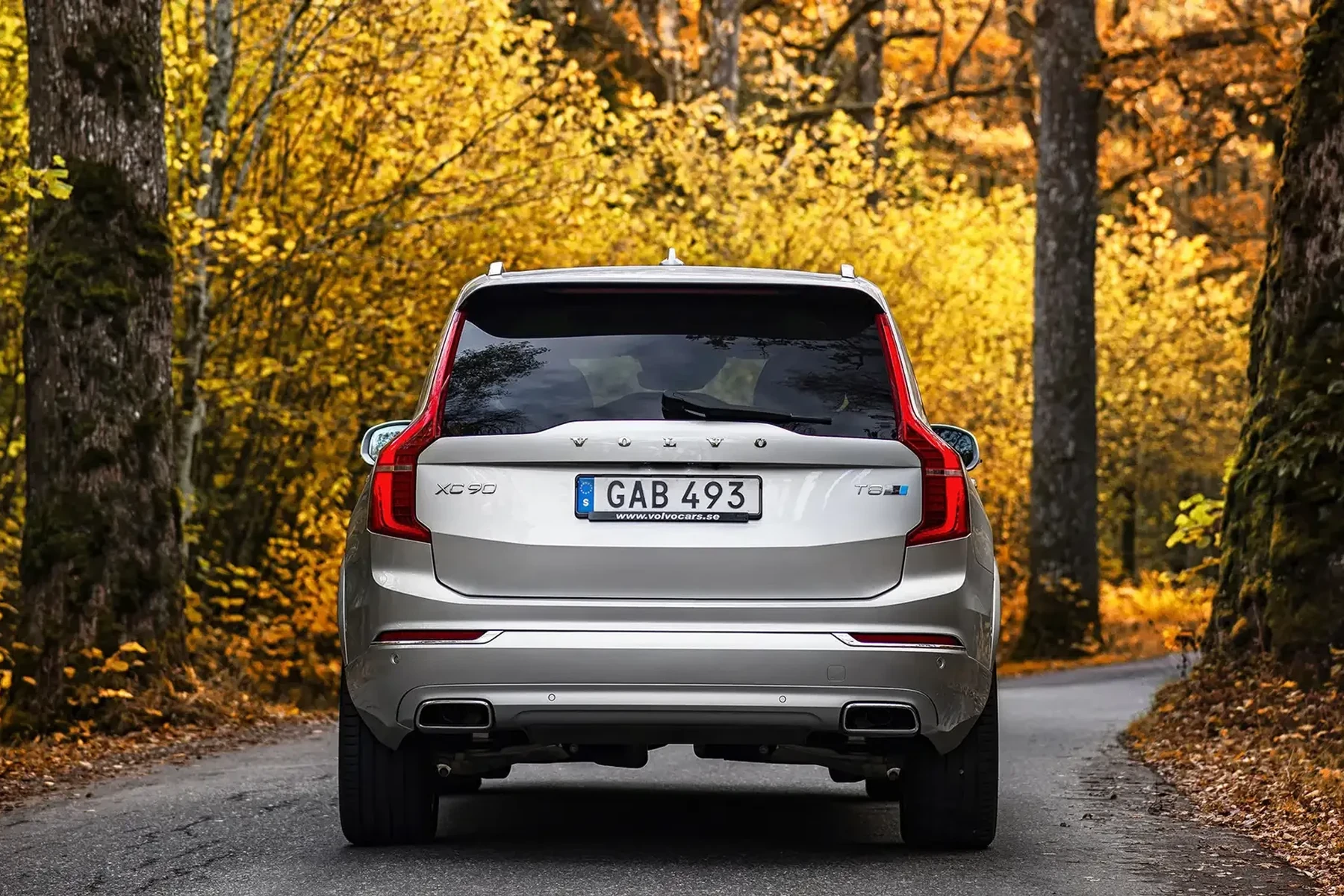
Common signs that professional help may be needed include:
- Persistent error messages.
- Inability to access other apps in the infotainment system.
- Unusual behavior of the touchscreen or controls.
💡 Evans Torres Tip: On every Volvo I have owned, I always keep a full digital service record from day one. When something goes wrong — and eventually something always does — having that history makes diagnosis faster and often saves money at the mechanic. Start your records today, even if the car is not new.
Frequently Asked Questions
What Should I Do If Google Maps Still Doesn’t Work After Troubleshooting?
Consider resetting your vehicle’s infotainment system or consulting with a Volvo dealership for further diagnostics.
Can I Use Google Maps Offline in My Volvo XC90?
Yes, but you must download the maps before going offline. Ensure you have the desired area saved within the app.
How Often Should I Update Google Maps?
It’s recommended to check for updates at least once a month to ensure the best performance and access to the latest features.
Is My Volvo XC90 Model Affecting Google Maps Performance?
Yes, older models may have compatibility issues with newer app updates. Make sure your vehicle’s software is also up to date.
Final Verdict
Dealing with Google Maps not working in your Volvo XC90 can be frustrating, but with the right troubleshooting steps, most issues can be resolved quickly. Always ensure your connectivity is stable, keep your apps updated, and consult your vehicle’s manual for specific guidance.
If all else fails, don’t hesitate to seek professional assistance to ensure your navigation system operates smoothly.
Author

Author

Evans Torres
I’m Evans Torres, an automotive engineer who loves Volvo cars. I graduated in Automotive Engineering from USC. I have worked in the car industry for years and now share my knowledge on The Volvo Life. I started this blog to connect with other Volvo fans. I offer tips, news, and advice to help you care for your car. My goal is to help you keep your Volvo in great shape and find all the best things about it. Join me as we discover everything Volvo has to offer!