



OBD2 scanner for Volvo XC40 — the iCarsoft VOL II is the best value for 2018+ XC40 because it reads all Volvo modules (ABS, SRS, CEM, TCM) and resets service lights. Foxwell NT530 (Volvo software) is an excellent alternative; Autel MK808 suits advanced DIY. Generic $30 readers only read engine codes and miss most XC40 faults. For XC40 Recharge, ensure the scanner supports Volvo’s UDS protocol and EV modules. Buy from an authorized seller to avoid clones.
A dash warning on an XC40 usually lives outside the engine computer. Airbag (SRS), ABS, CEM, and network faults are invisible to basic code readers, which is why Volvo owners often buy a second, Volvo-capable scanner. Picking the right tool saves a dealer diagnostic fee and speeds up real fixes. Below, you’ll find which scanner tiers work on the XC40 and XC40 Recharge, what they can read and reset, iPhone/Android compatibility, and a safe, step-by-step workflow to scan every module on the CMA-platform XC40. This connects closely with scanner for Volvo XC60 if you want to compare the topic in more detail.
- Main point: Choose a Volvo-capable scanner (iCarsoft VOL II, Foxwell NT530, or Autel MK808) to read all XC40 modules; generic readers only see engine codes.
- Best first step: Run a full-system scan (not just OBD2) and save freeze frames before clearing any fault codes.
- Cost or value: Expect $120–$200 for solid mid-tier handhelds; $400–$800 for advanced tablets with coding/adaptations.
- Who it suits: DIY owners who service at home, independent shops, and XC40 Recharge drivers needing UDS/EV support.
- When to get help: Module communication errors, airbag (SRS) faults that return, or software updates require a Volvo specialist.
Wants to read all modules, reset service lights, and verify repairs without a dealer visit.
Prefers Bluetooth/iPhone scanning, live data, and logs to track intermittent issues.
Needs reliable Volvo coverage on 2018+ CMA/SPA and XC40 Recharge with UDS support.
What an OBD2 Scanner for Volvo XC40 Is and How It Works
An OBD2 scanner connects to the XC40’s 16‑pin port under the dashboard to read standardized engine emissions codes and live data. That’s only half the story on a Volvo. The XC40’s network hosts dozens of control modules (ABS, SRS, TCM, CEM, BCM, SAS, TPMS, climate) speaking beyond basic OBD2. Volvo‑capable tools add proprietary coverage so you can pull faults and live data from these modules, perform service resets, and run select calibrations. For the XC40 Recharge, support for UDS and EV-specific modules is essential.
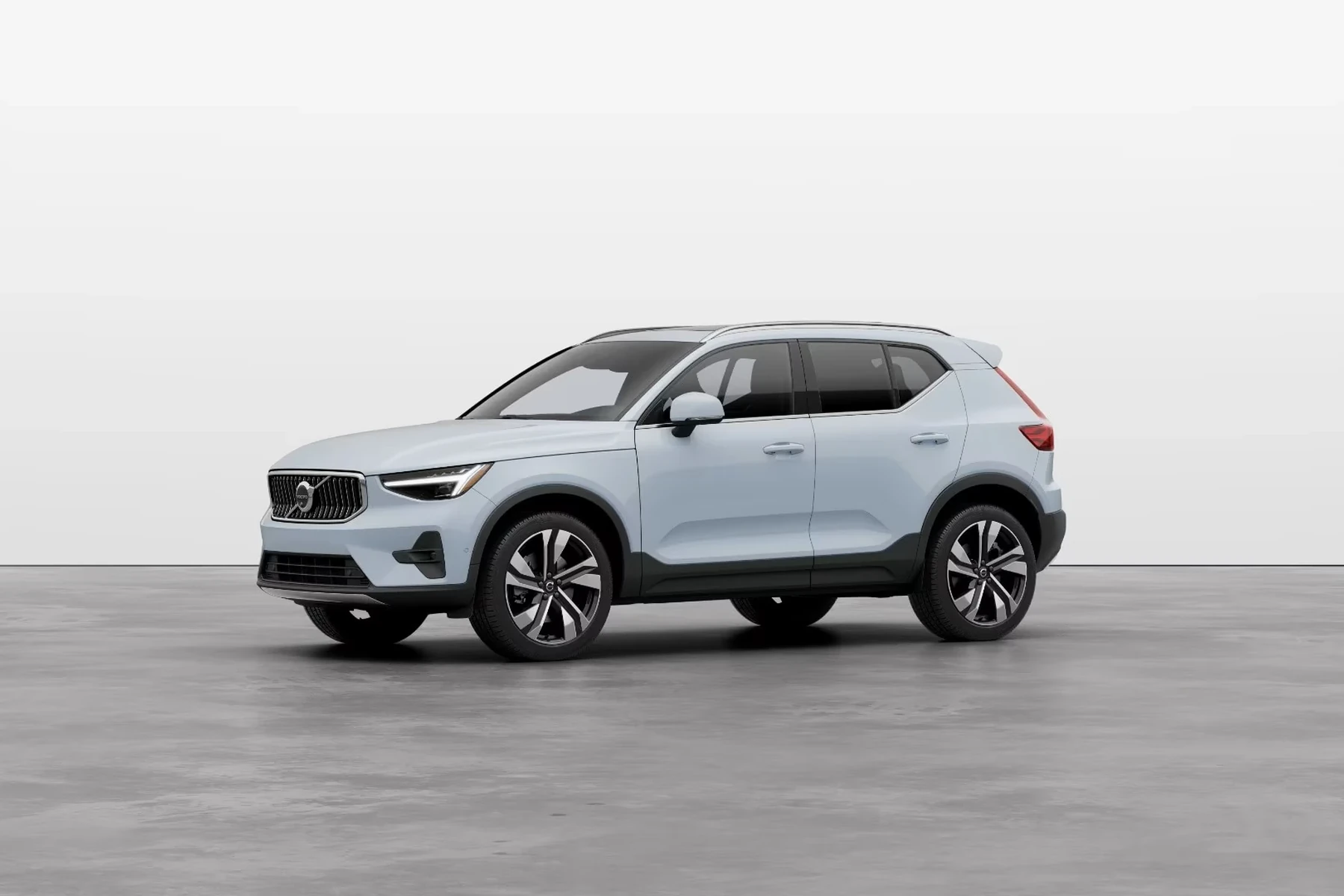
Many Bluetooth ELM327 dongles read only engine (ECM) P0xxx codes. On an XC40, airbag, ABS, and CEM faults won’t appear unless the scanner explicitly supports Volvo systems and protocols.
OBD2 Scanner vs Volvo‑Specific Diagnostic Scanner on an XC40
Generic OBD2 readers handle emissions-related engine faults and basic live data. A Volvo‑specific diagnostic scanner goes deeper: it communicates with body, chassis, transmission, infotainment, and safety modules, exposing the actual root-causes of warning lights. This difference is why a $30 tool can say “no codes,” while the ABS module logs a wheel‑speed sensor dropout and the SRS stores a seatbelt pretensioner fault. For the XC40 Recharge, generic tools may not see EV battery or charging modules at all. If you are comparing similar topics, are scanner for Volvo worth it 2 is also worth checking.
Clone/counterfeit scanners are common. They often connect to the engine but fail to communicate with Volvo‑specific modules or corrupt saved logs. Buy only from the brand’s official store or authorized Amazon seller.
What a Volvo‑Capable XC40 Scanner Can Diagnose
Full‑system scanners unlock the XC40’s control units: ABS/ESC faults (wheel sensors, pump), SRS/airbag status (squibs, seat sensors), transmission/TCM codes and temps, CEM network faults, BCM lighting issues, TPMS IDs, climate blend‑door motors, and service counters. You also gain live data (O2 sensors, fuel trims, boost, steering angle), maintenance resets, and some calibrations like steering angle or parking brake service mode. These capabilities are essential for accurate DIY troubleshooting and verifying a repair before clearing codes.
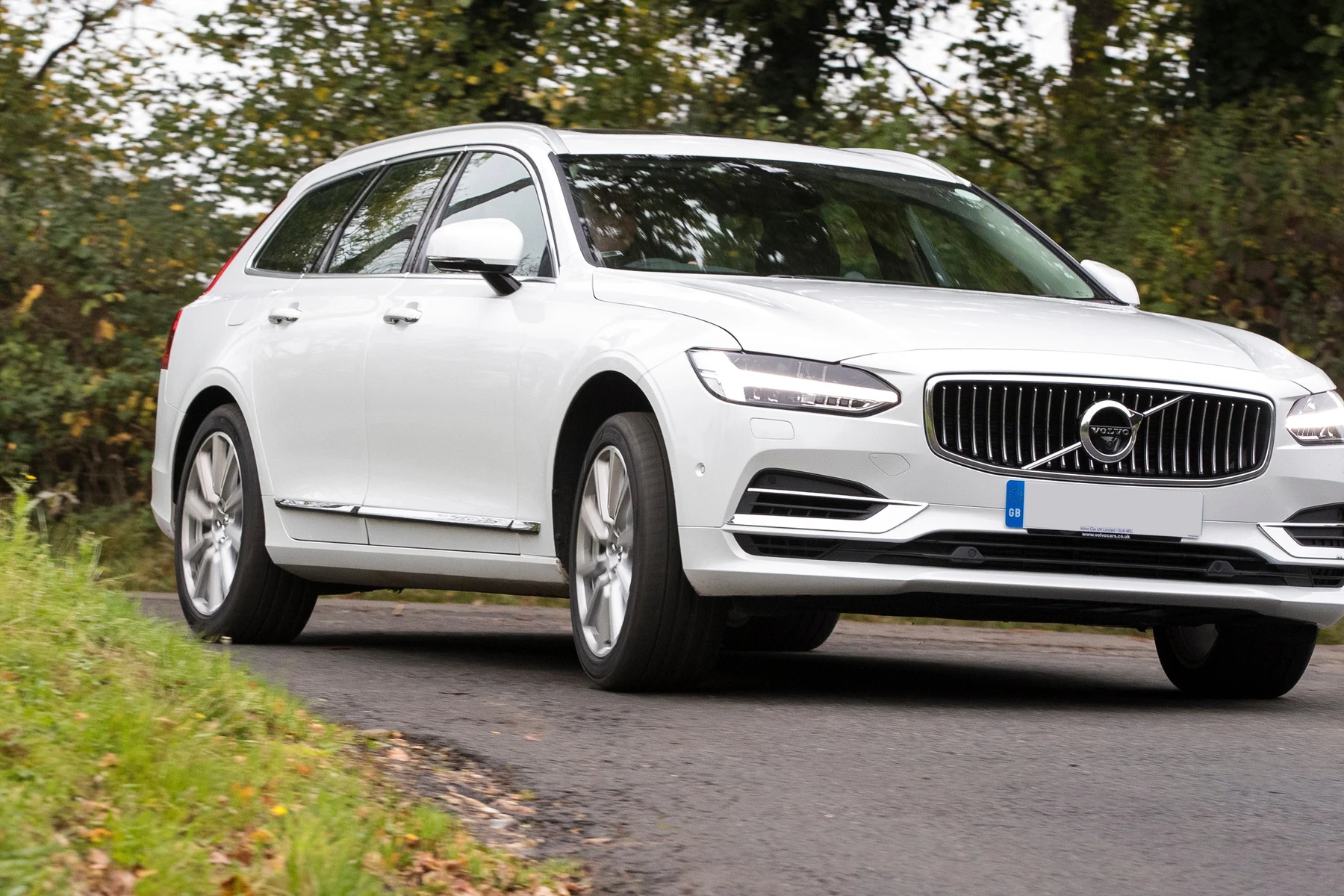
An XC40 may store intermittent network (CEM) faults without triggering a Check Engine Light. Only a full‑system Volvo scan will expose them, which is why dealer diagnostics often “find more” than a basic code reader.
Here is a quick capability reference so you know which scanner tier you actually need before buying. For another practical angle, see which scanner icarsoft for Volvo S80 2002.
A mid‑range Volvo‑capable handheld covers most owners. Advanced tablets add coding/adaptations, which casual DIYers rarely use.
| System | What it detects | Reset possible? | Scanner tier needed |
|---|---|---|---|
| Engine (ECM) | P0/P1 codes, misfires, trims, O2/boost data | Yes (after repair) | Basic OBD2 or higher |
| Transmission (TCM) | Shift faults, temp, solenoids, adaptation data | Limited resets | Mid‑range+ |
| ABS/ESC | Wheel sensors, pump/valves, yaw rate | Yes (after repair) | Mid‑range+ |
| SRS/Airbag | Seat/mat sensors, pretensioners, squibs | Yes (after repair) | Mid‑range+ |
| CEM/BCM | Network faults, lighting, body electronics | Sometimes | Mid‑range+ |
| TPMS | Sensor IDs, battery status (varies) | Relearn/resets (varies) | Mid‑range+ / Advanced |
| Service light | Oil/inspection interval counters | Yes | Mid‑range+ |
| EV (Recharge) | Charging control, HV isolation (limited), BMS data | Limited functions | Advanced with UDS EV support |
Do Volvo OBD2 Scanners Work on All XC40 Models and Years?
The XC40 (2018+) sits on Volvo’s CMA architecture and uses UDS diagnostics across many modules. Most mid‑range Volvo scanners support 2018–present gas models. For the XC40 Recharge (EV), choose a tool that explicitly lists EV/Recharge coverage; older or budget units may only provide engine‑level OBD2 on gas cars and little to no EV module access. Pre‑2004 Volvo compatibility is not relevant to XC40, but matters if you plan to use the same tool on other older Volvos in your garage.
Check for stated support of “2018+ CMA/SPA” and “UDS protocol” in the scanner’s Volvo coverage list. That phrasing is a strong indicator it will communicate with an XC40 and XC40 Recharge modules.
Best Types of Scanner for Volvo XC40 Owners
Choosing by type is faster than picking a random brand. Match your usage to the tier and you’ll avoid overpaying or under‑buying. XC40 owners who just want to verify a repair can stick to mid‑range handhelds; data nerds and EV drivers may appreciate advanced tablets for richer live data and wider brand coverage.
- Basic code reader: Cheapest way to read/clear engine codes; won’t see ABS/SRS/CEM. Good as a glovebox backup.
- Bluetooth dongle + app: Live data logging, phone convenience; Volvo module access depends on brand/app. Great for monitoring, risky for full diagnostics.
- Handheld Volvo‑capable: Reads/clears all main modules and resets service. Sweet spot for most XC40 owners.
- Advanced tablet scanner: Faster, broader coverage, adaptations/coding on many brands. Best for heavy DIY or small shops.
Best Scanner Brands for Volvo XC40 — Comparison Table
The table below compares popular options frequently recommended by Volvo owners and independent shops. Prices reflect typical US street pricing and may vary by promotion or included software.
| Brand/Model | Price | Volvo modules covered | Bluetooth/App | Verdict |
|---|---|---|---|---|
| Ancel VOD700 | $80–$120 | Some Volvo modules + engine | No/Handheld | Budget step‑up from generic; confirm XC40 year coverage |
| iCarsoft VOL II | $140–$180 | Good coverage incl. ABS, SRS, CEM, TCM | No/Handheld | Best value for most XC40 owners |
| Foxwell NT530 (Volvo) | $170–$220 | Broad Volvo coverage; service resets | No/Handheld | Strong mid‑range alternative to iCarsoft |
| Autel MaxiCOM MK808 | $450–$750 | Extensive multi‑brand + Volvo modules | Wi‑Fi/Tablet | Advanced features, great for power users/shops |
| TOPDON ArtiDiag | $300–$500 | All‑systems on many brands incl. Volvo | Wi‑Fi/Tablet | Solid pro‑leaning option at mid price |
| YOUCANIC UCAN | $200–$400 (+subscription) | All‑systems (coverage varies by subscription) | App‑based | Convenient but ongoing cost; verify XC40 year |
Mid‑range handhelds handle 90% of real‑world XC40 diagnostics. Advanced tablets add speed, reporting, and some adaptations valuable to frequent DIYers and indie shops.
Volvo XC40‑Focused Scanner Guide (Gas and Recharge)
Model nuances matter. A scanner that works on a 2019 T5 may still lack EV‑specific coverage for the Recharge. Use these quick pointers to avoid surprises and buy once.
- XC40 2018–2022 T4/T5/T5 AWD: iCarsoft VOL II or Foxwell NT530 cover ABS/SRS/TCM/CEM and service resets.
- XC40 2023+ B4 MHEV: Choose mid‑range with confirmed 2023+ module support; software updates improve coverage over time.
- XC40 Recharge (all years): Look for explicit “Recharge/EV” in support notes. Advanced tablets (Autel MK808/S) often show more EV live data.
- Shared garage with older Volvos: Verify pre‑2014 coverage if you also own P2/P3-era cars; it won’t affect XC40, but future‑proofs the purchase.
- Update the scanner firmware before first use; Volvo coverage often improves via updates.
- Use a battery maintainer if you’ll scan for 20+ minutes; low voltage can drop module communication.
- Run a full auto‑scan first, then drill into modules with faults for live data and freeze frames.
- Save a pre‑repair report; it proves the fault existed and helps compare after clearing.
Are Scanners for the XC40 Worth It, Reliable, and Safe to Use?
For most XC40 owners, a mid‑range Volvo‑capable scanner pays for itself after one avoided diagnostic visit. Reliability is high when you buy genuine hardware and keep software updated. Reading codes and live data is safe; writing/coding functions demand more caution. Clearing codes without fixing the fault only hides symptoms briefly, and SRS resets should wait until the physical issue is repaired.
Never clear airbag (SRS) or brake (ABS) codes until the underlying cause is resolved and verified. Clearing does not fix a safety system — it only removes the warning temporarily.
Can a Volvo XC40 Scanner Work with iPhone and Be Used on Other Cars?
Handheld units like iCarsoft VOL II and Foxwell NT530 are phone‑independent. Bluetooth dongles and tablet scanners typically support iOS/Android through brand apps — verify iOS compatibility if you’re iPhone‑only. Most Volvo‑capable scanners read basic OBD2 on other brands; advanced tablets add full‑system coverage across dozens of makes, making them good for multi‑car households.
Owners who prefer phone apps can still go Volvo‑capable by choosing brand ecosystems that promise all‑system access on Volvo, not just engine data. Always confirm XC40 coverage notes and app store reviews.
How to Use a Scanner on a Volvo XC40 (Step‑by‑Step)
A consistent scan routine prevents missed data and saves time. Start with a stable battery and a scanner updated to the latest Volvo coverage. Avoid clearing anything until you’ve captured reports; technicians and future you will appreciate the baseline when chasing intermittent issues.
- Prepare the car: Park safely, set the parking brake, and connect a battery maintainer if available.
- Locate the OBD2 port: It’s under the driver’s side dash on the XC40; plug in the scanner.
- Ignition ON (engine off): Press Start without the brake to power modules; many scans require ignition on, engine off.
- Select vehicle: Choose Volvo → XC40 (CMA) → correct model year/engine; ensure UDS/Recharge if EV.
- Run full auto‑scan: Let the tool query all modules; note which modules fail to communicate.
- Open faulted modules: Read DTCs, view freeze frame/live data, take screenshots or save a report.
- Repair, then clear: After addressing the cause, clear codes in that module and re‑scan to confirm no returns.
- Road‑test and recheck: Drive a short loop, then perform a second scan to verify stability.
Why Your Volvo Scanner May Not Be Working on an XC40
Connection failures usually trace to setup, power, or compatibility. Before blaming the car, check simple issues: wrong app, outdated firmware, or a clone tool. Next, consider low vehicle voltage or a blown OBD port fuse. On EVs, ensure the scanner and app list Recharge support — otherwise you may only get generic OBD2 data. You can also use OBD scanner for Volvo as a helpful next guide on the same ownership topic.
- Ignition state wrong: Many modules won’t talk with ignition off.
- Outdated software: Update the tool; Volvo support grows via updates.
- Bluetooth/app mismatch: Pair correctly; use the brand’s official app.
- OBD fuse/battery low: Check the fuse and maintain >12.4V during scanning.
- Clone hardware: Common cause of partial module access and dropouts.
Buying Guide: Which XC40 Scanner Should You Choose?
Pick based on how you’ll actually use it. Occasional oil‑service resets don’t require an $800 tablet, but EV diagnostics and multi‑brand coverage often do. Future‑proofing for newer model years is worth a modest premium.
- Basic owner (gas XC40): iCarsoft VOL II — reads core modules, resets service, affordable.
- DIY who wants deeper data: Foxwell NT530 (Volvo) — strong coverage, familiar menus.
- XC40 Recharge or multi‑brand garage: Autel MK808‑series — richer EV data and broader full‑system coverage.
- Phone‑centric user: Choose a brand‑owned Bluetooth/app platform that lists XC40 all‑system support; verify iOS updates.
Prefer an XC40‑only breakdown? See our focused picks in the Volvo XC40 OBD2 scanner guide, plus a site‑wide overview at OBD2 scanner for Volvo. For pro workflows, review how to use a professional car scanner on Volvos.
Common Mistakes to Avoid and When to Visit a Mechanic
Most frustrations come from clearing codes too quickly or buying the wrong tool. A disciplined approach — scan, save, fix, then clear — solves that. Know when to escalate: recurring SRS/ABS faults, high‑voltage EV issues, or network errors that won’t resolve typically demand a Volvo specialist and, at times, factory tools.
- Buying a clone: Too‑good‑to‑be‑true pricing = communication failures.
- Skipping year verification: Ensure 2018+ CMA and Recharge support.
- Clearing without logging: Save reports and freeze frames first.
- Ignoring low battery: Low voltage causes false module dropouts.
- Writing/coding casually: Avoid non‑reversible changes without a backup.
XC40 service reminders can be reset with many scanners, but if the oil life logic isn’t updated after software changes, the message may return early. Keeping your scanner’s Volvo firmware current helps prevent false resets.
For advanced programming or persistent network faults, book a Volvo‑experienced independent or dealer. A proper VIDA‑based session can save hours of guesswork.
💡 Evans Torres Tip: I keep an iCarsoft VOL II in my glovebox for my XC40. It has paid for itself by flagging a flaky rear wheel‑speed sensor before a road trip, letting me replace it on my schedule. My habit: run a full auto‑scan every oil change, save the report to my phone, and compare after any repair. It’s the fastest way to spot patterns and prove a fix worked.
Frequently Asked Questions
This FAQ answers the questions XC40 owners ask most about scanners: best picks for 2018+ gas vs. Recharge models, whether generic OBD2 readers are enough, iPhone/Bluetooth reliability, service light resets, cross‑brand use, and why some tools won’t connect. If you’re choosing between mid‑range handhelds and advanced tablets, or troubleshooting a no‑connect issue, start here for quick, straightforward guidance tailored to the Volvo XC40.
What is the best OBD2 scanner for a Volvo XC40?
For most owners, iCarsoft VOL II offers the best value by reading ABS, SRS, TCM, CEM, and resetting service lights. Foxwell NT530 (Volvo software) is a comparable mid‑range choice. Power users or multi‑car garages benefit from Autel MK808 for faster full‑system scans and broader EV data on the XC40 Recharge.
Will a generic $30 OBD2 reader work on my XC40?
It will read basic engine codes, but it won’t access ABS, SRS, CEM, or transmission data. Many XC40 warnings live outside the engine module, so a generic reader often shows “no codes” while a Volvo‑capable scanner reveals the real fault. That’s why most Volvo owners upgrade after a first cheap tool.
Can I use an XC40 scanner with an iPhone?
Yes if you choose a Bluetooth/app ecosystem that supports iOS and explicitly lists Volvo XC40 all‑system coverage. Handhelds like iCarsoft or Foxwell don’t need a phone. Always confirm iOS app compatibility and recent updates; older apps sometimes lag on iOS support compared to Android.
Can a scanner reset the service light on an XC40?
Most Volvo‑capable scanners can reset the oil/service reminder on the XC40 after maintenance. Follow the scanner’s service functions menu and confirm success with a key cycle. If the reminder returns immediately, verify proper model/year selection and ensure the scanner firmware is current.
Does the same scanner work on the XC40 Recharge (EV)?
Only if it states EV/Recharge and UDS coverage. Some mid‑range tools read basic chassis modules but show limited high‑voltage/charging data. Advanced tablets (e.g., Autel MK808‑series) typically provide richer EV information. Always check the brand’s coverage list for “XC40 Recharge.”
Why won’t my scanner connect to my XC40?
Common reasons include ignition not set to ON, outdated scanner firmware, using a clone device, low car battery, wrong model/year selected, or an app pairing issue. Update the tool, charge the battery, re‑pair Bluetooth, and try a full auto‑scan with ignition on. If modules still fail, suspect a clone or compatibility gap.
Can I use the same scanner on other cars?
Yes. Most Volvo‑capable scanners read generic OBD2 on other brands. Advanced tablets often include full‑system coverage for 20–60+ makes. If you plan to service several vehicles, a pro‑leaning tablet can be cost‑effective over time.
Where should I buy to avoid clones?
Buy from the brand’s official website or its authorized Amazon store. Avoid listings with unclear seller names, mismatched packaging photos, or unusually low prices. Genuine tools register for updates smoothly; clones often fail to activate or lose module access.
Final Verdict
A Volvo‑capable OBD2 scanner transforms XC40 ownership. Mid‑range handhelds like iCarsoft VOL II and Foxwell NT530 unlock ABS, SRS, TCM, and CEM data the cheap tools miss, while Autel MK808 adds speed and deeper cross‑brand/EV visibility. Start with a full auto‑scan, save the report, fix, then clear — especially on safety systems. For the XC40 Recharge, confirm UDS and EV module support before you buy. If faults persist or network errors multiply, schedule time with a Volvo‑experienced shop for VIDA‑level diagnostics.
My Top Picks at a Glance
Here are the three obd2 scanner options I would check first if you want a faster buying decision.
These picks highlight the strongest overall choice, the best value option, and the premium-style pick for practical Volvo ownership.
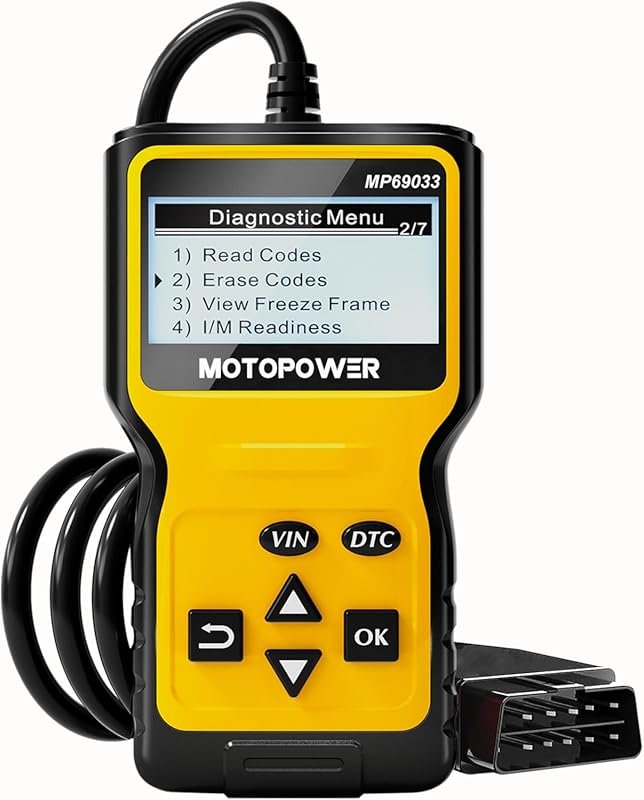 Best Overall
MOTOPOWER MP69033 OBD2 code reader diagnoses engine faults, CAN compatible for all 1996+ vehicles, yellow
It offers the strongest all-around mix of fit, value, and practical daily use for Volvo owners.
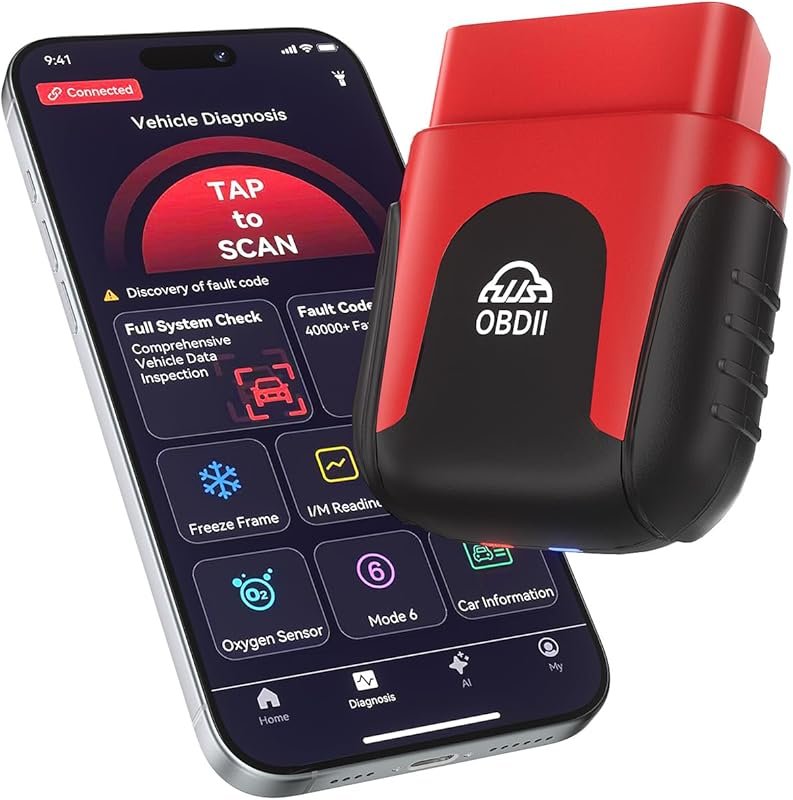 Best Value
Rocco Bluetooth OBD2 scanner with AI diagnostics, AutoVIN, no subscription, 45,000+ codes, iOS/Android, 1996+
It makes sense for owners who want a useful upgrade without paying more than necessary.
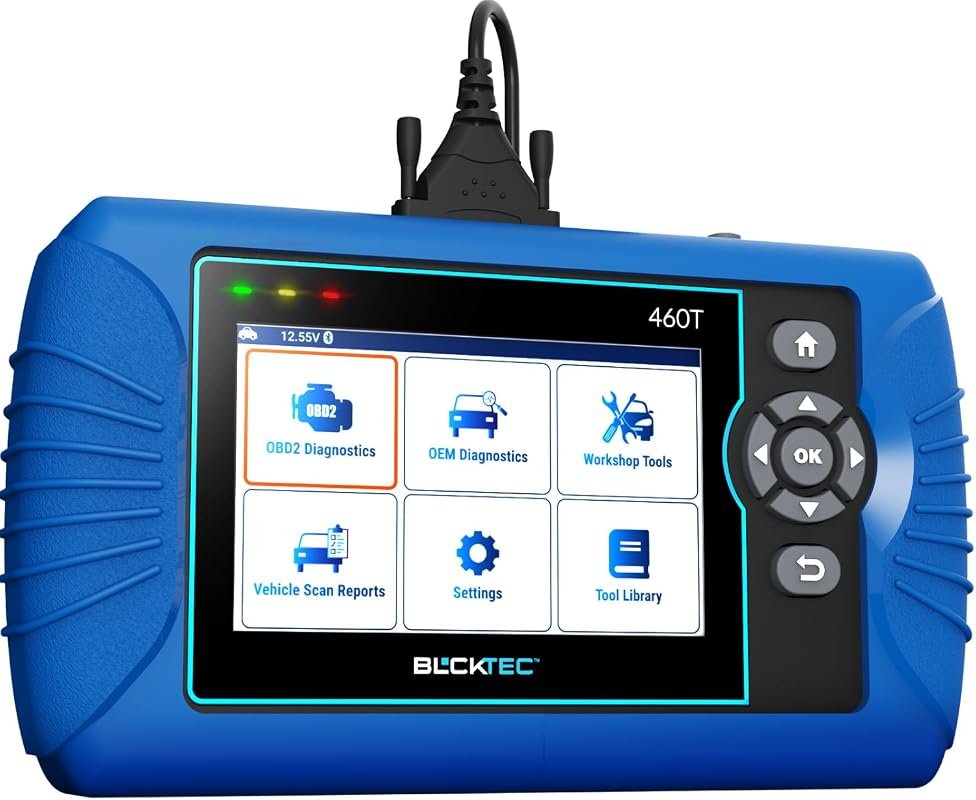 Best Premium Option
BLCKTEC 460T OBD2 scanner for engine, ABS, SRS, transmission diagnostics, 12 resets, ABS bleed, battery test, AutoVIN
It is the pick I would compare first if build quality, features, and long-term ownership value matter most.
Author

Author

Evans Torres
I’m Evans Torres, an automotive engineer who loves Volvo cars. I graduated in Automotive Engineering from USC. I have worked in the car industry for years and now share my knowledge on The Volvo Life. I started this blog to connect with other Volvo fans. I offer tips, news, and advice to help you care for your car. My goal is to help you keep your Volvo in great shape and find all the best things about it. Join me as we discover everything Volvo has to offer!