



OBD scanner for Volvo is essential for accessing all vehicle diagnostics, including engine codes and module information. The iCarsoft VOL II is highly recommended for its compatibility with various Volvo models and modules, costing between $150 to $180. It efficiently pays for itself after just one or two dealer visits.
As a Volvo owner, having an OBD scanner can save you time, money, and the hassle of dealership visits. With the right tool, you can diagnose issues, clear codes, and understand your vehicle’s health. This article explores the top OBD scanners for Volvo, essential features, and what to consider when choosing the right diagnostic tool. For related context, you may also want to read top 5 Volvo cars for exceptional mileage.
- Best Scanner: iCarsoft VOL II ($150–$180)
- Comprehensive Coverage: Reads all 15+ Volvo modules
- Cost Savings: Scanner pays for itself after 1-2 dealer visits
- Compatibility: Ensure model compatibility for optimal performance
- DIY Friendly: Perfect for both novice and experienced users
You want to diagnose issues and perform basic repairs without constant dealer visits. This connects closely with best replacement speakers for 2005 Volvo V50 if you want to compare the topic in more detail.
You appreciate the ability to read detailed diagnostics and codes to maintain your vehicle. This connects closely with top 10 car battery chargers for your Volvo if you want to compare the topic in more detail.
You’re looking for a reliable scanner that can cover various Volvo models for your shop. You can also use best 5 car seats for your Volvo XC40 as a helpful next guide on the same ownership topic.
Why Generic Scanners Fail on Volvos
Generic OBD2 scanners often fall short when it comes to diagnosing Volvo vehicles due to their limited access to vehicle-specific modules. Unlike generic tools that primarily focus on engine diagnostics, Volvos include additional modules such as ABS, SRS, and CEM that require specialized scanners. For example, a generic scanner may fail to show a DSTC fault on an XC90, while the iCarsoft VOL II can pinpoint the issue in seconds. This difference underscores the importance of investing in a scanner tailored for Volvo. For another practical angle, see 5 best aftermarket brake pads and rotors for Volvo XC90 quality you can trust.
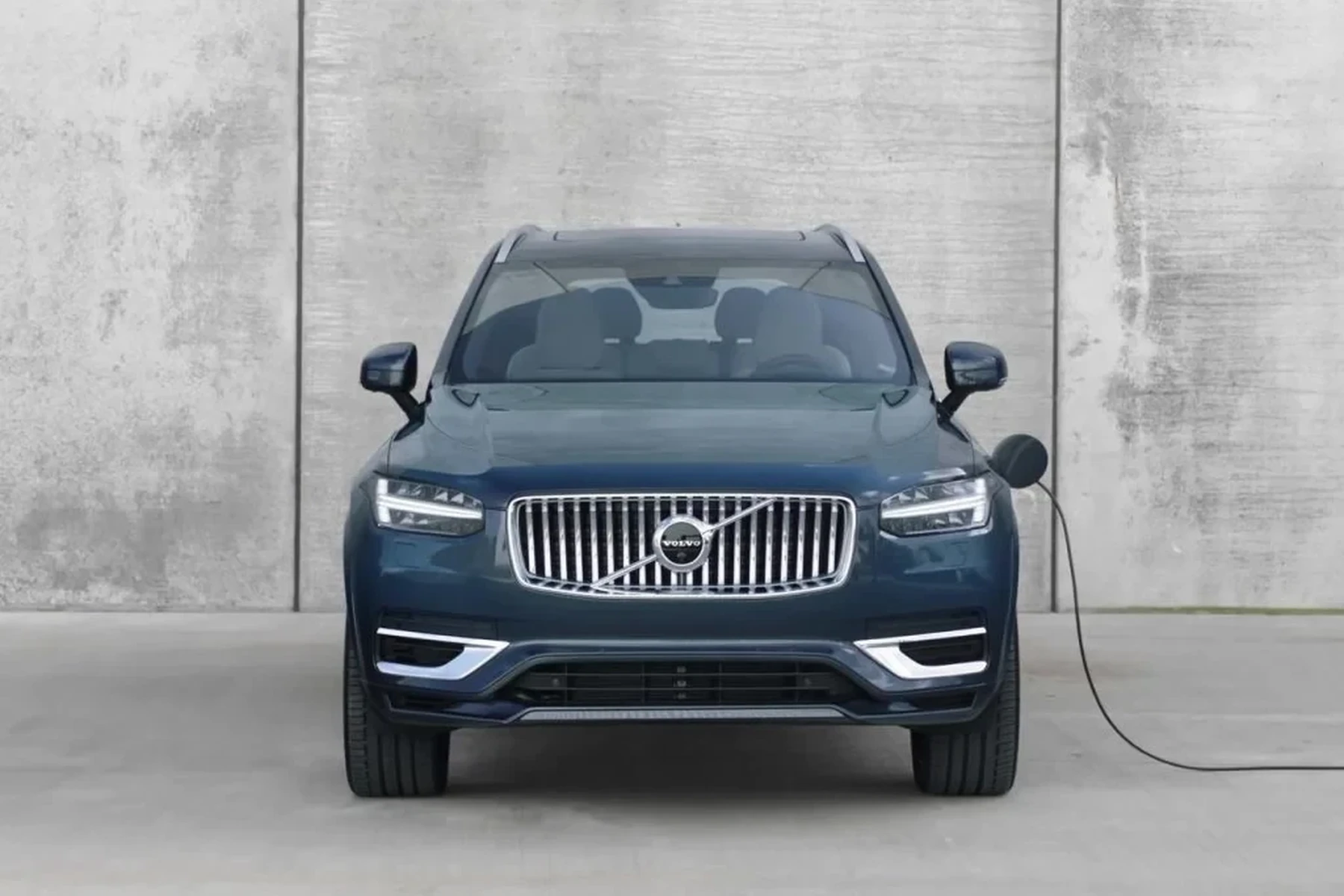
Volvo vehicles utilize a proprietary CAN-bus protocol for non-engine modules, making specialized scanners necessary for accurate diagnostics. You can also use best battery for v8 Volvo boat as a helpful next guide on the same ownership topic.
Scanner Types for Volvo
Choosing the right scanner type is crucial for effective diagnostics. There are several options available, each tailored for different user needs. Here’s a comparison of the most common scanner types suitable for Volvo: If you are comparing similar topics, where are Volvo cars made for australia is also worth checking.
| Scanner Type | Modules Access | Model Years | Price | Best For |
|---|---|---|---|---|
| Generic OBD2 | Engine Only | 1996+ | $20–$50 | Basic engine checks |
| iCarsoft VOL II | All 15+ Modules | 2002–2023 | $150–$180 | DIY Volvo owners |
| Foxwell NT530 | All Modules | 2003–2022 | $60–$80 | Budget option |
| Autel MaxiCOM MK808 | All + Coding | 1996–2024 | $350–$500 | Advanced users |
| VIDA DiCE | Full Factory | 1999–2014 | $200–$500 | Professional mechanics |
Choosing the right scanner depends on your specific needs, such as the model year of your Volvo and the type of diagnostics you require. For most Volvo owners, the iCarsoft VOL II offers the best balance of functionality and price.
Top Scanner Summary Table
Here’s a summary of the top recommended scanners for Volvo vehicles:
| Scanner | Best For | Modules Read | Price | Verdict |
|---|---|---|---|---|
| iCarsoft VOL II | DIY Owners | All Modules | $150–$180 | ⭐ Best Value |
| Foxwell NT530 | Budget Users | All Modules | $60–$80 | Best Budget |
| Autel MaxiCOM MK808 | Advanced Users | All + ECU Coding | $350–$500 | Most Powerful |
| VIDA DiCE | Technicians | Full Factory | $200–$500 | Classic Volvos |
Scanner for Volvo by Model
Different Volvo models may require specific scanners to access all diagnostic features. Here’s a breakdown of recommended scanners based on popular Volvo models:
| Model | Key Issues Scanner Helps With | Recommended Scanner | Notes |
|---|---|---|---|
| XC90 2003–2014 | Transmission, ABS, SRS | iCarsoft VOL II | Common issues include P0171, P0507 |
| XC90 2015+ | CEM, AWD, TPMS | Autel MaxiCOM MK808 | Requires firmware updates for security gateway |
| XC60 2008–2017 | Engine, EPB, TPMS | iCarsoft VOL II | EPB reset functionality included |
| V60 2010–2018 | Engine Codes, SRS | iCarsoft VOL II | Good for DIY diagnostics |
Can a Scanner for Volvo Work with iPhone?
iPhone users often wonder if their scanner can connect with their device. Here’s a comparison of various scanners’ compatibility with iPhones:
| Scanner | iPhone Compatible | Android Compatible | Standalone | Volvo Modules |
|---|---|---|---|---|
| ELM327 + OBD Fusion | ✅ | ✅ | ❌ | Engine Only |
| iCarsoft VOL II | ❌ | ❌ | ✅ | All Modules |
| Autel MaxiCOM | ❌ | ✅ | ✅ | All + Coding |
iOS Bluetooth restrictions limit full access for scanners like ELM327 with OBD Fusion, which can only read engine codes. For comprehensive diagnostics, a standalone scanner is necessary.
How to Use a Scanner for Volvo
Using an OBD scanner effectively involves several steps to ensure accurate diagnostics. Here’s a concise guide on how to get started:
- Step 1: Park the Volvo safely and turn off the engine, ensuring the parking brake is on.
- Step 2: Locate the OBD2 port typically found under the dashboard, near the steering column.
- Step 3: Plug the scanner into the OBD2 port without starting the engine.
- Step 4: Turn the ignition to the ON position but do not start the engine.
- Step 5: Select the vehicle make, model, and year on the scanner, and run a full system scan.
- Always note the fault codes before clearing them.
- Re-scan the vehicle after clearing codes to ensure the issues are resolved.
- Refer to the scanner’s manual for specific troubleshooting guidance.
- Update the scanner’s firmware periodically, especially for newer models.
Following these steps can help you effectively utilize your OBD scanner, ensuring you catch issues early and maintain your Volvo’s performance.
Repair Cost for Scanner Issues
Understanding the costs associated with using an OBD scanner for your Volvo can help budget for necessary diagnostics. Here’s an overview of typical costs:
| Service | Dealership Cost | Independent Specialist Cost | DIY Cost |
|---|---|---|---|
| Basic Diagnostic Scan | $120-$250 | $80-$150 | $0-$180 (scanner cost) |
| Module Coding | $150-$300 | $100-$200 | Varies by tool |
| Fault Code Clearing | $50-$100 | $30-$60 | $0 (if done by owner) |
Investing in a dedicated OBD scanner can significantly reduce your overall diagnostic costs, especially if you frequently encounter issues.
How to Prevent Scanner-Related Issues
Preventing issues with your OBD scanner and ensuring its longevity is essential for effective vehicle diagnostics. Here are some preventive measures:
- Keep the scanner firmware updated to avoid compatibility issues with newer models.
- Store the scanner in a protective case to prevent physical damage during transport.
- Regularly check the OBD2 port for debris or damage that could hinder connectivity.
- Use the scanner as directed in the manual to avoid misuse and potential errors.
- Set reminders for firmware updates every 6 months.
- Inspect the OBD2 port during regular vehicle maintenance.
- Consider a protective case for your scanner if you travel frequently.
- Join online forums for tips on using your specific scanner model effectively.
By following these tips, you can ensure your OBD scanner remains in good working condition and ready for use whenever needed. For related context, you may also want to read how to use a Volvo car jack for safe.
Owning an OBD scanner for your Volvo not only empowers you to handle minor issues but can also save you significant money in the long run. With the right scanner, you’re equipped to keep your Volvo running smoothly.
💡 Evans Torres Tip: I’ve used the iCarsoft VOL II on my XC60 for over two years. It found a transmission fault that a generic scanner missed. The dealer wanted $150 just to diagnose it, but I resolved the issue with a $50 part. This scanner has already paid for itself several times over!
Frequently Asked Questions
In this section, we address common questions regarding OBD scanners for Volvo vehicles, including their functionality, compatibility, and cost considerations. Here are the most frequently asked questions:
What scanner works best for Volvo cars?
The iCarsoft VOL II is often recommended as the best scanner for Volvo cars, providing access to all essential modules at a reasonable price.
Can any OBD2 scanner read Volvo codes?
No, many generic OBD2 scanners can only access engine codes. For full functionality across all modules, a dedicated Volvo scanner is necessary.
Is a scanner for Volvo worth it?
Yes, a dedicated scanner for Volvo can save you money in diagnostics and repairs, often paying for itself after just a few uses.
Can a scanner for Volvo work with iPhone?
Some scanners, like the ELM327 with OBD Fusion, can work with iPhones, but they only access engine codes. For full module access, standalone scanners are required.
Can I use my Volvo scanner on other cars?
Most OBD2 scanners can be used on any 1996 and newer vehicle, but Volvo-specific features will only work on compatible Volvo models.
Why does my scanner show no codes but the warning light is on?
This could be due to a generic scanner not being able to read all Volvo-specific codes. It’s advisable to use a dedicated Volvo scanner for accurate diagnostics.
Why is my Volvo scanner not working?
Common reasons include outdated firmware, incorrect protocol selection, or compatibility issues with the specific model year.
Do I need VIDA for my Volvo?
VIDA is necessary for advanced diagnostics and programming, typically used by dealerships and professional mechanics for comprehensive vehicle access.
Final Verdict
Investing in an OBD scanner for your Volvo, particularly the iCarsoft VOL II, can significantly enhance your ability to diagnose and manage vehicle issues. This scanner offers comprehensive access to all essential modules and can save you considerable time and money by reducing unnecessary trips to the dealer. By maintaining your scanner and understanding how to use it effectively, you’ll ensure that your Volvo remains in optimal condition for years to come.
Author

Author

Evans Torres
I’m Evans Torres, an automotive engineer who loves Volvo cars. I graduated in Automotive Engineering from USC. I have worked in the car industry for years and now share my knowledge on The Volvo Life. I started this blog to connect with other Volvo fans. I offer tips, news, and advice to help you care for your car. My goal is to help you keep your Volvo in great shape and find all the best things about it. Join me as we discover everything Volvo has to offer!