



When scanner for Volvo S60 — the iCarsoft VOL II is the best all-around pick for 2001–2024 S60s, reading SRS, ABS, CEM and more. Foxwell NT530 is a strong mid-tier alternative, while Autel MK808 suits advanced DIY needs. Skip $30 generic readers that only see engine codes.
Shopping a scanner specifically for a Volvo S60 means choosing a tool that can talk to Volvo’s body, chassis, and safety modules — not just the engine. Generic readers miss airbag and ABS faults that trigger warnings most S60 owners actually care about. For related context, you may also want to read is scanner for Volvo XC60.
This guide explains the differences, shows top brand options, and walks through setup and use on S60 generations from 2001 to present.
- Main point: A Volvo-capable scanner (iCarsoft VOL II, Foxwell NT530, Autel MK808) reads SRS/ABS/CEM on S60 — a generic OBD2 reader cannot.
- Best first step: Match scanner support to your S60 generation (2001–2009, 2011–2018, 2019+ SPA) before buying.
- Cost or value: Expect $120–$200 for solid Volvo coverage; $400–$900 for pro tablets with advanced functions.
- Who it suits: DIY owners who want to clear faults after real repairs and read live data without a dealer visit.
- When to get help: Module coding, key programming, and software updates require VIDA/PTT at a Volvo-capable shop.
Wants to read SRS/ABS/CEM faults, reset service reminders, and verify live data before replacing parts.
Needs reliable Volvo module coverage across S60 generations without dealer software.
Prefers Bluetooth/app or handheld tools to diagnose at home and avoid recurring diagnostic fees.
What an OBD2 Scanner for the Volvo S60 Does and How It Works
An OBD2 scanner reads diagnostic trouble codes and live sensor data via the S60’s port under the dash. Every S60 since 2001 supports OBD2 for emissions (engine) data. This connects closely with is scanner for Volvo XC90 if you want to compare the topic in more detail.
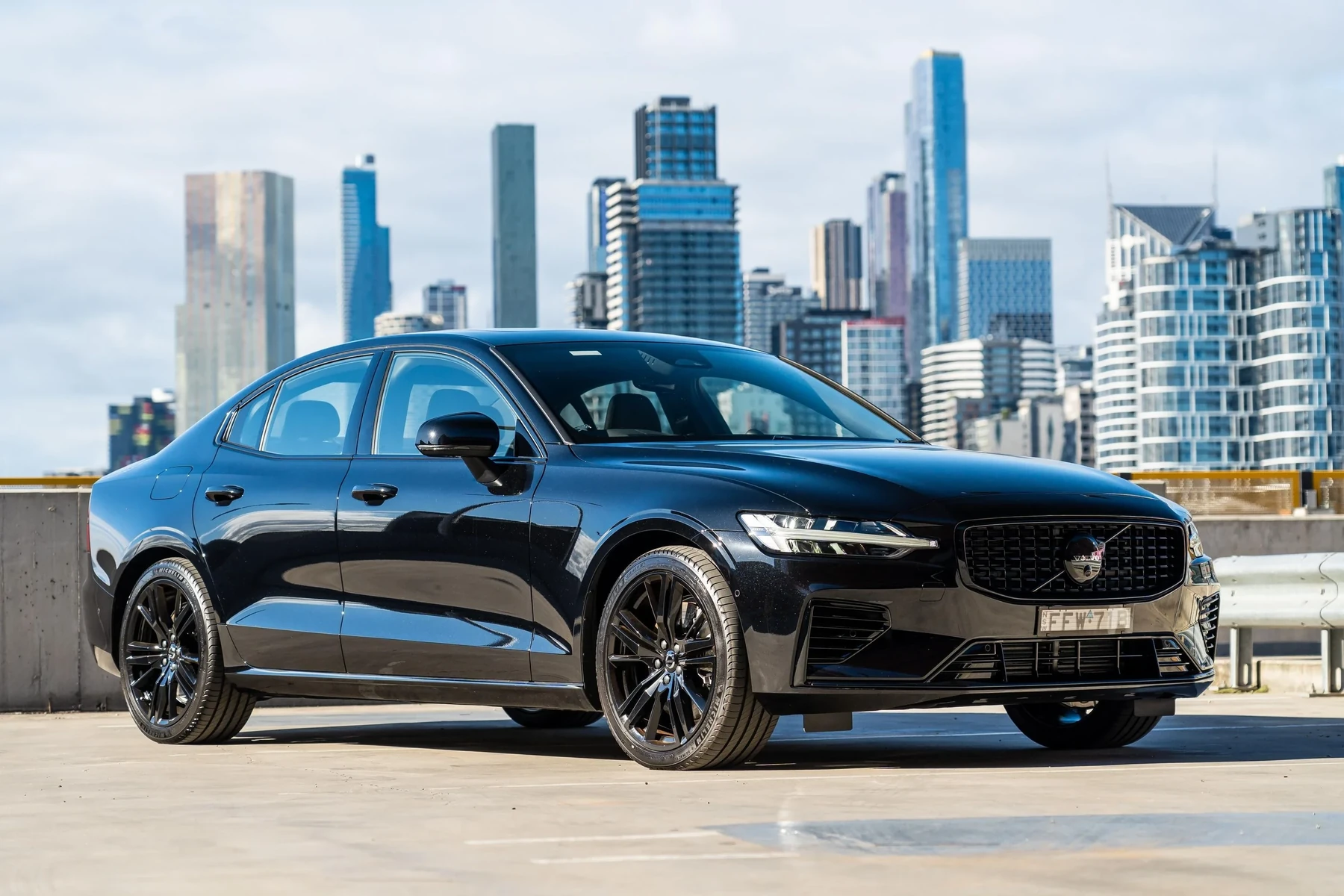
Volvo-specific scanners go further: they access SRS (airbag), ABS, TCM, CEM, BCM, SAS, climate, and more. That’s why a $30 dongle misses the fault that triggered your dash warning, while a Volvo-capable tool finds it in seconds.
On Volvo S60s, many “Check Engine” situations are actually side effects of faults stored outside the engine module — for example, a CEM or BCM communication glitch can light multiple warnings that a generic reader won’t even see.
OBD2 Scanner vs Volvo-Specific Diagnostic Scanner for S60
A basic OBD2 tool reads only the engine module. That’s fine for generic P0xxx codes, but blind to SRS, ABS, transmission, and CEM faults common on S60s. Service resets and calibrations also require brand-aware commands.
A Volvo-capable scanner identifies the right protocol per module, letting you run a full vehicle scan, view live data across systems, and reset the service reminder properly. You can also use do scanner for Volvo exist as a helpful next guide on the same ownership topic.
Pre-2010 S60s use earlier Volvo protocols than 2019+ SPA-platform S60s. Always verify your exact year is listed on the scanner’s compatibility page before purchase.
Here’s a quick comparison of capability tiers and why most S60 owners outgrow generic readers quickly.
The takeaway: for any SRS/ABS/CEM warning or service reset on an S60, a Volvo-specific scanner is the only dependable option. For another practical angle, see did scanner for Volvo need calibration.
| Capability | Generic OBD2 (ELM327/basic) | Volvo-Specific (iCarsoft/Foxwell/Autel) |
|---|---|---|
| Engine codes (ECM) | Yes | Yes |
| ABS/SRS/TCM/CEM access | No | Yes |
| Full-vehicle auto scan | No | Yes |
| Service light reset | Often no | Yes (model-year aware) |
| Steering angle (SAS) reset | No | Yes (supported models) |
| TPMS functions | No | Yes (limited by model/year) |
| Live data beyond engine | Limited | Yes (multiple modules) |
| 2019+ SPA coverage | Rare | Common on mid/pro tools |
What a Volvo S60-Capable Scanner Can Diagnose
Expect coverage of the systems that light up the S60’s dashboard. Airbag/SRS faults, ABS/traction issues, and transmission codes become visible — along with the root sensor or circuit that set them.

Look for features like full-module scans, live data graphs, freeze-frame capture, service reset, SAS calibration, battery/charging monitoring, and for diesels outside the U.S., DPF/NOx checks.
- Engine/Emissions: Misfires, O2/MAF, boost, evap — with live trims and sensor graphs.
- SRS/Airbag: Seatbelt pretensioner, impact sensors, clockspring faults.
- ABS/Brake: Wheel speed sensors, module communication, yaw/steering angle data.
- Transmission (TCM): Solenoids, pressure adaptions, temperature, limp-mode triggers.
- CEM/BCM: Lighting, wipers, key authentication, network faults.
- Service/TPMS/Climate: Maintenance reset, tire sensor IDs, blend door actuators.
Do Volvo OBD2 Scanners Work on All S60 Model Years?
Coverage depends on generation. First-gen S60 (2001–2009/10) needs a tool that explicitly lists P2 platform coverage. Second-gen (2011–2018) adds more CAN modules. Third-gen SPA (2019+) requires modern UDS-capable scanners with current firmware.
Before buying, confirm your exact year is supported and that updates still ship for newer SPA releases. When in doubt, check model-year success reports on owner forums and product pages.
For a broader look across models and years, see our guide on do scanners for Volvo work with all models.
Best Types of Scanner for Volvo S60 Owners
Picking the right format balances price, capability, and convenience. Handheld tools are plug-and-go; app dongles are compact but depend on your phone and app quality.
- Basic code reader ($30–$60): Engine-only. Good as a glovebox emissions checker, not for Volvo modules.
- Bluetooth/Wi‑Fi dongle + app ($40–$120): Better live data; still engine-only unless paired with a Volvo-capable ecosystem.
- Handheld Volvo-focused ($120–$200): iCarsoft VOL II, Foxwell NT530 — best value for SRS/ABS/CEM and service resets.
- Pro tablet ($400–$900): Autel MK808/MK906, Launch X431 — wider coverage, adaptations, guided tests on many models.
Best Scanner Brands for Volvo — S60-Focused Comparison
This snapshot shows popular models S60 owners actually use, with realistic expectations on module coverage, features, and price. Always check live compatibility lists before purchase.
| Brand/Model | Approx. Price | Volvo Modules Covered | Bluetooth/App | Verdict |
|---|---|---|---|---|
| iCarsoft VOL II | $150–$190 | ECM/TCM/ABS/SRS/CEM/BCM (most years) | Handheld (USB updates) | Best value for most S60 owners |
| Foxwell NT530 (Volvo pkg) | $170–$220 | Wide module access + resets | Handheld (USB updates) | Strong mid-tier alternative |
| Autel MaxiCOM MK808 | $450–$700 | Broad Volvo coverage + live data | Tablet (Wi‑Fi updates) | Advanced DIY/pro capability |
| Topdon Phoenix Lite | $700–$1,000 | Pro-level functions on many models | Tablet (Wi‑Fi) | Overkill unless you wrench often |
| YOUCANIC UCAN-II | $250–$350 | Good multi-brand coverage | Cable + app | Solid all-rounder; check S60 year list |
| Generic ELM327 | $15–$40 | Engine-only | Bluetooth/Wi‑Fi app | Not suitable for SRS/ABS/CEM |
Buying from authorized channels reduces the chance of getting a counterfeit unit that fails on Volvo modules.
Clone scanners are common and often look identical to the real tool. Counterfeits frequently connect only to the engine and time out on SRS/ABS/CEM. Avoid deep-discount listings with vague seller info.
Volvo Model-Based Scanner Guidance (with S60 in Focus)
S60 coverage varies by generation. Match your year and needs to a scanner tier, then verify specifics on the brand site.
- S60 2001–2009 (P2): iCarsoft VOL II or Foxwell NT530 reliably read ABS/SRS/ECM/TCM/CEM. Generic readers miss SRS/ABS entirely.
- S60 2011–2018 (P3): iCarsoft VOL II/NT530 still shine; Autel MK808 adds richer data and some adaptations.
- S60 2019+ (SPA): Ensure UDS support and current firmware. Autel MK808 (with updates) or latest Foxwell/Topdon builds work well.
- XC60/XC90 cross-owners: Similar advice applies; see XC-specific articles if you also maintain those cars.
Are Scanners for Volvo S60 Worth It, Reliable, and Safe to Use?
Yes — Volvo-capable scanners from iCarsoft, Foxwell, Autel, and Topdon are reliable when bought from authorized sellers, and they pay for themselves after 1–2 avoided diagnostic visits.
Reading codes is safe. The only real risk is clearing SRS or ABS faults without fixing the cause, which hides the warning temporarily but doesn’t restore safety.
Never clear an SRS or brake warning to “see if it returns.” Confirm and fix the physical issue first; airbags and ABS are critical safety systems.
Can a Volvo S60 Scanner Work with iPhone and Be Used on Other Cars?
Most modern tools update by USB or Wi‑Fi and many Bluetooth dongles support both iPhone and Android, but confirm the exact app’s iOS support before buying.
Multi-brand scanners read basic OBD2 on other makes. Volvo-focused handhelds (like VOL II) still read engine codes on non-Volvos, while pro tablets add deeper brand coverage.
For phone pairing specifics, see our explainer on scanners that work with iPhone. And for cross-brand basics, read can a scanner for Volvo be used on other cars.
How to Use a Scanner for Volvo S60 (Step-by-Step)
A proper first scan captures all stored and pending faults before clearing anything. Save reports; they’re invaluable if a warning returns or for tracking intermittent issues.
- Locate the OBD2 port: It’s under the driver side dash on the S60. Plug in your scanner or dongle.
- Ignition on: Switch to ignition ON (engine off) or press Start without brake. Some procedures need the engine running — follow on-screen prompts.
- Select Volvo → S60 → year: Choose the exact model/year and run an “Auto-scan” of all modules.
- Save results: Record codes and freeze-frame data. Photograph or export the report before making changes.
- Check live data: Graph relevant sensors (e.g., wheel speed, O2/MAF) to confirm a fault before replacing parts.
- Repair then clear: Only clear codes after the physical repair or verified fix. Re-scan to confirm no returns.
- Update your scanner’s software/firmware before first use to ensure SPA (2019+) compatibility.
- Use a battery maintainer if scanning for extended periods; low voltage can cause module communication errors.
- Name and save each scan by date/mileage — building a digital log helps spot patterns.
- When a single sensor code appears with multiple communication codes, fix the sensor first, then clear and recheck.
Why Your Volvo S60 Scanner Might Not Be Working
Most failures trace to connection or compatibility — not a broken car. Work through these in order before returning the tool.
- Ignition state wrong: Turn the key to ON (pos II) or press Start without brake for module wakeup.
- OBD fuse blown: If the scanner won’t power, check the OBD/aux power fuse in the panel.
- Wrong app/pairing: Bluetooth dongles require the correct app; iOS may need Wi‑Fi variants.
- Outdated firmware: Update the scanner to add SPA/UDS coverage for 2019+ S60.
- Clone hardware: Counterfeits often fail on non-engine modules — return and buy from an authorized seller.
- Low car battery: Voltage sag can drop module communications mid-scan; recharge and retry.
Buying Guide: Which Scanner Should a Volvo S60 Owner Choose?
Match your S60 year and how deep you plan to wrench. These picks reflect real-world value for S60 owners.
- Basic owner (any year): iCarsoft VOL II — balanced price and Volvo module access for SRS/ABS/CEM plus service reset.
- Data-driven DIY (2011–2018): Foxwell NT530 — strong live data and resets with good S60 coverage.
- 2019+ SPA or multi-car household: Autel MK808 — broader coverage and ongoing updates for newer protocols.
- Bluetooth-first user: Choose a brand ecosystem with confirmed iOS/Android support and Volvo module access; avoid generic ELM-only apps.
- Shop-level needs: Consider Autel/Launch pro tablets. For coding/programming, you’ll need Volvo VIDA/PTT at a qualified shop.
If you want deeper hands-on workflow, see our tutorial on how to use a professional car scanner for Volvo vehicles.
Common Mistakes to Avoid and When to Visit a Mechanic Instead
Avoid these pitfalls — they waste time and money. Know when a scanner readout signals that professional tools or procedures are required.
- Buying a generic reader: It won’t clear SRS/ABS on an S60 and can’t see CEM faults.
- Skipping compatibility checks: Verify your exact S60 year and SPA coverage on tool update notes.
- Clearing codes before saving: Always save/export the first full scan for reference.
- Mistaking codes for parts: A sensor code doesn’t always mean the sensor is bad — use live data to confirm.
- Pressing into coding: Key programming, software downloads, and VIN-coded parts require VIDA/PTT and should be handled by a Volvo-capable shop.
Solid scanners and good habits solve most S60 warning-light mysteries at home — and keep you honest about what truly needs a shop.
💡 Evans Torres Tip: On my S60, I run a full auto-scan before every long trip and save the report to Google Drive with the mileage in the filename. It takes five minutes and has twice helped me spot a weak wheel speed sensor early — fixing it at home beat triggering ABS and cruise faults on the highway.
Frequently Asked Questions
These are the most common S60-specific scanner questions readers ask right before buying or during first-time setup. The short answers below expand on the picks, compatibility, and safety notes already covered — with a focus on model-year differences and practical use.
What’s the best scanner for a 2012 Volvo S60?
The iCarsoft VOL II or Foxwell NT530 are the best values for a 2012 S60. Both read SRS/ABS/TCM/CEM and reset the service reminder. If you want richer live data and multi-brand depth, Autel MK808 is excellent but costs more.
Will these scanners work on a 2019–2024 S60 (SPA platform)?
Yes, provided the tool supports UDS and has current firmware. Autel MK808 with updates, Foxwell NT530 (recent builds), and newer iCarsoft firmware versions cover SPA modules. Always update the tool before scanning a 2019+ S60.
Can a Volvo S60 scanner reset the service light?
Yes. Volvo-capable handhelds and pro tablets include S60-specific service reset procedures. A generic reader usually can’t access the maintenance counter on Volvos, so pick a model that lists S60 service reset in its functions.
Do Bluetooth app scanners work well on S60 with an iPhone?
Some do, but check the exact iOS app and Volvo module support. Many Bluetooth dongles handle engine data well; fewer provide reliable SRS/ABS/CEM access. If you want guaranteed Volvo module coverage, a handheld like VOL II is safer.
Can I use a Volvo scanner on other makes in my garage?
Yes at the basic OBD2 level (engine/emissions) on virtually any 1996+ car. Pro multi-brand tablets (Autel/Launch) add deep brand coverage. Volvo-focused handhelds still read engine codes on other cars but shine on Volvos.
Is reading or clearing SRS/airbag codes safe?
Reading is safe. Only clear SRS codes after repairing the underlying issue; otherwise, you might mask a real fault. If an SRS code returns immediately, stop and have a qualified shop inspect the system before driving further.
Why won’t my scanner connect to my S60 at all?
Check ignition position (ON/Pos II), verify the OBD fuse, update scanner firmware, and confirm your exact model-year selection. If it only reads engine but not SRS/ABS, you might have a clone unit or a generic reader that lacks Volvo module support.
Final Verdict
For a Volvo S60, a Volvo-capable scanner beats any generic code reader the first time you face an SRS, ABS, or service-warning puzzle. iCarsoft VOL II and Foxwell NT530 deliver the best value; Autel MK808 suits deeper multi-car use.
Match support to your S60 generation, update the tool, run a full scan, and save the report before clearing codes. When a readout points to coding or software updates, hand it off to a Volvo-experienced shop.
Author

Author

Evans Torres
I’m Evans Torres, an automotive engineer who loves Volvo cars. I graduated in Automotive Engineering from USC. I have worked in the car industry for years and now share my knowledge on The Volvo Life. I started this blog to connect with other Volvo fans. I offer tips, news, and advice to help you care for your car. My goal is to help you keep your Volvo in great shape and find all the best things about it. Join me as we discover everything Volvo has to offer!