



Are scanner for Volvo reliable? Yes — Volvo-specific scanners from iCarsoft, Autel, and Foxwell are dependable for reading all major Volvo modules and clearing faults after repair. Generic $20–$40 OBD2 dongles are not reliable on Volvos beyond basic engine codes. For 2015+ SPA cars and newer EX/EC electric models, confirm protocol support and keep firmware updated. Visit a Volvo specialist if the tool can’t connect to SRS/ABS or if a code returns immediately.
Plug in a $30 Bluetooth reader and it will often show only a generic P0xxx code while your ABS or SRS light stays a mystery. That mismatch fuels the question about reliability. The truth is straightforward: results depend on buying a Volvo-capable tool, not a universal gadget. Mid-tier handheld units and pro-grade tablets routinely access CEM, BCM, ABS, SRS, TCM, and more — the modules that matter. Below, you’ll see which brands deliver consistent results, where cheap readers fail, how to avoid counterfeits, and the safe way to use a scanner on any Volvo, from older P2/P3 cars to 2015+ SPA models and newer EX/EC EVs. For related context, you may also want to read are scanner for Volvo worth it 2.
- Main point: Reliability hinges on Volvo-specific coverage; generic readers miss critical modules.
- Best first step: Choose a vetted brand (iCarsoft, Autel, Foxwell) and update its firmware before first use.
- Cost or value: $130–$500 tools often save a $150–$300 dealer diagnostic visit in one use.
- Who it suits: DIY owners and indie shops wanting full-module reads, service resets, and live data.
- When to get help: Recurrent SRS/ABS faults, no communication with key modules, or coding/programming needs.
Wants an honest verdict on whether a Volvo scanner actually works and which brands to trust. This connects closely with OBD scanner for Volvo if you want to compare the topic in more detail.
Bought a cheap reader that didn’t see ABS/SRS; needs a reliable upgrade and setup tips.
Needs a consistent mid-tier tool to complement factory software for day-to-day diagnostics.
Volvo-Specific vs Generic OBD2 Readers: The Real Reliability Question
Most “this scanner doesn’t work on my Volvo” complaints trace to tool type, not a defect. A basic OBD2 reader or ELM327 dongle communicates with the engine ECU only. Volvo hides many critical faults in other modules — SRS (airbag), ABS/DSTC, TCM (transmission), CEM (central electronics), BCM, SAS, and climate. A Volvo-capable scanner speaks the manufacturer protocols that unlock those modules. Once you move beyond engine-only readers, connection success rates and code clarity increase dramatically.
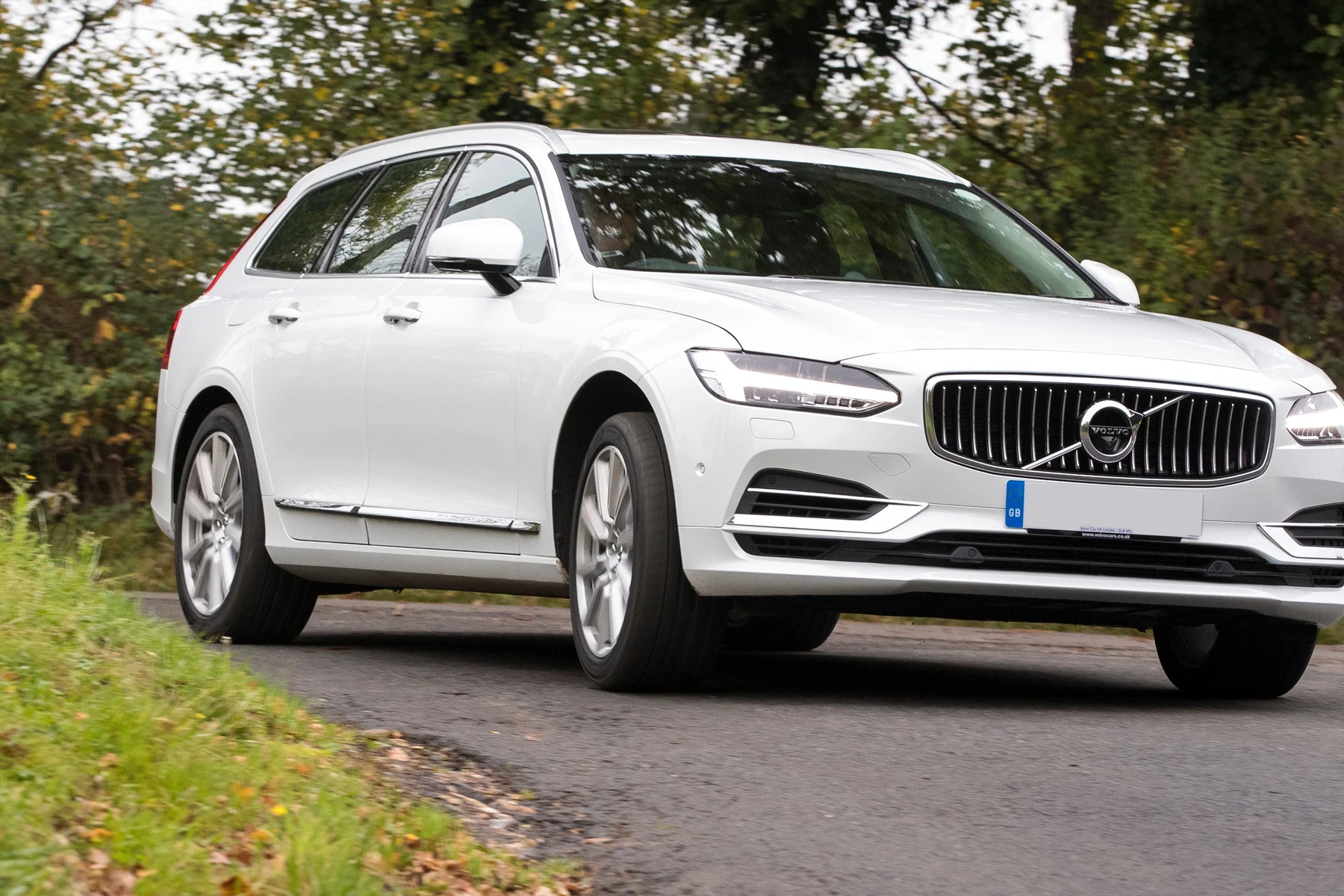
Modern Volvos (2015+ SPA/CMA) add UDS/DoIP protocol nuances; newer EX30/EX40/EC40/EX90 EVs bring additional data structures. A reliable scanner accounts for these differences and provides regular software updates. That’s why ownership forums praise certain brands while cheaper devices stumble or fail to connect at all.
Volvo can store faults in 10+ modules simultaneously. A generic reader will miss most of them — especially SRS and ABS — and may show “No Codes” while warning lights remain on.
For deeper background and model-specific buying angles, see our guide to an OBD2 scanner for Volvo, which outlines coverage differences across generations.
Trustworthy Brands for Volvo Diagnostics: iCarsoft, Autel, Foxwell, and More
Consistent results come from brands that invest in Volvo coverage and updates. Mid-tier handhelds like iCarsoft VOL II and Foxwell NT530 routinely read/clear all major modules on P2/P3 and many SPA cars. Pro tablets (Autel MK808/MK906, Launch X431) add bi-directional tests and wider brand coverage — useful for multi-car garages. Budget readers (Ancel, basic ELM327) can still read engine codes but won’t touch SRS/ABS on most Volvos.
Be wary of “too cheap to be real” listings. Counterfeits mimic shells and labels but fail on Volvo-specific protocols or can’t update. Buy from official stores or authorized sellers and register the tool immediately.
| Brand | Reputation | Volvo coverage | Update policy | Warranty | Verdict |
|---|---|---|---|---|---|
| iCarsoft (VOL II/V3) | Strong among Volvo DIYers | ECM/TCM/ABS/SRS/CEM on many models | PC/Wi‑Fi updates; periodic | Typically 12 months | Best value Volvo-focused |
| Autel (MK808/MX808) | Pro-grade, shop favorite | Broad module access + live data | Frequent; paid after year 1 on some models | 12 months+ | Reliable all-rounder |
| Foxwell (NT530) | Solid mid-tier | Good Volvo/Saab modules | Periodic; model licenses | 12 months | Budget mid-tier pick |
| Ancel (budget) | Entry-level | Engine-only on most Volvos | Occasional | Varies | Limited for Volvo |
| YOUCANIC | Growing, app-driven | Module access varies by model | Subscription model | Varies | Consider for app users |
Clone/counterfeit scanners are widespread. Red flags: prices far below MSRP, no serial registration, misspelled packaging, or sellers with no brand authorization. Clones often fail to connect to Volvo SRS/ABS and cannot update firmware.
For model-focused recommendations, our scanner guide for Volvo XC60 shows how the same brand tiers perform on a popular P3/SPA platform.
Real Owner Experiences: What Works, What Fails, and Why
Feedback across Volvo forums and shops is strikingly consistent. Owners who upgrade from generic ELM327 readers to a Volvo-aware scanner report immediate access to SRS/ABS and CEM data, successful service resets, and the ability to confirm repairs before clearing codes. Complaints typically center on app glitches, outdated firmware, or buying a clone that won’t connect. Newer EX/EC EV coverage is still maturing; ensure the tool explicitly lists your EV if that’s your use case.

Here’s a concise view of common patterns and what they really indicate. Use it to separate actual product failures from avoidable setup or compatibility issues.
In short: most “doesn’t work” stories trace to the wrong tool, no updates, or a counterfeit unit. When the right scanner is updated and registered, connection success rates jump dramatically.
| Scenario/Feedback | Likely cause | Fix/Workaround | Reliability verdict |
|---|---|---|---|
| Reads engine codes but not ABS/SRS | Generic reader (ECM-only) | Use Volvo-capable scanner (iCarsoft/Foxwell/Autel) | Tool mismatch, not brand failure |
| “Cannot connect to vehicle” on SPA | Outdated firmware or clone | Update via PC/Wi‑Fi; verify serial; replace clone | Update/legitimacy issue |
| Cleared code returns immediately | Fault not repaired; hard fault | Diagnose module live data; fix root cause first | Normal system behavior |
| Works on 2010 S60, fails on EX30 | No EV/UDS support | Confirm EV protocol support; use newer tool | Coverage mismatch |
| App crashes on Bluetooth dongle | Poor app or OS conflict | Use brand app; try Android/iOS alt; wired handheld | Software environment, not Volvo |
| Service light won’t reset | Wrong procedure or module blocked | Follow Volvo-specific reset; key cycle; battery >12.4V | Procedure-dependent |
Is Using a Scanner Safe for Your Volvo? What You Can and Shouldn’t Do
Reading and saving codes is safe; you’re only listening. Clearing codes after a completed repair is also fine and often necessary to verify success. The risk appears when writing changes: coding, adaptations, or service functions on low battery voltage or with the wrong procedure. Airbag (SRS) systems demand extra care — never clear SRS codes just to hide a light; verify clock springs, seat sensors, or harness faults are actually fixed first.
Pro-level functions like module programming require factory tools and a stable power supply. If a scanner warns about a write operation, stop and research the exact Volvo procedure or consult a specialist.
Never perform coding, calibrations, or firmware updates without a battery maintainer connected (13.0–13.5V). A voltage drop during a write can corrupt a control module — an expensive mistake.
What Reliable Volvo Scanners Can and Cannot Do
Expect a solid Volvo-capable scanner to read/clear faults from 8–12 modules, show live sensor data (wheel speed, fuel trims, boost, temp sensors), reset service reminders, and run basic calibrations (e.g., steering angle). Advanced units add actuation tests (cycling ABS pumps, solenoids) and adaptations on some models. No consumer scanner replaces VIDA/DiCE or PTT/VOCOM for ECU programming, immobilizer key coding, or complex guided diagnostics — those remain dealer/factory-tool territory.
Accuracy also relies on correct vehicle selection and up-to-date databases. Before a first scan, register the device and complete updates. If a specific function is vital (e.g., TPMS relearn), confirm it on the brand’s model-year list.
- Charge the Volvo battery to 12.4V+ before scanning; low voltage causes “no comms.”
- Update scanner firmware and Volvo brand files on day one; register the serial number.
- Select exact model/year/engine in the menu; “auto-detect” sometimes misidentifies.
- Screenshot or export codes and freeze-frame data before clearing anything.
2015+ SPA/CMA models and EX/EC EVs use newer protocols; not all older scanners support them. Check the brand’s compatibility page for your exact year before buying.
For hands-on steps with pro-grade tools, see our walkthrough on how to use a professional car scanner for Volvo vehicles.
How To Verify a Volvo Scanner Works Properly Before You Trust It
Quick validation avoids chasing your tail. The goal is to prove the scanner connects to multiple Volvo modules, reads live data plausibly, and performs at least one non-destructive service function. Start with a fully charged battery and a car that has at least a stored or historic fault. Document everything before clearing. If any step fails, update firmware, reselect the model/year, and try a wired connection (if available) to eliminate Bluetooth noise.
- Confirm power and updates: Charge the car battery to 12.4–12.7V. Register the scanner and install the latest Volvo software package.
- Select the exact vehicle: Choose model, year, and engine manually. Avoid “quick scan” until you verify one module connects.
- Read multiple modules: Connect to ECM, ABS, SRS, and CEM. Save all fault codes and freeze-frame data as a baseline.
- Check live data: Open live parameters (e.g., wheel speed, coolant temp). Verify values change logically during a short roll or idle warmup.
- Perform a safe function: Run a service reminder reset or steering angle calibration (if specified by the manual). Confirm the change persists after key cycle.
💡 Evans Torres Tip: I trust a scanner after it proves it can talk to SRS and ABS on a SPA car. On my XC60, I updated the iCarsoft VOL II first, then ran a full module scan and saved the report. Seeing live wheel-speed and clearing an old ABS fault after cleaning a sensor told me the tool was solid — and it saved me a $180 diagnostic visit. You can also use which scanner icarsoft for Volvo S80 2002 as a helpful next guide on the same ownership topic.
Frequently Asked Questions
This FAQ wraps up the most common reliability questions Volvo owners ask before buying a scanner. You’ll find direct answers on brand trust, model-year compatibility, EV support, safety when reading or clearing codes, and what to do when a tool won’t connect. We also cover value versus a dealer diagnostic visit, how Bluetooth compares to a wired handheld for reliability, and whether a Volvo-focused scanner still works on other car brands at a basic OBD2 level.
Are Volvo-specific scanners actually reliable for daily DIY use?
Yes. Mid-tier handhelds from iCarsoft and Foxwell and pro tablets from Autel are widely used by independent Volvo shops and DIY owners. Reliability hinges on using a Volvo-capable tool, keeping software updated, and selecting the exact model/year in the menu. Generic readers are fine for engine-only codes but are unreliable for SRS/ABS/TCM/CEM on most Volvos.
Which brand is the most dependable on modern SPA/CMA Volvos?
Autel MK808/MX808 and iCarsoft VOL II/V3 have strong track records on SPA/CMA cars when updated. They read key modules, show live data, and handle service resets. For complex functions or coding, factory-level VIDA/DiCE or PTT/VOCOM is still required. Always verify your exact year/engine on the brand’s compatibility page.
Will a Volvo scanner work on my EX30/EX40/EC40/EX90 EV?
Some newer tools support UDS-based EV data, but coverage varies. Check for explicit EX/EC listing in the release notes; older scanners may miss EV-specific modules. If EV support is critical, choose a tool that names your model and confirms live data access for battery, thermal, and brake systems.
Is it safe to clear SRS (airbag) or ABS codes at home?
It’s safe only after fixing the root cause. Clearing SRS or ABS to “hide” a light is risky — the system may remain disabled. Read and save codes, inspect the real fault (e.g., seat sensor, wheel speed sensor), repair, then clear and verify that the warning does not return after a drive cycle.
Why does my scanner say “cannot connect” on a Volvo?
Common reasons: outdated firmware, wrong model selection, a cloned unit, or low battery voltage. Update the tool, manually select year/engine, charge to 12.4V+, and try a wired connection if possible. If one module connects but others don’t, the issue can be protocol support — confirm your model-year coverage.
Is a $150–$400 scanner worth it versus a dealer diagnostic?
Usually yes. One dealer visit can run $150–$300 just to read codes. A reliable scanner pays for itself by confirming repairs, clearing faults, and reading live data at home. For a deeper value discussion, see our take on whether Volvo scanners are worth it.
Do Volvo-capable scanners work on other car brands?
Yes, at least at the basic OBD2 level (engine codes and data). Pro tablets like Autel often include full-brand coverage across 40+ makes. Volvo-centric tools like iCarsoft VOL II still read engine codes on non-Volvos, but deep module access will be limited outside of their supported brand list.
Final Verdict
Volvo scanners are reliable when you pick the right category: a Volvo-capable handheld or pro tablet with current firmware. Expect solid access to ABS, SRS, CEM, and more — the modules a generic reader ignores. Start by verifying your exact model-year support, updating the tool, and scanning with a healthy 12.4V+ battery. If a scanner can’t reach key modules or the same fault returns immediately, move to a better-supported brand or see a Volvo specialist. For broader buying context, our in-depth OBD2 scanner for Volvo guide will help you choose confidently.
My Top Picks at a Glance
Here are the three are scanner options I would check first if you want a faster buying decision.
These picks highlight the strongest overall choice, the best value option, and the premium-style pick for practical Volvo ownership.
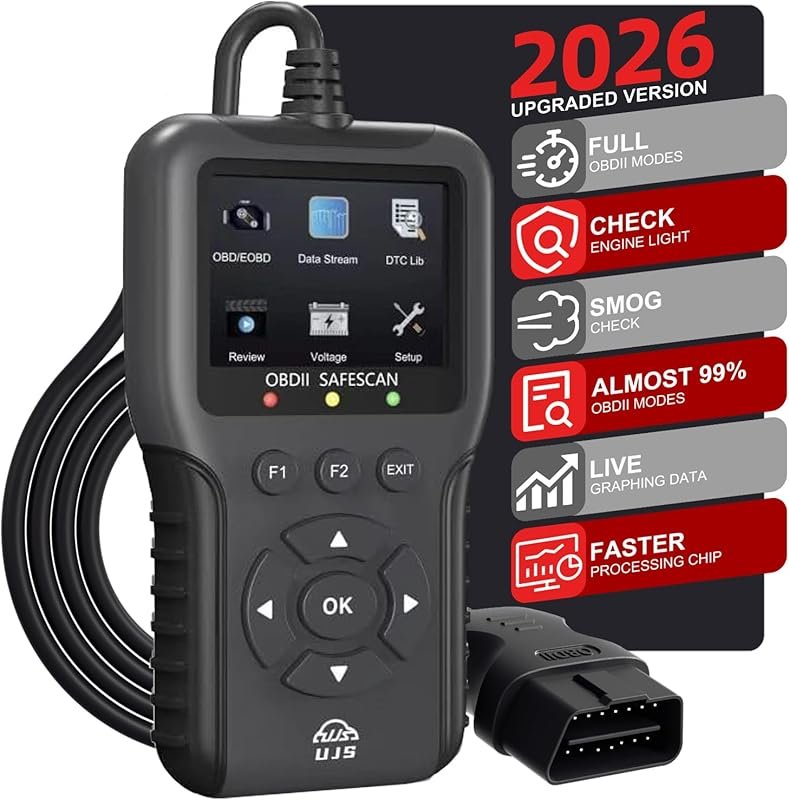 Best Overall
2026 Enhanced OBD2 Scanner reads and clears 65,000+ codes, live data, I/M readiness, battery voltage
It offers the strongest all-around mix of fit, value, and practical daily use for Volvo owners.
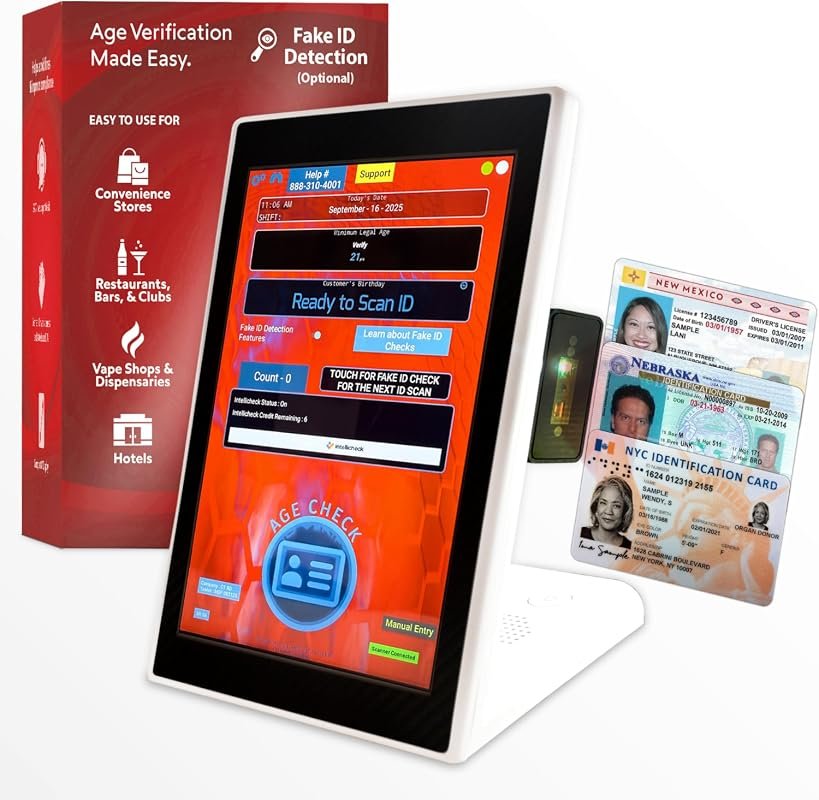 Best Value
Countertop ID scanner for bars verifies age, flags expired IDs, optional fake detection, scans U.S. IDs
It makes sense for owners who want a useful upgrade without paying more than necessary.
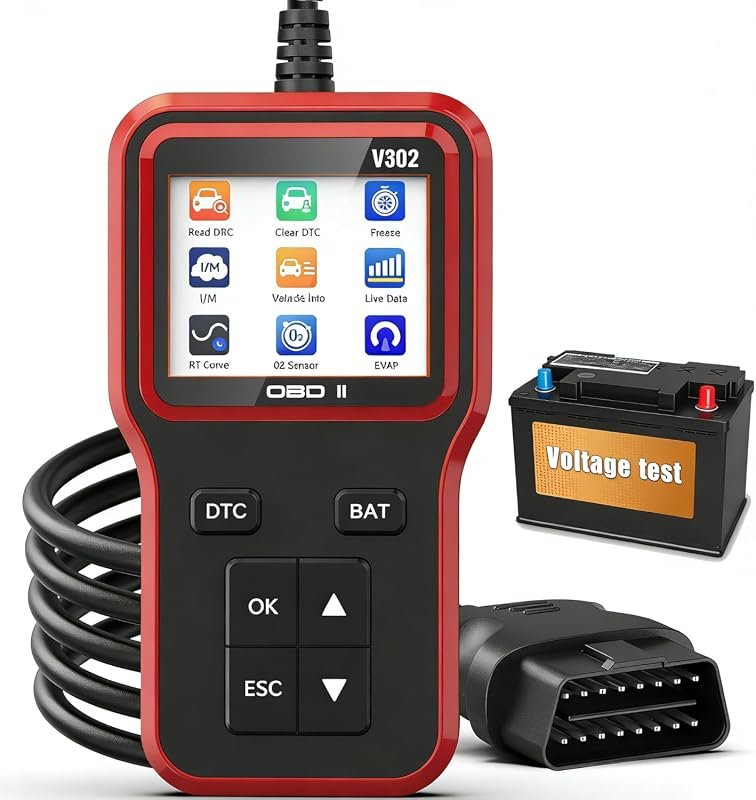 Best Premium Option
OBD2 scanner with battery tester reads and clears engine codes, plug-and-play, for all OBDII vehicles 1996+
It is the pick I would compare first if build quality, features, and long-term ownership value matter most.
Author

Author

Evans Torres
I’m Evans Torres, an automotive engineer who loves Volvo cars. I graduated in Automotive Engineering from USC. I have worked in the car industry for years and now share my knowledge on The Volvo Life. I started this blog to connect with other Volvo fans. I offer tips, news, and advice to help you care for your car. My goal is to help you keep your Volvo in great shape and find all the best things about it. Join me as we discover everything Volvo has to offer!