



Volvo scanner for sale — the iCarsoft VOL II is the best value for most owners (~$140–$180), reading Volvo-specific modules like ABS, SRS, CEM, and TCM that $30 readers miss. Step up to the Foxwell NT530 (Volvo software) for deeper functions, or Autel MaxiCOM MK808S for pro-level coverage. For 2015+ SPA models and EX/EC electric models, confirm UDS support before buying. Choose an authorized seller to avoid clones.
Shopping for a scanner that actually works on Volvo can get confusing fast. Many generic readers only touch the engine ECU, leaving safety-critical modules (airbag/SRS, ABS, CEM) invisible. That’s why owners end up buying twice. This guide compares the best options by price tier, explains model-year compatibility (pre-2004, 2004–2014, 2015+ SPA, and new EX/EC electric lines), and shows where to buy safely. Need deeper background first? See our broader guide to an OBD2 scanner for Volvo after you’ve short-listed a tool.
- Main point: iCarsoft VOL II is the top-value pick for all-module Volvo diagnostics without paying dealer rates.
- Best first step: Match your model year (pre-2004, 2004–2014, 2015+ SPA, EX/EC EV) to scanner protocol support.
- Cost or value: $15–$30 (engine-only) → $140–$230 (all-module DIY) → $450–$900 (advanced/pro features).
- Who it suits: DIY owners who want to read/clear Volvo modules and reset service reminders at home.
- When to get help: Coding/programming, immobilizer or software updates still require factory-level tools.
Wants to read all modules, check live data, and reset lights without a dealer visit.
Needs reliable Volvo coverage for ABS/SRS/TCM/CEM on 2004–2024 models.
Maintains multiple Volvos and values fast, repeatable diagnostics with update support.
Why Generic OBD2 Scanners Fail on Volvos
Standard ELM327 and budget code readers only access the engine ECU through basic OBD-II emissions protocols. Volvos store most of the meaningful faults in separate control modules: SRS (airbag), ABS/BCM (brakes), TCM (transmission), CEM (central electronics), SAS (steering angle), climate, and TPMS. Without Volvo-specific protocol coverage (K-line/ISO9141 on older cars; CAN/UDS on newer), these modules remain invisible. The result: “No codes found” while the dash is lit like a Christmas tree. For related context, you may also want to read OBD scanner for Volvo.
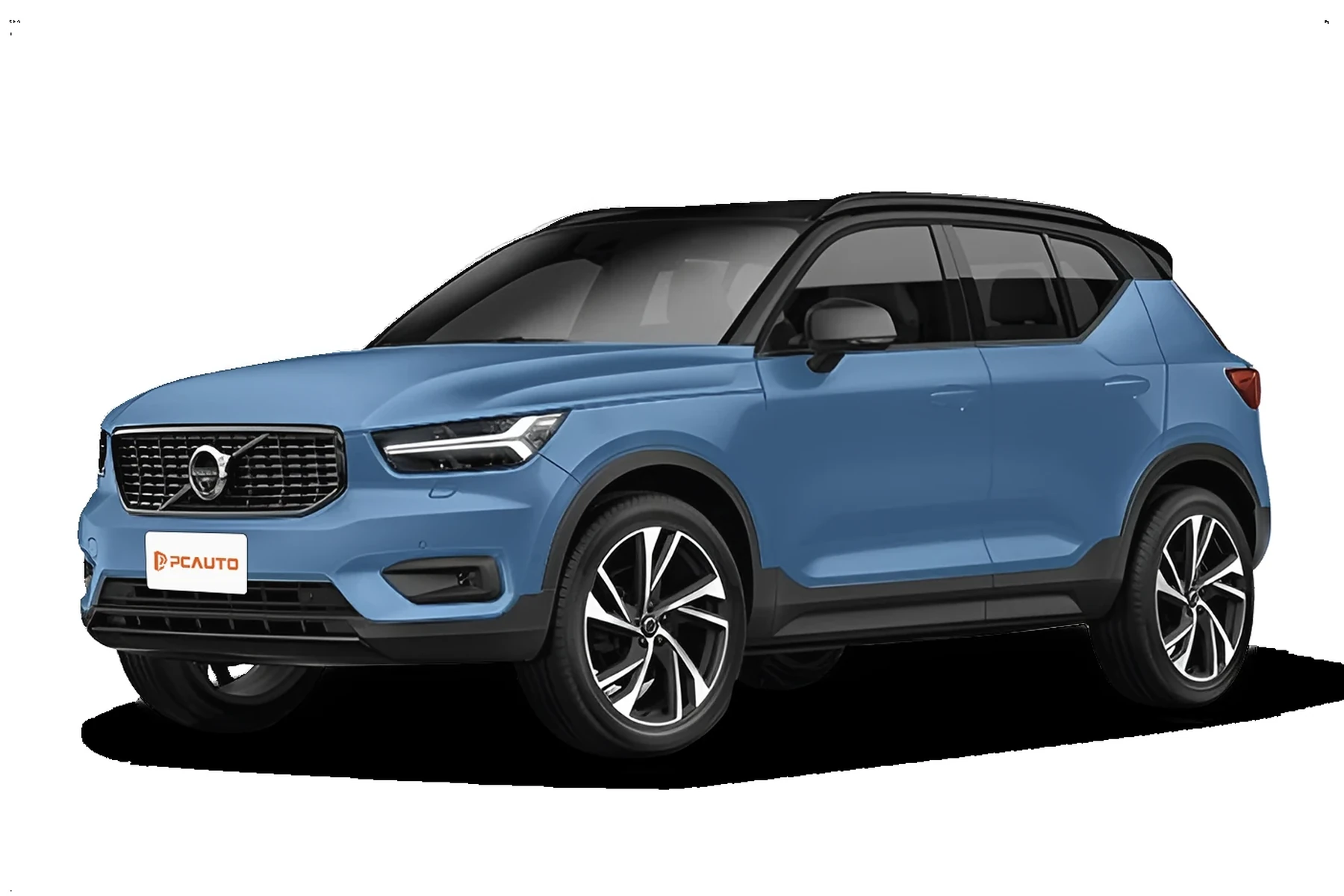
Volvo’s 2015+ SPA cars (XC90, XC60, S/V90, S/V60, XC40) and newer EX/EC electric models speak newer diagnostics (UDS over CAN). Many cheap tools can’t initiate a proper session with these modules. A Volvo-capable scanner authenticates, queries each control unit, and pulls detailed DTCs and freeze-frame data across the entire network, not just the engine. This connects closely with which scanner icarsoft for Volvo S80 2002 if you want to compare the topic in more detail.
Some Volvo faults generate “permanent” DTCs in modules like SRS and ABS that will not clear until the underlying issue is fixed and the module confirms a healthy self-test. A good scanner shows both stored and permanent codes plus the conditions that set them. You can also use are scanner for Volvo worth it 2 as a helpful next guide on the same ownership topic.
Top Scanners for Volvo — Comparison Table
The table below compares the most proven Volvo-friendly scanners by price, module coverage, and connectivity. It spans engine-only budget dongles up to advanced workshop tablets. Pick the tier that matches your needs: quick code checks, full-module access, or pro diagnostics with guided tests and special functions.
| Scanner name | Price (USD) | Volvo modules covered | Volvo model years | Bluetooth/WiFi | App required | Verdict |
|---|---|---|---|---|---|---|
| ELM327 Bluetooth + Car Scanner app | $15–$30 | Engine ECU only | 1996–2024 (engine only) | Bluetooth | Car Scanner/OBD Fusion | Cheapest for CEL; not for ABS/SRS/TCM |
| ANCEL VOD700 (budget handheld) | $70–$90 | Limited Volvo systems | 2001–2014 (varies) | USB (update) | No (standalone) | Better than generic, still limited on newer cars |
| iCarsoft VOL II | $140–$180 | ABS, SRS, TCM, CEM, BCM, more | 1999–2023+ (check list) | USB (update) | No (standalone) | Best value all-module reader for Volvo |
| Foxwell NT530 (Volvo software) | $170–$230 | All major modules + service functions | 1999–2023+ (check list) | USB (update) | No (standalone) | Strong mid-tier; add brands via licenses |
| Autel MaxiCOM MK808S | $500–$800 | Comprehensive modules + adaptations | 1999–2024 incl. SPA (verify trims) | WiFi (updates) | Built-in | Pro-level features at a workshop-friendly price |
| VIDA DiCE (factory-level) | $250–$600+ HW + sub | Dealer functions (legacy years) | ~1999–2014 primarily | USB | VIDA PC app | Factory coverage; complex setup (see dealer tools) |
Takeaway: iCarsoft VOL II and Foxwell NT530 deliver the broadest all-module access per dollar. Step to Autel MK808S for adaptations and advanced tests; use VIDA/DiCE only if you understand factory software scope and setup.
- Check the maker’s Volvo compatibility list by year and model before buying.
- Update the scanner’s firmware/software the day it arrives to ensure latest protocol support.
- Record all DTCs before clearing; some codes help trace intermittent faults.
- For XC60 owners, see our focused picks in Scanner for Volvo XC60.
Model-Year Compatibility: Pre-2004, 2004–2014, 2015+ SPA, and EX/EC EVs
Compatibility varies most by protocol generation. Older P1/P2 Volvos (roughly 1999–2014) use ISO9141/KWP2000 and CAN; many mid-tier scanners cover them well. The 2015+ SPA/CMA shift (XC90, XC60, S90/V90, S60/V60, XC40) brought UDS and more security, so not every mid-tier tool can talk to each module reliably. New EX30/EX40/EC40/EX90 electric models add further UDS specifics that budget tools may not support yet. Always verify your exact year/trim on the manufacturer’s list.
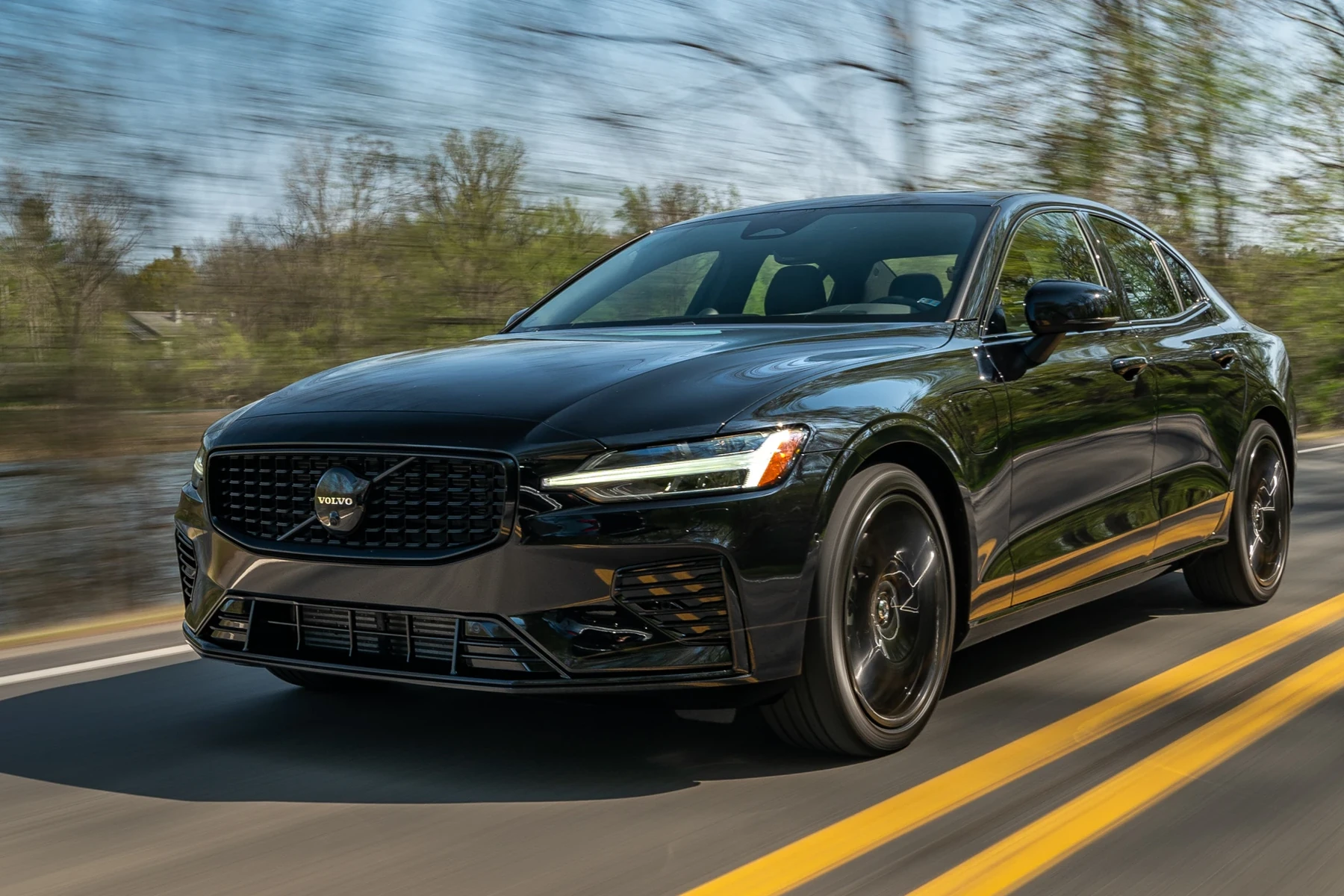
Before you commit, decide whether you need full-module access or only engine emission codes. Owners with newer hybrids/EVs should confirm UDS and high-voltage system visibility, though consumer tools never program EV battery modules. Here’s a quick cross-year grid you can sanity-check against your short list.
Most buyers will land on iCarsoft VOL II or Foxwell NT530 for 1999–2023 coverage; Autel MK808S improves success rates on late SPA cars but costs more. If you run into unrecoverable gaps on a 2015+ car, confirm a recent software update before changing tools.
| Scanner | pre-2004 | 2004–2014 | 2015+ SPA/CMA | EX/EC electric |
|---|---|---|---|---|
| ELM327 + app | Engine only | Engine only | Engine only | Engine only |
| ANCEL VOD700 | Partial | Partial | Limited | No |
| iCarsoft VOL II | Yes (modules vary) | Yes (broad) | Mostly yes (verify UDS modules) | Partial/basic |
| Foxwell NT530 | Yes | Yes | Strong (check UDS list) | Partial/basic |
| Autel MK808S | Yes | Yes | Excellent on most trims | Improving; verify |
| VIDA DiCE | Excellent | Excellent | Limited (legacy only) | No |
What You Can Actually Do With Each Tier
Engine-only dongles are fine for a basic Check Engine Light, but Volvo ownership usually demands more. Mid-tier handhelds unlock chassis and body systems so you can stop guessing, while advanced tablets add special tests and adaptations. Know where your needs fall so you don’t under- or over-buy. For another practical angle, see are scanner for Volvo worth it.
- Budget (ELM327/app): Read/clear engine P-codes, view simple live data, check emissions monitors. No ABS/SRS/TCM access.
- Mid-range (iCarsoft VOL II, Foxwell NT530): Read/clear all major modules, view live data PIDs, reset service reminder, perform EPB service, SAS and throttle adaptations on many models.
- Advanced (Autel MK808S, Launch X431): Adds deeper guided tests, bi-directional controls, adaptations and broader Volvo module coverage on 2015+ models.
- Factory-level (VIDA/DiCE, VOCOM/PTT): Dealer diagnostics, software updates, and programming. Not a casual-owner path; see our dealer-tool coverage if that’s your need.
Consumer scanners cannot program keys or update ECU software on modern Volvos. For those tasks, workshops use VIDA (legacy) or PTT with VOCOM interfaces. If you need factory tools, read our overview at Volvo diagnostic scanner tool before investing.
Where to Buy: Authorized Sellers and Clone Warnings
Stick to brand-direct stores, authorized Amazon sellers, or reputable tool retailers. Counterfeit iCarsoft/Foxwell/Autel units are common and often fail to communicate with Volvo-specific modules. Check the seller’s feedback history, warranty terms, and update eligibility before purchase. Avoid heavily discounted “open box” units from unknown marketplaces; many are blocked from receiving software updates.
Clone scanners can look identical to the real thing but won’t connect to SRS/ABS/TCM on Volvos, may brick during updates, and typically have no valid warranty. Buy from the manufacturer’s authorized list only.
Returns and support matter as much as price. A legitimate seller will provide a real serial number, update instructions, and customer support contact. After arrival, register the device and perform the first software update before your initial scan.
How To Choose the Right Volvo Scanner for Your Model and Budget
A deliberate five-minute process prevents buying twice. You’re matching your year/platform to a scanner’s supported protocols and deciding how deep you plan to go beyond engine codes. Use the steps below to narrow to one or two models confidently, then confirm with the maker’s compatibility matrix and a quick search of real owner reports by your Volvo year.
- Identify your platform: Note exact model/year. Classify it as pre-2004, 2004–2014, 2015+ SPA/CMA, or EX/EC EV.
- Decide depth: Engine-only vs all-module coverage. Most Volvo owners need ABS/SRS/TCM/CEM access.
- Set a budget: $150–$230 gets solid all-module coverage (iCarsoft VOL II or Foxwell NT530).
- Verify support: Check the brand’s Volvo compatibility list by year/trim and UDS support for 2015+ cars.
- Pick connectivity: Handheld (no phone app) vs Bluetooth/WiFi tablet; choose what you’ll actually use.
- Buy authorized: Choose an approved seller; register and update firmware the day it arrives.
Before clearing faults, save or photograph all DTCs. Clearing SRS (airbag) codes without fixing the root cause may leave the system disabled. When unsure, consult a Volvo specialist.
Need to get the most from a pro-level tool? Our walkthrough shows menu flows and common Volvo tests in how to use a professional car scanner for Volvo vehicles. For OBD port location specifics, consult Volvo Cars Support or your model’s owner’s manual.
💡 Evans Torres Tip: I keep an iCarsoft VOL II in my garage for my family’s Volvos. It has paid for itself by pulling SRS and ABS codes the dealer wanted $180 just to read. On a 2019 XC60, it showed a rear wheel speed sensor fault in minutes. I ordered the part, fitted it, and cleared the code — all without a shop visit.
Frequently Asked Questions
This FAQ rounds up the most common pre-purchase questions: best pick today, coverage on 2015+ SPA cars and EX/EC EVs, service-reset and TPMS support, Bluetooth/iPhone compatibility, clone avoidance, safety around clearing SRS faults, and OBD2 port location. Skim to your question, then follow the buying steps above to finalize your choice with confidence.
What is the best Volvo scanner for sale right now?
For most owners, iCarsoft VOL II offers the best value: broad Volvo module access, live data, and common service functions for around $140–$180. If you want more advanced tests and bi-directional controls, Autel MaxiCOM MK808S costs more but covers late SPA modules very well. Budget ELM327 dongles are fine for engine-only checks but won’t read ABS/SRS/TCM on Volvos.
Will iCarsoft VOL II work on a 2015+ SPA Volvo like an XC90 or XC60?
Generally yes for most core modules, but verify your exact year and trim on iCarsoft’s compatibility list and update the tool before first use. SPA cars speak UDS over CAN; mid-tier tools have improved support, but certain sub-modules may be limited compared with advanced tablets like Autel MK808S.
Do these scanners reset Volvo service reminders and TPMS?
Mid-tier Volvo tools (iCarsoft VOL II, Foxwell NT530) can reset service reminders on most model years. TPMS functions vary: some tools can register sensors after replacement; others only clear TPMS faults after a successful relearn. Always check the maker’s Volvo function list by year to avoid surprises.
Can I use one scanner on multiple brands besides Volvo?
Yes. Basic ELM327/app tools read engine codes on any OBD-II car. iCarsoft VOL II focuses on Volvo/Saab modules but still reads basic OBD-II on other brands. Foxwell NT530 allows adding more brand licenses. Autel MK808S covers dozens of makes with strong depth beyond Volvo.
Which scanner works with iPhone via Bluetooth?
ELM327-compatible Bluetooth dongles pair with apps like OBD Fusion or Car Scanner on iOS, but they are engine-only. Autel’s tablet tools use built-in WiFi (no phone needed). If you prefer a phone-based workflow with full Volvo modules, consider a Bluetooth-capable pro tablet or a handheld (no phone) to ensure all-module access.
How do I avoid buying a counterfeit scanner?
Buy from the brand’s official site or an authorized Amazon seller, verify a valid serial number, and confirm update eligibility before opening. Avoid listings with unusually low prices, poor packaging photos, or no manufacturer warranty. Clones frequently fail to connect to Volvo modules and cannot update.
Is it safe to clear SRS/airbag faults at home?
Reading codes is safe. Clearing SRS blindly is not: if the fault persists, the airbag system may remain disabled. Only clear after fixing the underlying issue (e.g., seatbelt buckle sensor, clock spring). If you’re unsure, get a Volvo specialist to verify repairs before clearing.
Where is the OBD2 port on most Volvos?
Typically under the dash near the driver’s knee panel or by the lower left of the steering column. On some models, it’s behind a small cover. Check your owner’s manual or the Volvo Cars Support site for an illustration specific to your model and year.
Final Verdict
For most buyers searching “Volvo scanner for sale,” the smart move is iCarsoft VOL II: it reads the Volvo modules that matter without pro-tool pricing. Foxwell NT530 is an equally strong mid-tier alternative, while Autel MK808S adds guided tests and better late-SPA depth. Confirm your exact model-year support, buy from an authorized seller to avoid clones, and update the tool before your first scan. If you only need engine codes, a $20 ELM327 works — but most Volvo owners outgrow it fast. When coding or software updates are required, book a Volvo specialist.
Author

Author

Evans Torres
I’m Evans Torres, an automotive engineer who loves Volvo cars. I graduated in Automotive Engineering from USC. I have worked in the car industry for years and now share my knowledge on The Volvo Life. I started this blog to connect with other Volvo fans. I offer tips, news, and advice to help you care for your car. My goal is to help you keep your Volvo in great shape and find all the best things about it. Join me as we discover everything Volvo has to offer!