



To turn off Volvo City Safety, access the vehicle’s settings through the infotainment system. Select ‘Drive Settings’ and disable City Safety from there.
Volvo City Safety is an advanced safety feature designed to help prevent collisions. While it’s an effective system, there may be situations where you want to turn it off, such as during specific driving conditions.
For related context, you may also want to read how do you turn off auto stop on Volvo XC60.
This guide provides you with step-by-step instructions on how to disable City Safety in your Volvo.
- Access the infotainment system settings to disable City Safety.
- Model year differences may affect how you navigate settings.
- Common mistakes include not fully exiting the settings menu.
- Consult your owner’s manual if you encounter issues.
- Consider when it’s appropriate to turn off this safety feature.
Prerequisites to Turning Off Volvo City Safety
Before you proceed, ensure the vehicle is in a safe location, preferably parked. The ignition should be on, and the infotainment system must be operational. Familiarize yourself with your vehicle’s specific model year, as settings may vary slightly.

Step-by-Step Instructions to Turn Off Volvo City Safety
- Start your Volvo and ensure the infotainment system is active.
- Navigate to the main menu on the infotainment screen.
- Select ‘Settings’ or ‘Car Settings’ depending on your model.
- Go to ‘Drive Settings’ from the settings menu.
- Locate the ‘City Safety’ option and select it.
- Toggle the City Safety feature off.
- Confirm the changes and exit the settings menu.
Expected Results After Disabling City Safety
Once you have successfully turned off City Safety, the system will no longer intervene in situations where it would typically activate, such as potential collisions at low speeds. You should see a notification on the dashboard indicating that City Safety is disabled.
This connects closely with how to turn off Volvo EX30 if you want to compare the topic in more detail.
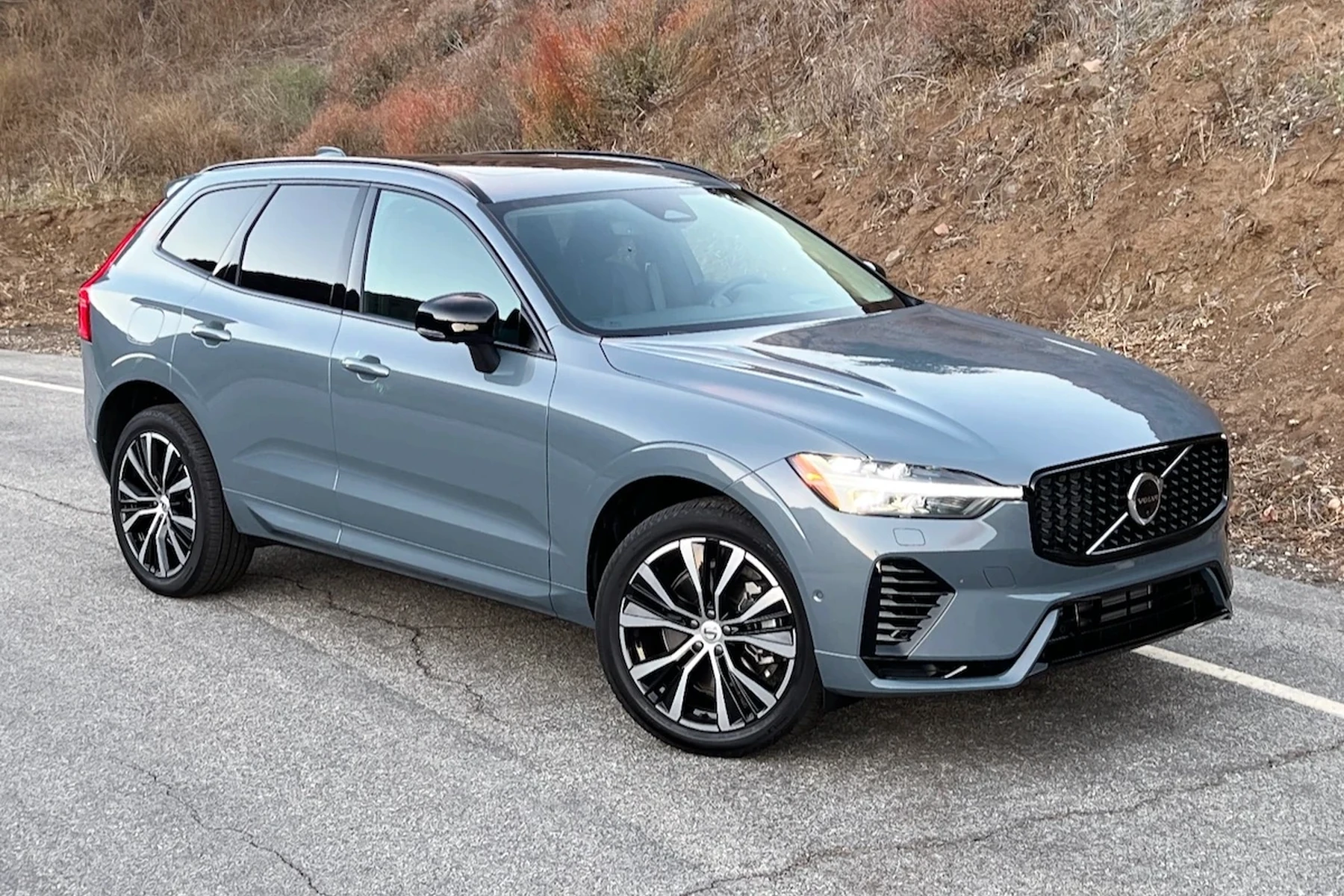
Always remember to re-enable the feature when not needed to maximize safety.
Common Mistakes When Disabling City Safety
Not Fully Exiting the Settings Menu
A common mistake is not fully exiting the settings menu after disabling City Safety. This can result in the feature seemingly remaining active. Always ensure you confirm and exit the menu completely.
Model Year Variations
Depending on your Volvo model year, the steps may slightly differ. For instance, newer models may have a more streamlined interface, while older models might require additional steps. Always refer to your vehicle’s owner manual for specific guidance.
When Not to Disable City Safety
It is advisable not to disable City Safety in high-traffic areas or during adverse weather conditions. The system is designed to assist you in avoiding accidents, especially in urban environments where sudden stops are common. Consider your surroundings and driving conditions before making this change.
You can also use how to turn off Volvo EX90 as a helpful next guide on the same ownership topic.
💡 Evans Torres Tip: Always check your owner’s manual for model-specific instructions regarding safety features. This ensures you disable City Safety correctly without affecting other safety systems.
Frequently Asked Questions
Can I Turn Off City Safety While Driving?
It is recommended to turn off City Safety while the vehicle is parked to avoid distraction and ensure safe navigation through the settings.
Will Disabling City Safety Affect Other Safety Features?
No, disabling City Safety will not impact other safety features in your Volvo. However, it’s wise to review your vehicle’s manual for details specific to your model.
Is There a Way to Turn Off City Safety Permanently?
City Safety can be turned off each time you start the vehicle. However, there is no factory setting to disable it permanently without user intervention.
How Do I Know If City Safety Is Disabled?
Your dashboard will display a notification indicating that City Safety is turned off. Additionally, you can check the settings in the infotainment system.
What Should I Do If I Can’t Find the City Safety Setting?
If you cannot locate the City Safety setting, consult your owner’s manual or visit your nearest Volvo dealer for assistance.
What to Do Next
Now that you know how to turn off Volvo City Safety, ensure you consider the safety implications. Always weigh the necessity of disabling this feature against the potential risks of driving without it.
If you experience any issues or have further questions about your Volvo’s safety features, consult your dealer for expert guidance.
Author

Author

Evans Torres
I’m Evans Torres, an automotive engineer who loves Volvo cars. I graduated in Automotive Engineering from USC. I have worked in the car industry for years and now share my knowledge on The Volvo Life. I started this blog to connect with other Volvo fans. I offer tips, news, and advice to help you care for your car. My goal is to help you keep your Volvo in great shape and find all the best things about it. Join me as we discover everything Volvo has to offer!