



If your EX90 digital key is not working, the issue may stem from a dead battery, poor synchronization, or programming errors. Start by checking the battery and syncing the key with your vehicle.
The Volvo EX90’s digital key feature is a modern convenience that enhances vehicle access and security. However, like any technology, it can sometimes malfunction. If your EX90 digital key is not working, there are specific steps you can take to troubleshoot the issue.
This guide covers common causes, solutions, and tips to get your key functioning again.
- Check the battery in your digital key if it fails to work.
- Ensure proper synchronization between the key and the vehicle.
- Investigate potential programming issues that may need resolution.
- Consider backup methods for accessing your vehicle.
- Seek professional assistance if DIY fixes do not resolve the problem.
Common Causes of EX90 Digital Key Malfunctions
Several factors can lead to your EX90 digital key not working. Understanding these can streamline your troubleshooting process.
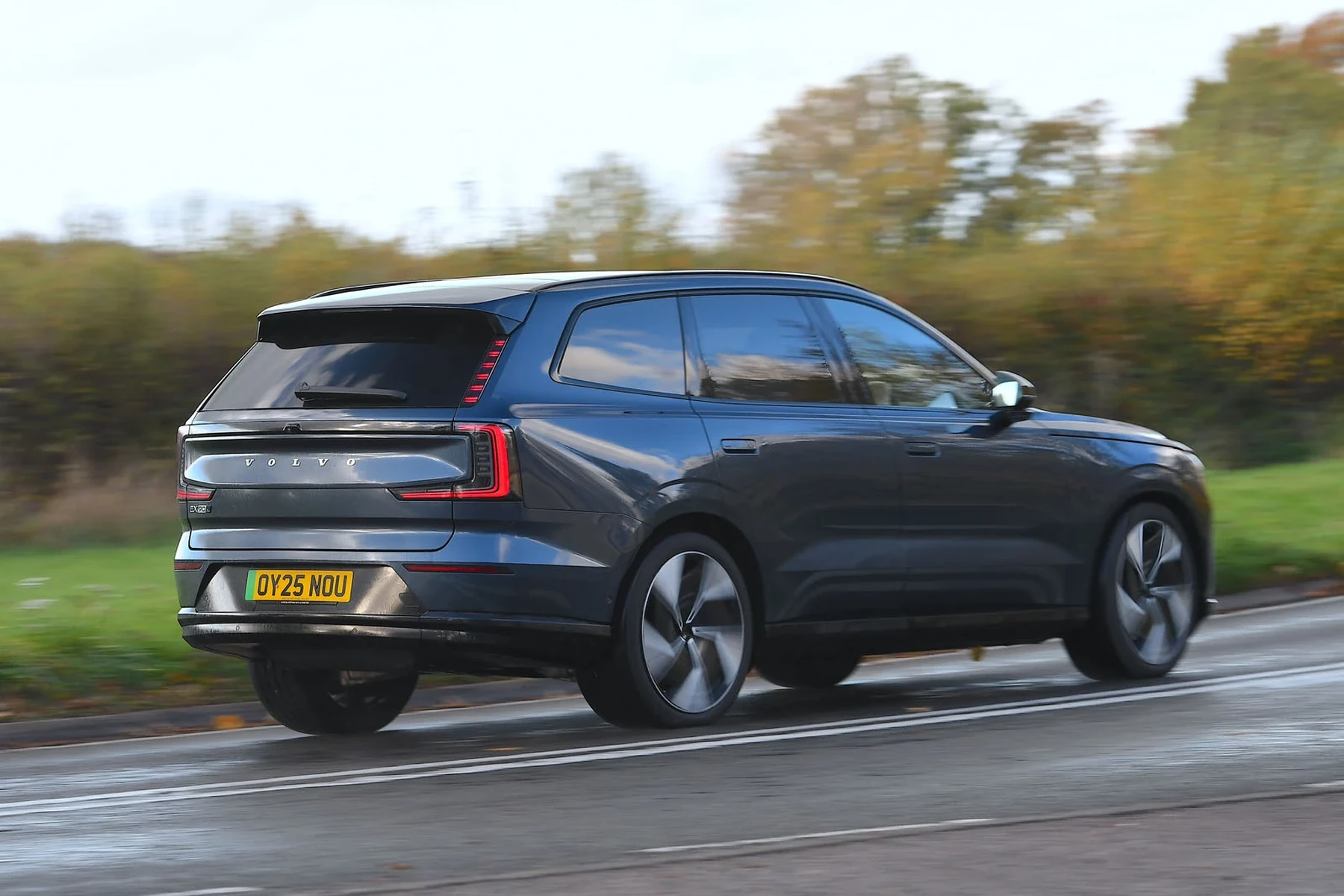
Dead Key Battery
A primary reason for a malfunctioning digital key is a dead battery. Digital keys rely on power to function, and if the battery is depleted, the key won’t work. Regularly replacing the battery is a good practice to avoid this issue.
Poor Synchronization
Sometimes, the digital key loses its synchronization with the vehicle. This can happen after software updates or changes in the vehicle’s settings. Re-syncing the key is often a straightforward solution.
Programming Errors
If the key has not been programmed correctly, it will not communicate with the vehicle. This may occur if the key was recently replaced or if there were issues during the initial setup. For related context, you may also want to read Volvo car app not working.
Environmental Interference
Wireless signals can be disrupted by various factors, including nearby electronic devices or physical obstructions. Ensure you are within range and away from sources of interference.
How to Fix Your EX90 Digital Key
When your EX90 digital key is not working, follow these steps to identify and resolve the issue.
Step 1: Check the Battery
- Open the key fob to access the battery compartment.
- Inspect the battery for any signs of corrosion or damage.
- Replace the battery with a new one if necessary.
- Reassemble the key fob and test it.
Step 2: Re-Synchronize the Key
- Ensure the vehicle is in park and turned on.
- Press and hold the lock button on the key for at least 10 seconds.
- Wait for the vehicle’s lights to flash, indicating a successful sync.
- Test the key to see if it works.
Step 3: Reset the Key Programming
If re-syncing doesn’t work, you may need to reset the key’s programming. This process typically involves the following:
- Contact your Volvo dealership or authorized service center.
- Provide your vehicle identification number (VIN) and key information.
- Have a technician reprogram the key if necessary.
Step 4: Backup Methods
If you need immediate access to your vehicle, consider these backup methods:
- Use the physical key integrated into the fob if available.
- Access your vehicle through the Volvo app, if you have it set up.
- Check for any spare keys you may have.
Repair Choices and Costs
Should the above steps not yield results, you might need professional assistance. Here’s what to consider: This connects closely with Volvo XC60 sound not working if you want to compare the topic in more detail.
Visiting a Dealership
Taking your EX90 to a Volvo dealership is often the most reliable option. They can diagnose and fix programming issues effectively. Expect to pay between $100 to $200 for diagnostics and programming services.
Independent Auto Repair Shops
Some independent shops may offer key programming services. Verify their experience with Volvo vehicles. Costs can vary, typically ranging from $75 to $150.
Replacement Key Costs
If your key is irreparable, you may need a replacement. A new digital key can cost between $300 to $600, including programming. Always check with your dealer for the most accurate pricing.
Security Considerations for Digital Keys
Digital keys improve convenience but can raise security concerns. Here are some points to consider:
Key Duplication Risks
Unlike traditional keys, digital keys can potentially be duplicated using specialized equipment. Always ensure your key is kept secure and report any lost keys to your dealership.
Software Updates
Regular software updates from Volvo can enhance the security of your digital key system. Ensure your vehicle’s software is up to date to protect against vulnerabilities.
Frequently Asked Questions
What Should I Do If My EX90 Digital Key Is Still Not Working After Changing the Battery?
If changing the battery does not resolve the issue, try re-synchronizing the key or consider seeking professional assistance for programming issues.
Can I Use a Physical Key If the Digital Key Fails?
Yes, if your EX90 has a physical key integrated into the fob, you can use that to access your vehicle.
Is It Possible to Reset the Digital Key Myself?
Resetting the digital key typically requires specialized equipment. It’s advisable to consult a dealership for this process.
How Often Should I Replace the Battery in My Digital Key?
It’s recommended to replace the battery in your digital key every 1 to 2 years to prevent malfunctions.
What Are the Common Signs That My Digital Key Battery Is Low?
Common signs include difficulty unlocking or starting the vehicle and a delayed response when pressing the key fob buttons.
💡 Evans Torres Tip: Regularly check the battery status of your EX90 digital key. A proactive approach can save you from unexpected inconveniences.
What to Do Next
When your EX90 digital key is not working, follow these troubleshooting steps to resolve the issue. Start with simple checks, like battery replacement and re-synchronization, before seeking professional help. Keeping your key well-maintained will ensure smooth operation and enhance your driving experience.
Author

Author

Evans Torres
I’m Evans Torres, an automotive engineer who loves Volvo cars. I graduated in Automotive Engineering from USC. I have worked in the car industry for years and now share my knowledge on The Volvo Life. I started this blog to connect with other Volvo fans. I offer tips, news, and advice to help you care for your car. My goal is to help you keep your Volvo in great shape and find all the best things about it. Join me as we discover everything Volvo has to offer!