



To check mileage on a Volvo XC60 2023, access the instrument cluster and navigate to the trip computer settings. This will display your current mileage, trip mileage, and average consumption.
The Volvo XC60 2023 is a sophisticated SUV equipped with advanced technology, making it easy to monitor crucial information like mileage. Knowing how to check your mileage can help you keep track of your fuel efficiency and plan maintenance.
For related context, you may also want to read how to use headlight washers on 2024 Volvo XC60.
Below, you’ll find a detailed guide on how to check mileage on your Volvo XC60 2023.
- Access the trip computer from the instrument cluster.
- View current mileage, trip mileage, and fuel consumption.
- Regularly checking mileage can help with maintenance planning.
- Understanding mileage metrics can improve driving efficiency.
Prerequisites for Checking Mileage on Volvo XC60 2023
Before checking the mileage on your Volvo XC60 2023, ensure that your vehicle is in the “On” position, which can be activated by turning the key or pressing the start button without pressing the brake pedal. Ensure all necessary information is visible on the instrument cluster.

Familiarize yourself with the controls and buttons on the steering wheel, as these will help you navigate through the settings.
Step-by-Step Procedure to Check Mileage on Volvo XC60 2023
- Turn on the Ignition: Start your vehicle by either turning the key or pressing the ignition button.
- Access the Instrument Cluster: Look at the display behind the steering wheel. This is where all important information is shown.
- Navigate to the Trip Computer: Use the controls on the steering wheel to scroll through the display options until you reach the trip computer settings.
- Select Mileage Display: Once in the trip computer menu, select the option to view your current mileage, which may be labeled as “Odometer” or “Trip Mileage.”
- View Additional Metrics: Depending on your settings, you may also see metrics like average fuel consumption and trip distance.
- Exit the Menu: After checking your mileage, you can exit the trip computer menu by pressing the back button or simply turning off the ignition.
Expected Result After Checking Mileage
After following the steps outlined above, you should see your current mileage and possibly additional information such as trip mileage and average fuel consumption. This data is essential for understanding your vehicle’s performance and planning for maintenance.
This connects closely with how to reset scheduled maintenance on a 2013 Volvo XC60 if you want to compare the topic in more detail.
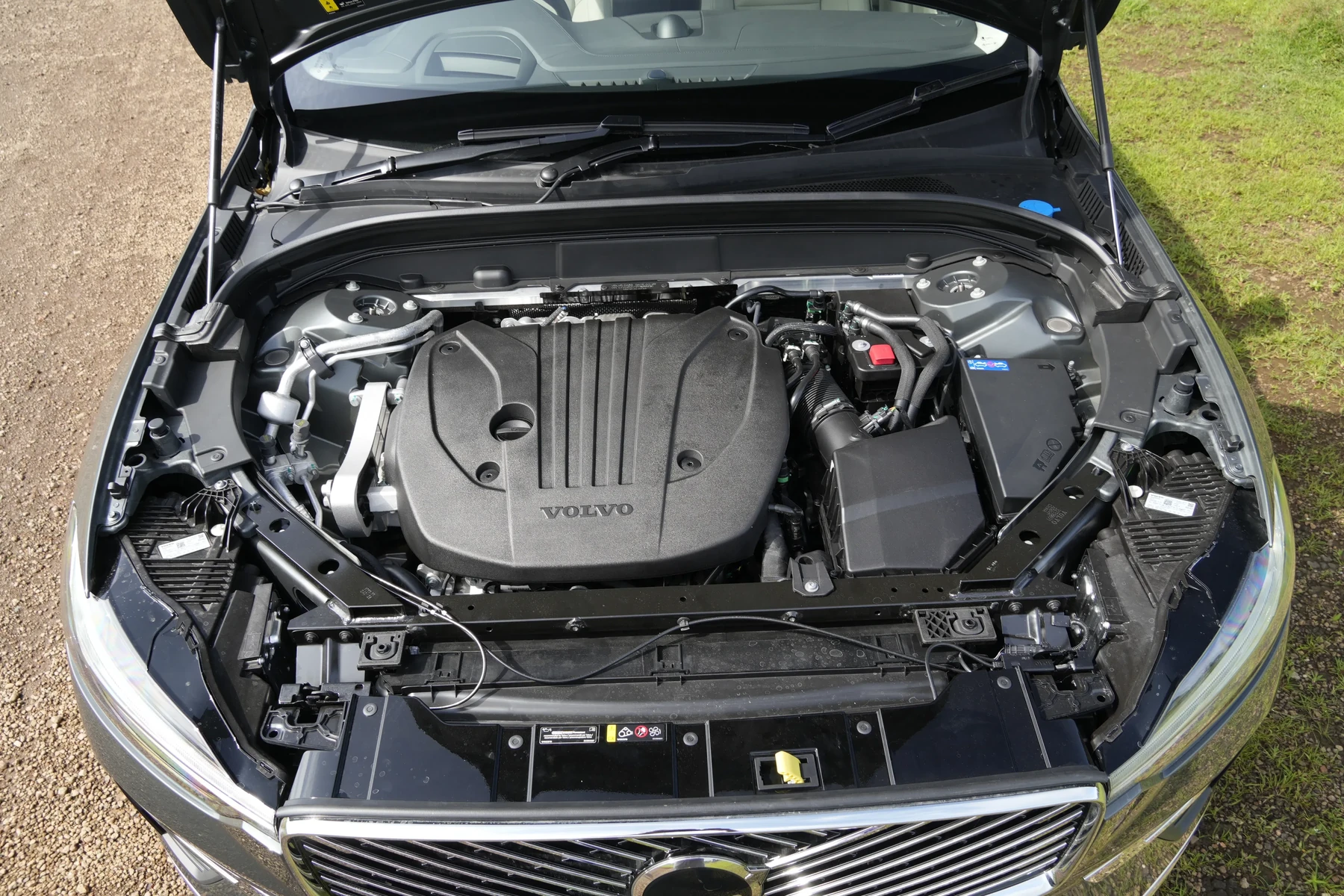
Regularly checking your mileage not only helps in budgeting for fuel costs but also in determining when to schedule service appointments.
Common Mistakes When Checking Mileage
- Not Turning On the Ignition: Ensure the vehicle is in the “On” position; otherwise, the display will not function.
- Ignoring the Controls: Familiarize yourself with the steering wheel controls; these are crucial for navigating the display.
- Overlooking Additional Metrics: Many drivers only check the odometer without looking at other helpful metrics.
Model-Year Variations: What to Know
The process of checking mileage on the 2023 Volvo XC60 is similar to previous model years, but there may be slight differences in the interface or available features. Always refer to your owner’s manual for specific instructions tailored to your vehicle version.
For instance, the 2024 model may include additional metrics or a different display layout. You can also use how to turn off start stop on Volvo XC60 as a helpful next guide on the same ownership topic.
When Not to Continue Checking Mileage
If you encounter a malfunctioning display or if the trip computer fails to respond, do not attempt to troubleshoot without proper knowledge. This may require professional assistance, especially if there are underlying electrical issues.
If your vehicle shows any warning lights on the dashboard related to the display, it’s best to consult a mechanic.
💡 Evans Torres Tip: Regularly checking your mileage can help you maintain optimal fuel efficiency. Make it a habit to monitor your trip settings after every refuel to better understand your driving patterns.
Frequently Asked Questions
Can I Check Mileage Without Starting the Engine?
Yes, you can check the mileage by turning the ignition to the “On” position without starting the engine.
What Should I Do If the Trip Computer Is Not Displaying Correctly?
If the trip computer does not display correctly, it may be best to consult your owner’s manual or take your vehicle to a qualified technician.
Is There a Way to Reset the Trip Mileage?
Yes, in the trip computer menu, you can select the option to reset trip mileage, which is useful for tracking fuel consumption over specific trips.
What to Do Next
Now that you know how to check mileage on your Volvo XC60 2023, make it a routine part of your vehicle maintenance. Understanding your mileage not only helps in managing fuel costs but also ensures your vehicle is running efficiently.
For further maintenance tips, consider checking out related articles on how to reset the maintenance reminder or utilizing your vehicle’s advanced features.
Author

Author

Evans Torres
I’m Evans Torres, an automotive engineer who loves Volvo cars. I graduated in Automotive Engineering from USC. I have worked in the car industry for years and now share my knowledge on The Volvo Life. I started this blog to connect with other Volvo fans. I offer tips, news, and advice to help you care for your car. My goal is to help you keep your Volvo in great shape and find all the best things about it. Join me as we discover everything Volvo has to offer!