


Several factors can contribute to Google Assistant issues in Volvo vehicles. Understanding the typical causes can help you narrow down the problem:
If your volvo google assistant not working, you’re not alone. Many Volvo owners encounter this issue, which can stem from various causes. This guide will help you troubleshoot and identify potential solutions to get your Google Assistant back up and running.
- Common Symptoms of Google Assistant: Identifying the symptoms of Google Assistant malfunctions is the first step in troubleshooting the.
- Why Is My Volvo Google: Several factors can contribute to Google Assistant issues in Volvo vehicles..
- Initial Safe Checks to Troubleshoot: Before diving into more complex solutions, there are several simple checks every Volvo owner.
- Identifying Common Causes of Google: After performing the initial checks, if the issue persists, it’s important to identify potential.
- When to Consult a Technician: If you have tried all the basic troubleshooting steps and Google Assistant is still.
Common Symptoms of Google Assistant Issues in Your Volvo
Identifying the symptoms of Google Assistant malfunctions is the first step in troubleshooting the issue. Common signs include: For related context, read carplay not working volvo xc40.
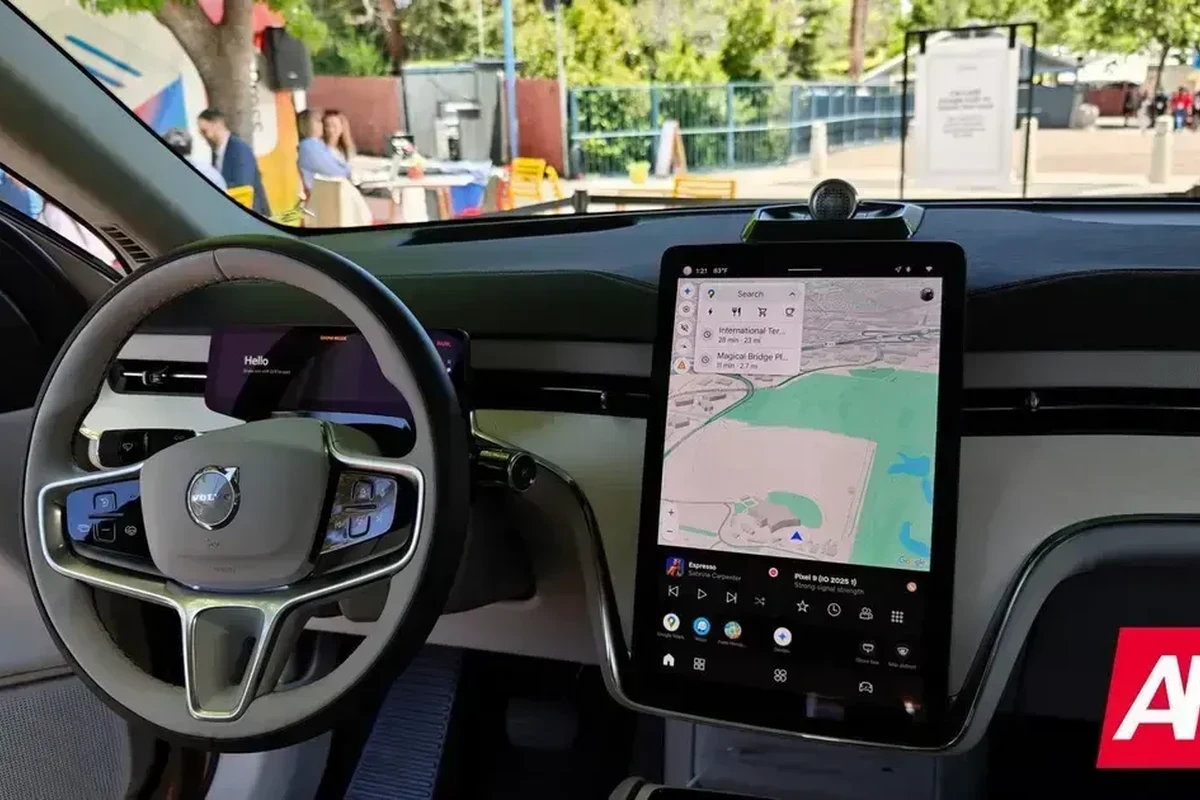
- The assistant does not respond to voice commands.
- Voice recognition is inconsistent or completely unresponsive.
- Google Assistant features, like navigation or music control, fail to activate.
- The infotainment screen freezes or displays error messages when attempting to use Google Assistant.
Volvo specifications, features, and equipment can differ by model year, market, and trim, so a detail that is true for one car may not apply to another.
Why Is My Volvo Google Assistant Not Working?
Several factors can contribute to Google Assistant issues in Volvo vehicles. Understanding the typical causes can help you narrow down the problem:
Internet Connectivity: A weak or unstable internet connection can disrupt Google Assistant’s functionality. Software Glitches: Outdated software or bugs in the infotainment system can lead to malfunctions. Settings Misconfiguration: Incorrect settings or permissions for Google Assistant may prevent it from functioning correctly. Hardware Issues: Problems with the vehicle’s microphone or speaker system can affect voice recognition. You can also use apple carplay not working volvo xc40 as the next practical guide.
Initial Safe Checks to Troubleshoot Google Assistant
Before diving into more complex solutions, there are several simple checks every Volvo owner can perform to troubleshoot Google Assistant issues:
Check Your Vehicle’s Internet Connection
Ensure that your vehicle is connected to the internet. You can check this through the infotainment system settings. If the connection is weak or non-existent, Google Assistant may not function properly.
Verify Google Assistant Settings
Check the settings for Google Assistant in your Volvo’s infotainment system. Ensure that all permissions are granted and that the voice recognition settings are correctly configured. Sometimes, resetting these settings can resolve issues. For official guidance on this, see Volvo Cars official website.
Restart Your Infotainment System
Restarting the infotainment system can often clear temporary software glitches. You can do this by turning off the vehicle, waiting a moment, and then restarting it. This process can refresh the system and restore functionality. For related context, read apple car play not working volvo xc40.
If a warning mentions brakes, steering, airbags, or overheating, stop driving and arrange a tow or inspection rather than testing it on the road.
Identifying Common Causes of Google Assistant Malfunctions
After performing the initial checks, if the issue persists, it’s important to identify potential underlying causes: You can also use volvo xc40 screen not working as the next practical guide.
- Outdated Software: Check if your vehicle’s infotainment system software is up to date. Software updates often include fixes for known issues.
- Network Restrictions: Ensure that any mobile data restrictions are not affecting the connection. Sometimes, data settings in the vehicle may prevent access.
- Hardware Limitations: If your Volvo is an older model, the hardware may not support the latest Google Assistant features.
The same symptom can have different causes by engine, transmission, and model year, so note your exact powertrain before you compare notes with other owners.
When to Consult a Technician for Google Assistant Issues
If you have tried all the basic troubleshooting steps and Google Assistant is still not working, it may be time to consult a qualified technician. Signs that professional help is needed include:
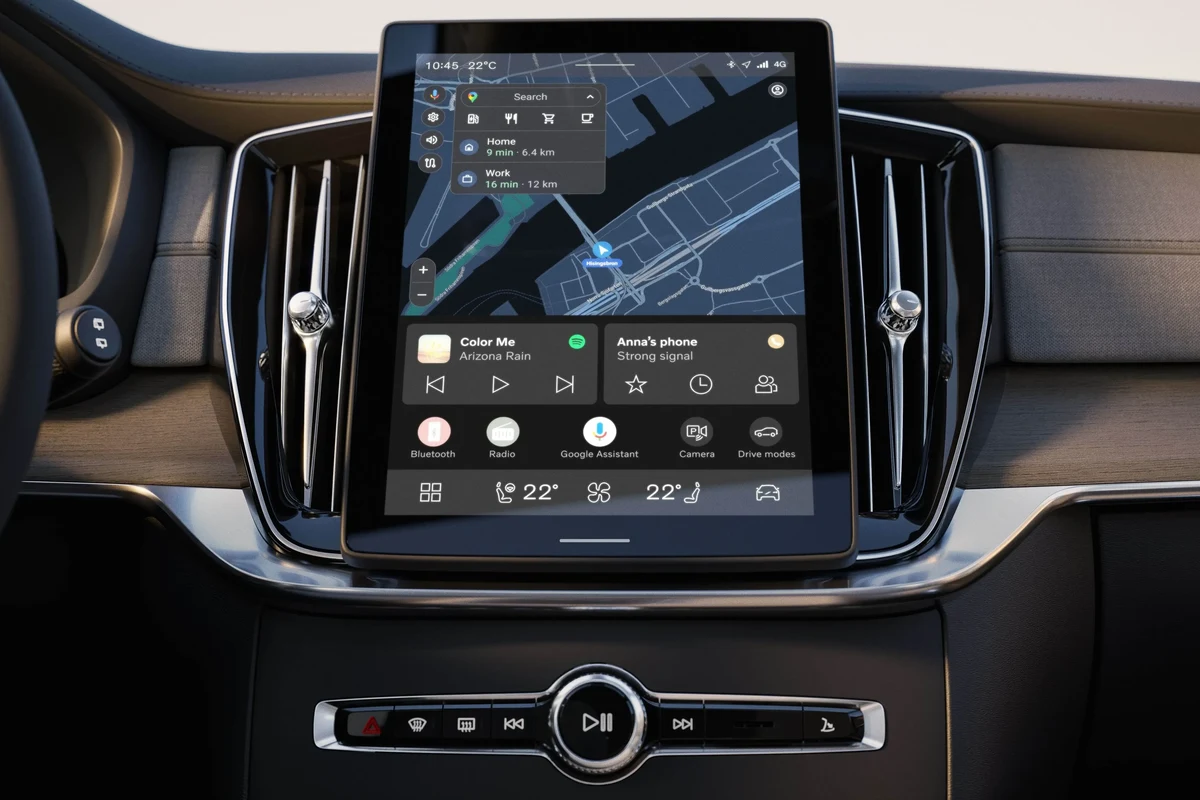
The infotainment system displays persistent error messages. Hardware components, such as the microphone or speakers, appear to be malfunctioning. You’ve noticed other issues with the infotainment system or vehicle electronics.
Consulting a technician can help identify more complex issues that may not be visible through basic troubleshooting. For related context, read volvo xc40 speed limit display not working.
💡 Evans Torres Tip: Photograph the dashboard message and note the mileage the moment it appears; a technician can often narrow a Volvo fault in minutes with that context.
Is It Safe to Drive Your Volvo with Google Assistant Not Working?
Generally, it is safe to drive your Volvo even if Google Assistant is not functioning. However, if you rely on voice commands for navigation or hands-free features, it may be inconvenient.
Always prioritize safety and ensure that other critical systems in your vehicle are operating correctly. You can also use volvo v90 keyless entry not working as the next practical guide.
Typical Costs for Repairing Google Assistant Problems
The cost to repair Google Assistant issues can vary widely based on the underlying cause:
- Software Updates: If an update is needed, costs may range from free (if covered under warranty) to a nominal service fee.
- Hardware Repairs: If hardware components need replacement, costs can vary significantly based on the part and labor involved. Expect costs to start around $100 and go up depending on the complexity.
- Consultation Fees: Technicians may charge diagnostic fees, typically ranging from $75 to $150.
It’s best to consult with a technician for a precise estimate based on your specific situation. For related service checks, see volvo xc40 volume not working.
Ask for the fault codes and the diagnostic findings in writing before approving repairs, so you can compare quotes on the same diagnosis.
Troubleshooting Volvo Google Assistant Not Working
If your Volvo’s Google Assistant isn’t functioning, start by checking your internet connection, verifying settings, and restarting the infotainment system. These initial steps can often resolve common issues. For official guidance on this, see NHTSA recall lookup by VIN.
If problems persist, consider software updates or consulting a technician for deeper hardware or software concerns.
Check your vehicle’s internet connection through the infotainment system settings. Verify Google Assistant settings to ensure permissions and voice recognition are correctly configured. Restart the infotainment system by turning off the vehicle and then back on.
This guide on volvo google assistant not working is general information. Rules, fees, rents, salaries, service coverage, product details, and procedures can change, so confirm important points with the manufacturer, retailer, or official app documentation before acting.
Quick Questions, Answered
Common symptoms include the assistant not responding to voice commands, inconsistent voice recognition, and issues with activating features like navigation or music control. Also, you may notice that the infotainment screen freezes or displays error messages during usage.
Start by checking your vehicle’s internet connection through the infotainment system settings to ensure it is stable. Next, verify that the Google Assistant settings are correctly configured and consider restarting the infotainment system to clear temporary glitches.
Outdated software can lead to malfunctions as updates often include fixes for known issues. It’s crucial to check if your vehicle’s infotainment system software is up to date to ensure optimal performance.
If Google Assistant remains unresponsive after basic troubleshooting, or if you notice persistent error messages from the infotainment system, it’s advisable to seek professional help. Signs of hardware malfunction, like issues with the microphone or speakers, also warrant a technician’s evaluation.
Generally, it is safe to drive your Volvo without Google Assistant, though it may be inconvenient if you rely on voice commands for navigation. Always prioritize safety and ensure that other critical systems in your vehicle are functioning correctly.
Costs can vary widely, with software updates potentially being free if covered under warranty, while hardware repairs may start around $100. Consultation fees for technicians typically range from $75 to $150, depending on the complexity of the issue.
Final Thoughts
Addressing issues with volvo google assistant not working can often be managed through simple troubleshooting steps. If basic checks don’t resolve the issue, seek professional assistance to avoid further complications. Regular maintenance and software updates are key to preventing future problems.
