



Volvo EX40 sound not working issues can often be resolved by checking settings, ensuring proper connectivity, and resetting the system. If problems persist, further troubleshooting may be required.
The Volvo EX40 is a modern electric vehicle that offers a range of high-tech features, including advanced audio systems. However, some users have reported issues with sound not working in their vehicles.
This article will guide you through the setup process, check compatibility, and provide fixes for sound issues in the Volvo EX40.
- Check audio source and volume settings first.
- Ensure Bluetooth or other connections are properly configured.
- Resetting the infotainment system can resolve many sound issues.
- Compatibility with devices may affect audio playback.
- Seek professional help if issues persist after troubleshooting.
Understanding the Sound System Setup in Volvo EX40
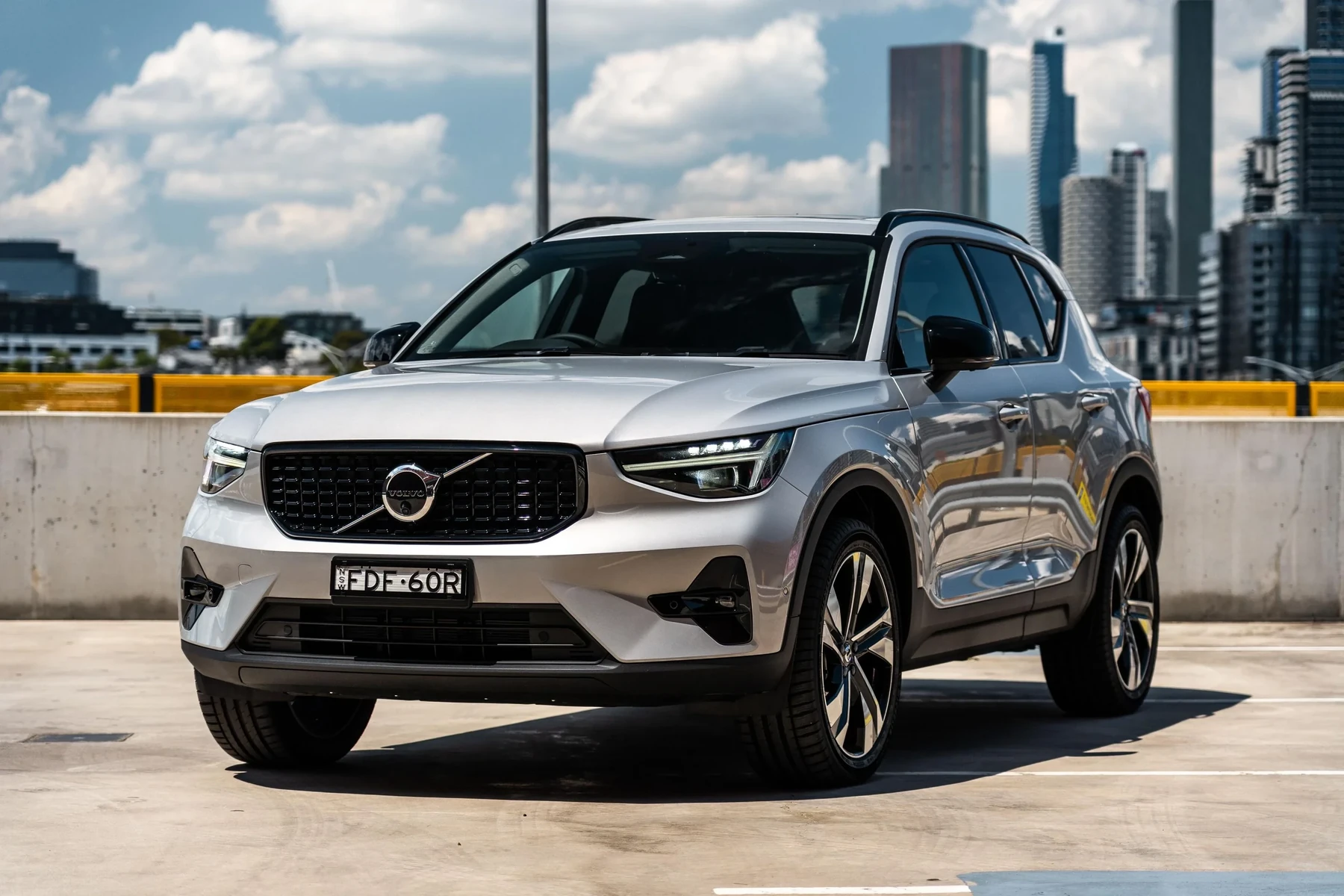
To troubleshoot sound problems, start by understanding how the sound system is set up in your Volvo EX40. The EX40 typically features a premium sound system designed for high-quality audio playback.
Audio Sources and Settings
Ensure you are using the correct audio source. The Volvo EX40 supports various audio inputs, including Bluetooth, USB, and FM radio. If you’re experiencing sound issues, check that the correct source is selected on the infotainment system.
Volume and Mute Settings
Sometimes, the simplest solution is the answer. Verify that the volume is turned up and that the vehicle is not muted. Check the volume settings on both the infotainment screen and any connected devices.
This connects closely with Volvo XC60 heater not working if you want to compare the topic in more detail.
Checking Compatibility with Your Devices
Compatibility issues can often lead to sound problems in the Volvo EX40. Ensure your smartphone or device is compatible with the vehicle’s audio system, particularly if you are using Bluetooth or Apple CarPlay.
Bluetooth Connectivity
For Bluetooth connections, ensure that your device is paired correctly. Go to the Bluetooth settings on both your phone and the vehicle to check if they are connected. If necessary, remove the device and re-pair it.
Apple CarPlay and Android Auto
If using Apple CarPlay or Android Auto, make sure your app is updated. Ensure that your phone’s settings allow for app connections and that you’re using a compatible USB cable if connected via wire.
Troubleshooting Common Sound Issues
If the sound is still not working after checking the basics, consider the following troubleshooting steps.
Resetting the Infotainment System
A reset can often resolve sound issues. To reset the infotainment system in your Volvo EX40:
- Turn off the vehicle.
- Open the driver-side door and close it.
- Wait for a minute.
- Restart the vehicle and check the sound settings again.
Updating the Software
Software updates can fix bugs that affect sound functionality. Check for updates through the settings menu on the infotainment system. If an update is available, follow the prompts to install it.
Hardware Checks
Inspect the speakers and connections for any visible damage. A blown speaker or loose wiring can result in no sound. If you suspect hardware damage, this may require a visit to a certified Volvo technician.
💡 Evans Torres Tip: Regularly check for software updates for your Volvo EX40 to avoid potential sound issues and improve overall functionality.
Understanding Limitations and Common Failures
Some sound issues can stem from limitations in the vehicle’s hardware or software. Understanding these can help you diagnose problems more effectively.
Known Issues with Sound Systems
Some users have reported intermittent sound issues that can occur after software updates. If you notice sound problems after an update, consider rolling back to a previous version if possible.
Limitations in Device Compatibility
Not all devices are fully compatible with the Volvo EX40’s sound system. Some older devices may not support certain audio formats, leading to playback issues. Refer to your vehicle’s manual for supported formats.
For related context, you may also want to read Volvo XC90 blinker sound not working.
What to Do Next
If you have tried all the troubleshooting steps and the sound is still not working in your Volvo EX40, it may be time to consult a professional. A certified Volvo technician can conduct a thorough diagnosis to identify and fix any underlying issues.
Frequently Asked Questions
What Should I Do If My Volvo EX40 Sound System Is Not Working at All?
Start by checking the audio source, volume settings, and Bluetooth connections. If everything seems correct, try resetting the infotainment system.
Can Software Updates Fix Sound Issues in My Volvo EX40?
Yes, software updates can resolve bugs that may affect sound functionality. Always ensure your system is updated to the latest version.
What If My Phone Is Not Connecting to My Volvo EX40 for Audio?
Check the Bluetooth settings on both your phone and the vehicle. Remove the device and re-pair it if necessary. Ensure your phone is compatible with the vehicle.
How Can I Tell If There’s a Hardware Issue with My Sound System?
Inspect the speakers for damage and check all connections. If sound issues persist after troubleshooting, a visit to a technician may be required.
Is It Safe to Try Fixing Sound Issues Myself?
Basic troubleshooting like resetting the system is safe to do yourself. For hardware issues or if you’re unsure, consult a professional.
Author

Author

Evans Torres
I’m Evans Torres, an automotive engineer who loves Volvo cars. I graduated in Automotive Engineering from USC. I have worked in the car industry for years and now share my knowledge on The Volvo Life. I started this blog to connect with other Volvo fans. I offer tips, news, and advice to help you care for your car. My goal is to help you keep your Volvo in great shape and find all the best things about it. Join me as we discover everything Volvo has to offer!