



The best car scanner for all cars, especially for Volvo owners, is the iCarsoft VOL II, as it provides comprehensive module coverage and value at around $150. It effectively reads and clears codes across various systems, unlike generic scanners.
Understanding the nuances of diagnosing your Volvo with the right car scanner for all cars is essential for effective vehicle maintenance. A high-quality OBD2 scanner can save you time and money by allowing you to access and interpret diagnostic trouble codes directly from your vehicle. However, not all scanners are created equal, especially when it comes to specific brands like Volvo. This guide will delve deep into the world of Volvo-compatible scanners, providing insights on features, compatibility, and usage to help you choose the best tool for your needs. This connects closely with can scanner for Volvo be used on other cars if you want to compare the topic in more detail.
- Main point: Volvo-specific scanners provide access to all necessary modules, unlike generic OBD2 scanners.
- Best first step: Identify your Volvo model and what you need the scanner to do.
- Cost or value: Expect to spend between $100 and $500 for a reliable scanner.
- Who it suits: DIY enthusiasts, independent mechanics, and fleet managers.
- When to get help: If the scanner indicates faults you can’t resolve, consult a professional.
What is an OBD2 Scanner for Volvo / How Does It Work?
An OBD2 scanner for Volvo is a diagnostic tool that connects to the OBD2 port of your vehicle to read data from various onboard computer systems. These systems include the engine control module (ECM), transmission control module (TCM), anti-lock braking system (ABS), and more. Unlike generic ELM327 readers, which primarily access engine codes, a Volvo-specific scanner can communicate with all the essential modules in a Volvo vehicle. This capability is crucial for effective troubleshooting and repairs.
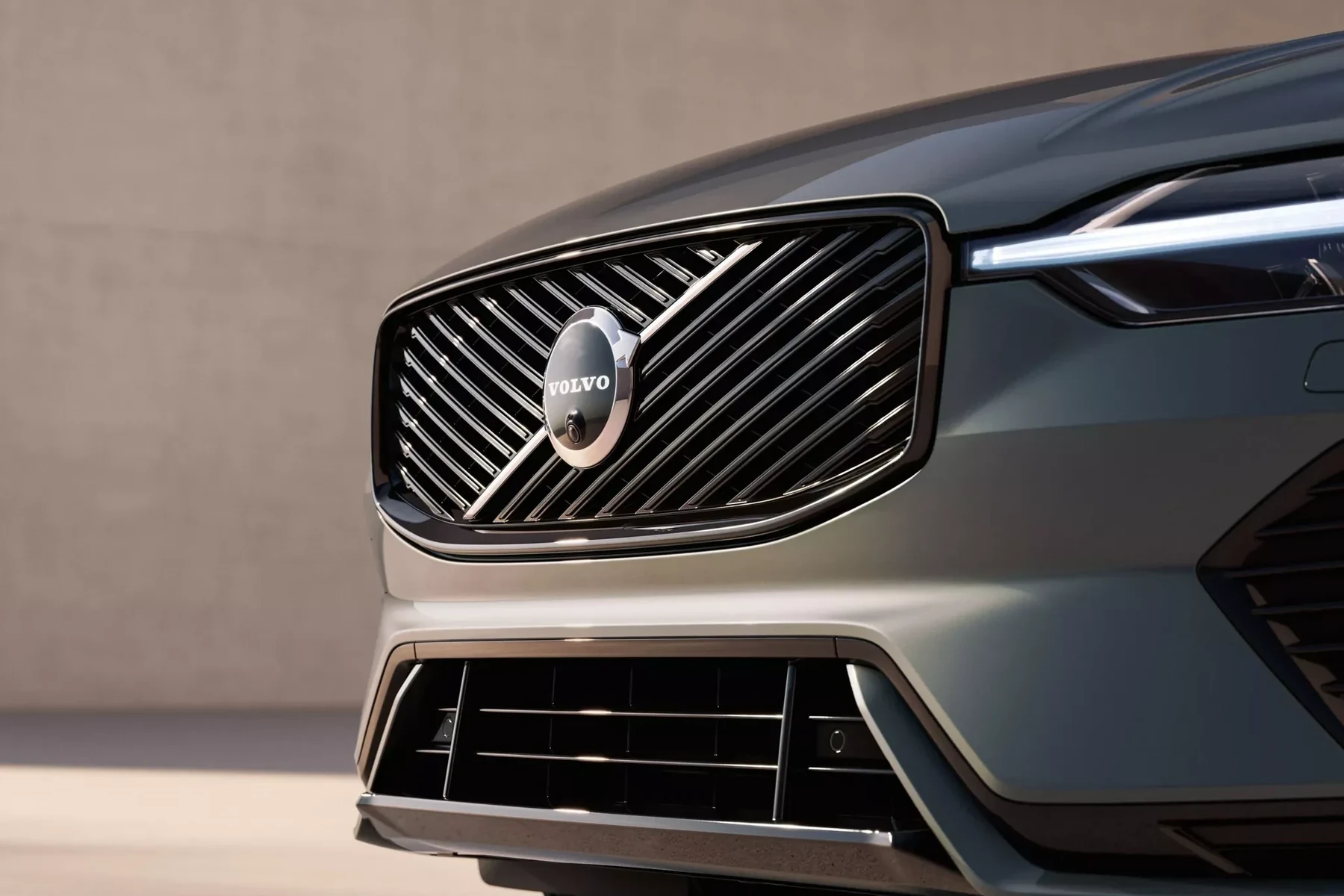
OBD2 Scanner vs Volvo-Specific Diagnostic Scanner
Generic OBD2 scanners can read basic engine codes but often fail to access critical Volvo-specific systems such as SRS (airbag), ABS, and BCM (body control module). This limitation is a significant drawback for Volvo owners looking for comprehensive diagnostics. A Volvo-specific scanner, on the other hand, is designed to interface with all the vital systems in your vehicle, making it a more reliable choice for in-depth diagnostics.
What Can a Volvo Scanner Diagnose?
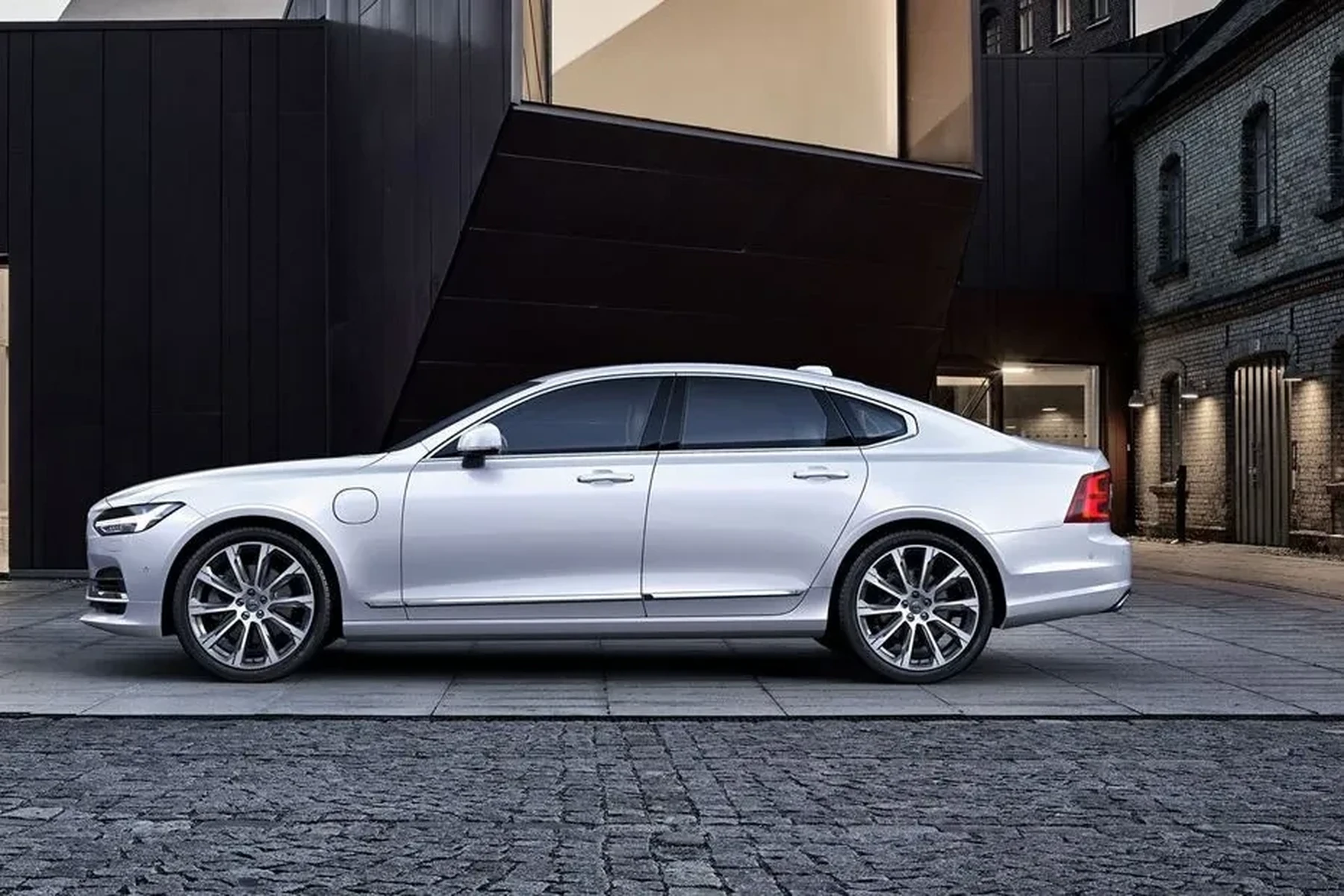
Volvo scanners can diagnose a variety of issues across multiple systems. They typically cover check engine codes, ABS faults, airbag/SRS issues, transmission problems, and service light resets. Below is a table summarizing the diagnostic capabilities of various scanners:
| System | What it Detects | Reset Possible? | Scanner Tier Needed |
|---|---|---|---|
| Engine | Check engine codes, fuel trim, sensor data | Yes | All tiers |
| ABS | Brake system faults | Yes | Mid-range and above |
| SRS | Airbag faults | Yes | Mid-range and above |
| Transmission | Transmission performance issues | Yes | Mid-range and above |
| Battery/Charging | Battery health and charging system | No | Mid-range and above |
| Live Data | Real-time sensor data | No | Mid-range and above |
Do Volvo OBD2 Scanners Work with All Volvo Models?
Compatibility is a crucial factor when selecting a scanner. Most Volvo OBD2 scanners work on vehicles from 1996 onward, but variations exist based on model year and specific systems. For example, pre-2004 models generally utilize different protocols than models produced from 2004 onward, and the newer SPA and EX models use UDS protocol, which not all scanners support. It’s essential to check compatibility for your specific model and year. For related context, you may also want to read do scanner for Volvo work with all models.
Best Types of Scanner for Volvo Cars
There are several types of scanners to consider based on your needs:
- Basic Code Reader: Ideal for simple code reading and clearing, suitable for casual users.
- Bluetooth App-Based Scanner: Convenient for tech-savvy users who prefer using their smartphones.
- Handheld Diagnostic Scanner: Comprehensive features for DIY enthusiasts.
- Professional Scanner: Advanced diagnostics and capabilities for mechanics and fleet managers.
Best Scanner Brands for Volvo — Comparison Table
Choosing the right brand is crucial for effective diagnostics. Here’s a comparison of some of the top brands:
| Brand/Model | Price | Volvo Modules Covered | Bluetooth/App | Verdict |
|---|---|---|---|---|
| iCarsoft VOL II | ~$150 | All critical modules | No | Best value for Volvo |
| Foxwell NT530 | ~$200 | All critical modules | Yes | Great for advanced users |
| Autel MaxiCOM MK808 | ~$400 | Comprehensive coverage | Yes | Professional features |
| Ancel VOD700 | ~$80 | Basic engine codes | No | Budget option |
| YOUCANIC | Subscription model | Basic coverage | Yes | Good for multiple brands |
Volvo Model-Based Scanner Guide
Each Volvo model may require a different scanner tier based on its technology and age. The table below summarizes the recommended scanner types for popular Volvo models:
| Model | Recommended Scanner Tier |
|---|---|
| XC90 | Mid-range to advanced |
| XC60 | Mid-range |
| XC40 | Mid-range |
| S60 | Basic to mid-range |
| V60 | Basic to mid-range |
Are Scanners for Volvo Worth It, Reliable, and Safe to Use?
Yes, Volvo-specific scanners are worth the investment. They provide reliable access to the vehicle’s functioning systems, allowing you to diagnose issues more effectively. Reading codes is always safe, but be cautious when clearing SRS (airbag) codes without addressing the underlying fault, as it may lead to safety issues.
Can a Volvo Scanner Work with iPhone / Be Used on Other Cars?
Most modern scanners like the Foxwell NT530 and Autel MaxiCOM support Bluetooth and can work with iPhone apps. Many also have cross-brand compatibility, allowing you to use them for basic OBD2 diagnostics on other vehicles. However, it’s essential to verify that the specific scanner you choose has the necessary app support for iOS. You can also use scanner for car v 2 as a helpful next guide on the same ownership topic.
How to Use a Scanner for Volvo
- Park safely and ensure the vehicle is off.
- Locate the OBD2 port, typically found under the dashboard.
- Plug in the scanner securely.
- Turn the ignition to the “on” position without starting the engine.
- Select your vehicle model and year on the scanner.
- Run a full system scan to check for any trouble codes.
- Review the codes, save the data, and check live data if necessary.
- Repair any identified issues and clear the codes after making the necessary repairs.
Why is My Volvo Scanner Not Working?
If your scanner is not functioning correctly, consider the following troubleshooting steps:
- Ensure the vehicle ignition is off before connecting.
- Check the OBD2 port fuse for any issues.
- Verify Bluetooth pairing if using a wireless scanner.
- Make sure the correct app is selected.
- Confirm that you are not using a clone or incompatible scanner.
- Update the scanner software if needed.
- Ensure the vehicle battery is charged adequately.
💡 Evans Torres Tip: When purchasing a scanner for your Volvo, always check user reviews and forums for compatibility information. Models can vary significantly, and real owner feedback often provides the most reliable insights into performance and issues.
Buying Guide: Which Scanner Should You Choose?
When selecting a scanner, consider your level of expertise and what you need it for. Here’s a brief guide:
- Basic Owner: A simple code reader will suffice for checking engine codes.
- DIY Repair Enthusiast: A mid-range scanner like the iCarsoft VOL II offers comprehensive features.
- Professional Mechanic: An advanced model like the Autel MaxiCOM MK808 is ideal for full diagnostics.
Common Mistakes to Avoid / When to Visit a Mechanic Instead
When using a scanner, be cautious of the following:
- Avoid purchasing clone scanners as they often lack compatibility.
- Don’t skip the model-year compatibility check.
- Never clear SRS codes blindly; ensure the fault is fixed first.
- If the scanner points to serious issues, consult a qualified Volvo technician.
⚠️ WARNING: Be cautious of clone scanners that look identical to reputable brands but fail to connect to Volvo-specific modules.
Perfect for those who want to handle basic diagnostics without professional help.
A reliable choice for mechanics who work on multiple Volvo models frequently.
Ideal for maintaining a fleet of Volvos, allowing quick diagnosis and problem-solving.
Frequently Asked Questions
Here are some common questions and answers to help you better understand Volvo scanners and their use:
What is the best scanner for a Volvo?
The iCarsoft VOL II is highly recommended for Volvo owners as it covers all essential modules and provides excellent value for money.
Does the scanner work on all Volvo models?
Most scanners work on models from 1996 onwards, but compatibility can vary, especially with newer models using UDS protocol.
Can I use a Volvo scanner with my iPhone?
Yes, many modern scanners support Bluetooth and have compatible apps for iPhone users.
What should I do if my scanner doesn’t connect?
Check the ignition, ensure proper Bluetooth pairing, verify the app is correct, and confirm the scanner’s compatibility with your vehicle.
Are generic OBD2 scanners effective for Volvo?
No, generic OBD2 scanners typically only access engine codes and may not communicate with other vital systems in a Volvo.
How often should I use a scanner on my Volvo?
Regularly using a scanner can help catch issues early, especially before long trips or after any warning lights appear on the dashboard.
Final Verdict
Investing in a car scanner for all cars, particularly a Volvo-specific model, is a smart move for any owner. The iCarsoft VOL II stands out as a top choice for its compatibility and extensive functionality. Begin with a thorough assessment of your scanner needs, and always be prepared to consult a professional mechanic for complex issues that a scanner cannot resolve.
My Top Picks at a Glance
Here are the three car scanner for all cars options I would check first if you want a faster buying decision.
These picks highlight the strongest overall choice, the best value option, and the premium-style pick for practical Volvo ownership.
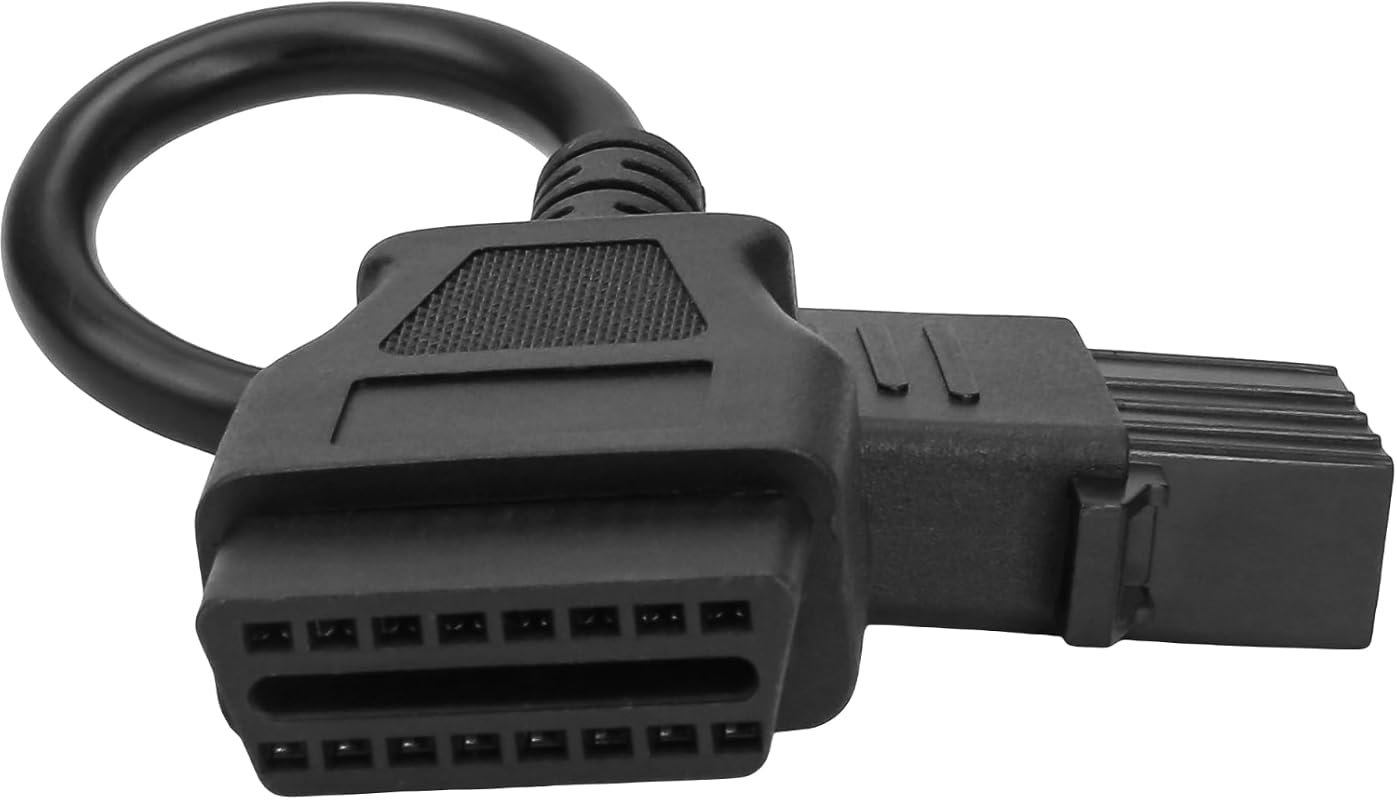 Best Overall
8 Pin OBD1 to 16 Pin OBD2 Diagnostic Adapter Cable for Volvo Trucks, Works with OBD2 Scanners
It offers the strongest all-around mix of fit, value, and practical daily use for Volvo owners.
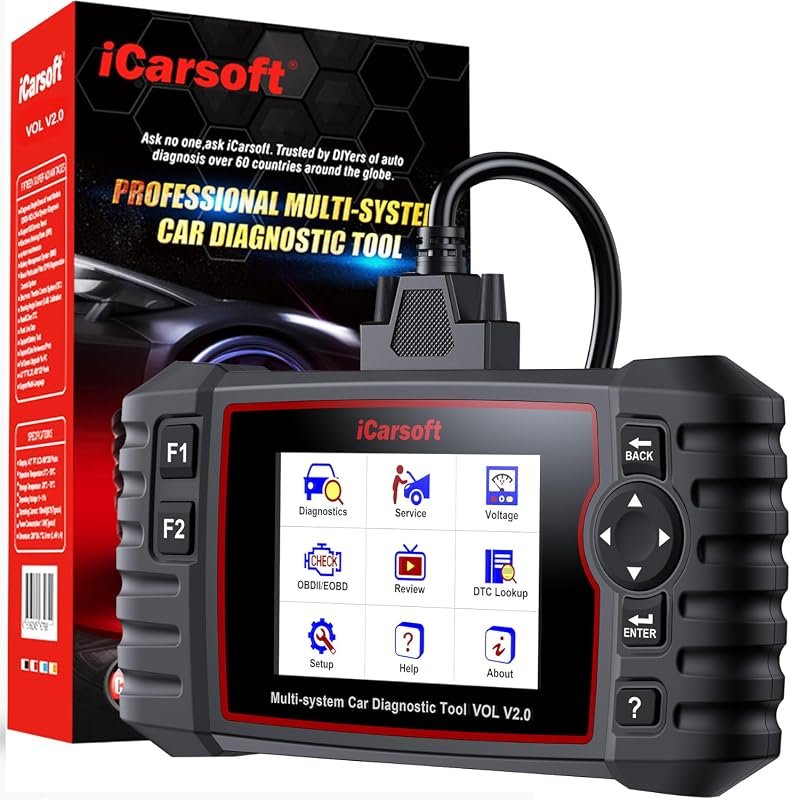 Best Value
iCarsoft VOL V2.0 OBD2 Scanner with Oil Reset, ABS, DPF, and TPMS for Volvo/Saab
It makes sense for owners who want a useful upgrade without paying more than necessary.
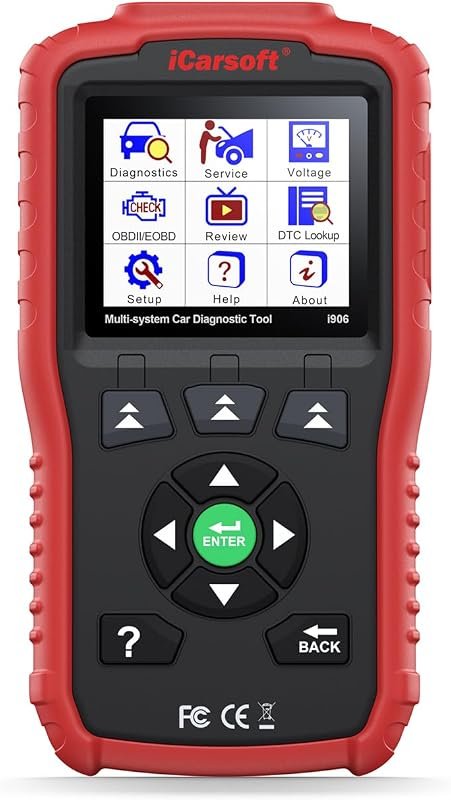 Best Premium Option
iCarsoft i906 OBD2 Diagnostic Scanner for Volvo/Saab, Supports Multi-System Engine and ABS
It is the pick I would compare first if build quality, features, and long-term ownership value matter most.
Author

Author

Evans Torres
I’m Evans Torres, an automotive engineer who loves Volvo cars. I graduated in Automotive Engineering from USC. I have worked in the car industry for years and now share my knowledge on The Volvo Life. I started this blog to connect with other Volvo fans. I offer tips, news, and advice to help you care for your car. My goal is to help you keep your Volvo in great shape and find all the best things about it. Join me as we discover everything Volvo has to offer!