


Connecting Bluetooth to your Volvo XC90 can enhance your driving experience significantly. By following the steps outlined in this guide, you can enjoy hands-free calling and smooth audio streaming.
Learning how to connect Bluetooth to your Volvo XC90 can improve your driving experience by enabling hands-free calling and smooth audio streaming. You can also use how to fix reduced engine performance volvo xc90 as the next practical guide.
This guide will walk you through the simple steps needed to sync your devices, ensuring safety and convenience on the road.
- Essential Tools and Information for: Before you begin the Bluetooth connection process, ensure you have.
- How to Pair Your Smartphone: Follow these steps to connect Bluetooth to your Volvo XC90.
- Common Mistakes to Avoid When: Here are some common pitfalls that can hinder the Bluetooth connection.
- Confirming Your Bluetooth Connection Works: To ensure that the Bluetooth connection was successful, check the following.
- Troubleshooting Common Bluetooth Issues: If your phone fails to connect, try these troubleshooting steps.
Essential Tools and Information for Connecting Bluetooth to Your Volvo XC90
Before you begin the Bluetooth connection process, ensure you have:
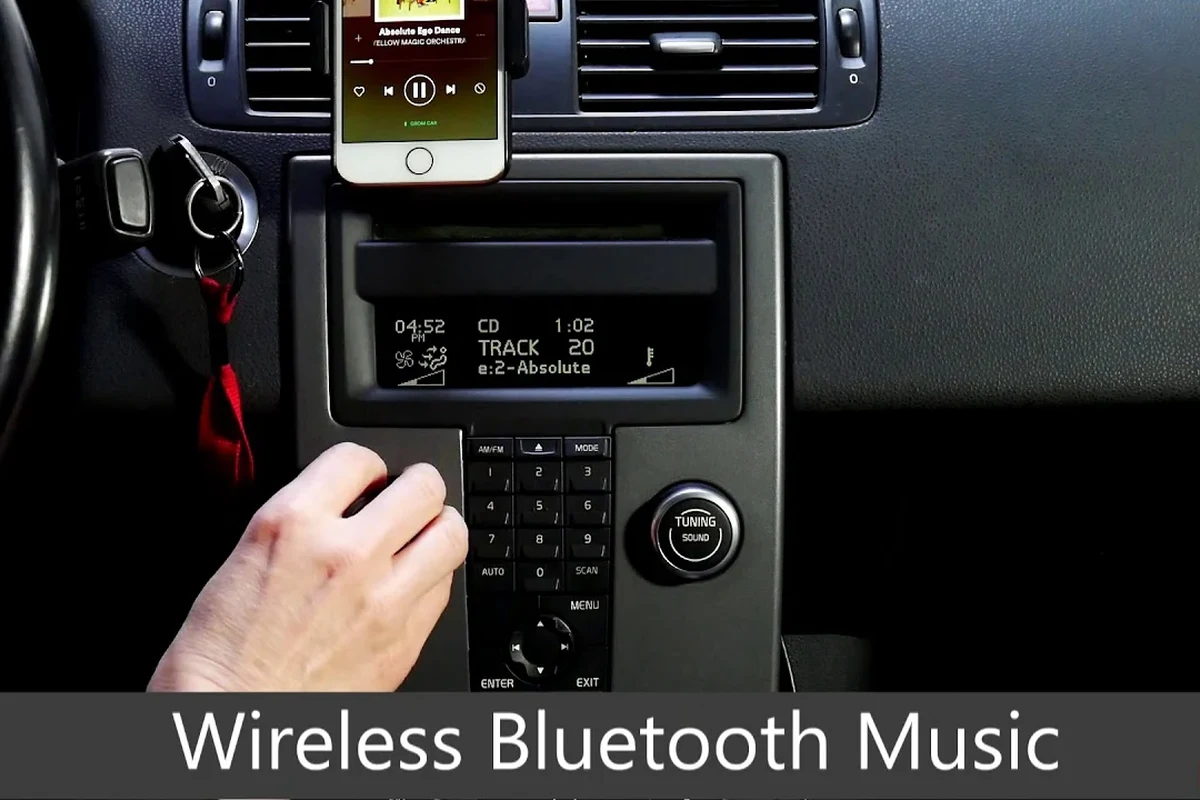
- Your smartphone with Bluetooth enabled
- Your Volvo XC90 owner’s manual
- Access to the vehicle’s infotainment system
Count the parts, fluids, and special tools before you begin and compare the total with a workshop quote so you know whether the job really saves money.
How to Pair Your Smartphone with the Volvo XC90’s Bluetooth
Follow these steps to connect Bluetooth to your Volvo XC90:
- Turn on the ignition of your Volvo XC90 without starting the engine.
- On the vehicle’s infotainment screen, navigate to the Bluetooth settings.
- Ensure Bluetooth is activated on your smartphone.
- Select ‘Add Device’ or ‘Pair New Device’ on the XC90 screen.
- On your smartphone, look for your Volvo XC90 in the list of available devices.
- Tap on the XC90’s name and confirm the pairing code on both devices.
- Once paired, your phone should be connected, and you can access features like hands-free calling and music streaming.
Common Mistakes to Avoid When Connecting Bluetooth
Here are some common pitfalls that can hinder the Bluetooth connection:
Not having Bluetooth enabled on your smartphone. Failing to make your phone discoverable. Ignoring prompts on either device during the pairing process. For related risk checks, compare this with how to turn off time for regular maintenance volvo xc90.
💡 Evans Torres Tip: Lay out every tool and part on a towel before you start; most mid-job mistakes on a Volvo come from a missing socket or a forgotten clip, not from the repair itself.
Confirming Your Bluetooth Connection Works Properly
To ensure that the Bluetooth connection was successful, check the following:
- Test hands-free calling by making a call.
- Play music from your smartphone to verify audio streaming functionality.
Procedures and part numbers change between model years and engines, so confirm that these steps apply to your exact car before you start.
Troubleshooting Common Bluetooth Issues
If your phone fails to connect, try these troubleshooting steps:
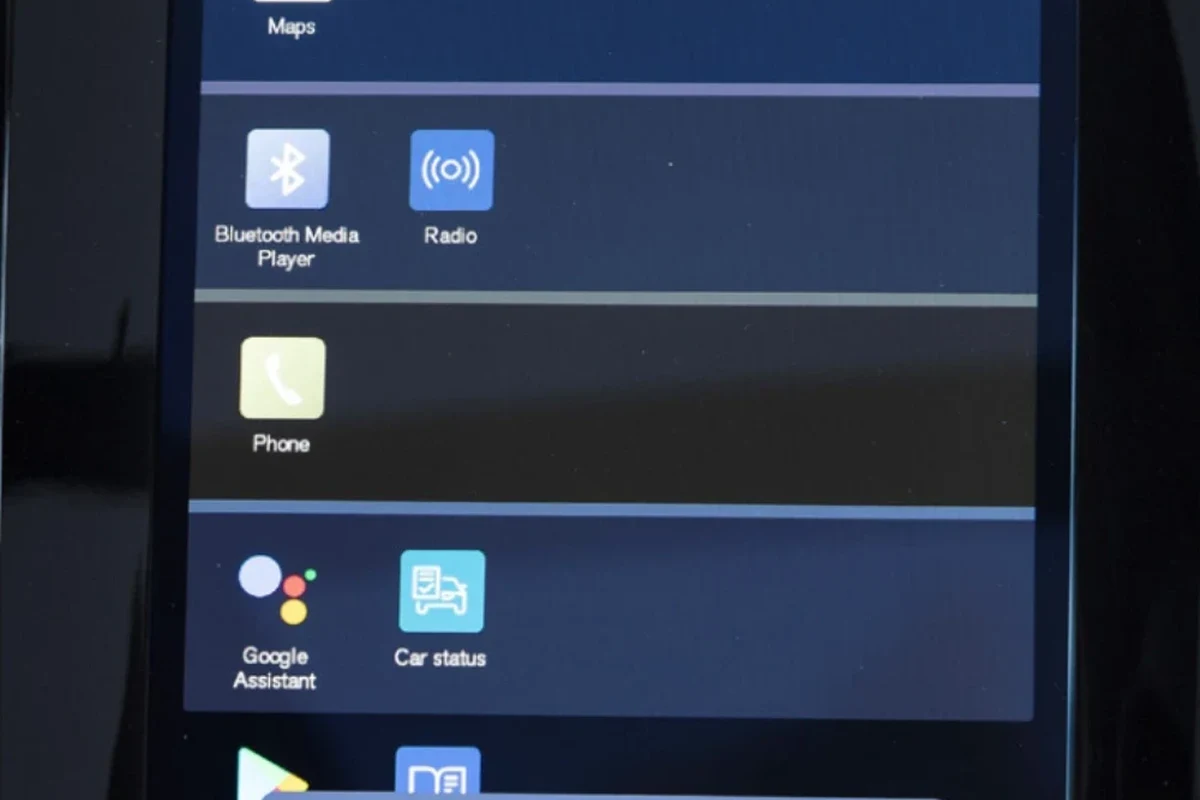
Restart both your smartphone and the XC90. Remove any previously paired devices from the XC90’s Bluetooth settings. Check for software updates on your phone and the XC90’s infotainment system. You can also use how to connect spotify to volvo xc60 as the next practical guide.
Disconnecting Bluetooth from Your Volvo XC90
To remove a device from the Bluetooth list, follow these steps:
- Access the Bluetooth settings on your XC90.
- Select the device you wish to disconnect.
- Confirm the removal of the device.
Follow the steps for how to connect bluetooth to your volvo xc90 in order and treat the owner’s manual for your model year as the final word on procedure and torque values.
How to Connect Bluetooth to Your Volvo XC90
Connecting Bluetooth to your Volvo XC90 is a straightforward process that enhances your driving experience with hands-free calling and audio streaming. Start by ensuring your smartphone’s Bluetooth is enabled, then follow the steps on your XC90’s infotainment system to pair your devices. For official guidance on this, see Volvo Cars official website.
This connection allows you to access various features safely while on the road.
Turn on your XC90’s ignition without starting the engine. Select ‘Add Device’ on the infotainment screen to initiate pairing. Confirm the pairing code on both your smartphone and XC90. For related context, read how to connect volvo xc60 to internet.
This guide on how to connect bluetooth to your volvo xc90 is general information. Rules, fees, rents, salaries, service coverage, product details, and procedures can change, so confirm important points with the manufacturer, retailer, or official app documentation before acting.
Common Questions
To connect Bluetooth to your Volvo XC90, you need your smartphone with Bluetooth enabled, your XC90 owner’s manual, and access to the vehicle’s infotainment system. These tools will help ensure a smooth pairing process.
Start by turning on the ignition of your XC90 and navigating to the Bluetooth settings on the infotainment screen. Then, select ‘Add Device’ or ‘Pair New Device’, and follow the prompts to confirm the pairing on both your smartphone and the XC90.
Avoid failing to enable Bluetooth on your smartphone and neglecting to make your phone discoverable. Also, be sure to respond to any prompts on either device during the pairing process to prevent connection issues.
To verify a successful Bluetooth connection, test hands-free calling by making a call and play music from your smartphone to ensure audio streaming works properly. These steps will confirm that your devices are properly synced.
If your phone fails to connect, try restarting both your smartphone and the XC90, and remove any previously paired devices from the XC90’s Bluetooth settings. Also, check for software updates on both your phone and the XC90’s infotainment system.
To disconnect a device, access the Bluetooth settings on your XC90, select the device you want to remove, and confirm the removal. This process ensures that only your desired devices are connected to the vehicle.
Final Words
Connecting Bluetooth to your Volvo XC90 can enhance your driving experience significantly. By following the steps outlined in this guide, you can enjoy hands-free calling and smooth audio streaming. For official guidance on this, see NHTSA recall lookup by VIN.
If you encounter any issues, refer to the troubleshooting section or consider consulting your Volvo owner’s manual for additional information.
