



To connect Spotify to your Volvo XC60, access the infotainment system, navigate to the Spotify app, and log in using your account credentials. Ensure your vehicle is compatible and has a stable internet connection.
Connecting Spotify to your Volvo XC60 enhances your driving experience, allowing you to enjoy your favorite music seamlessly. This guide will walk you through the setup process, compatibility requirements, and common issues you might encounter along the way. By the end, you’ll be ready to enjoy Spotify on the go.
For related context, you may also want to read how to use headlight washers on 2024 Volvo XC60.
- Ensure your Volvo XC60 is compatible with the Spotify app.
- Follow the steps to set up the app on your vehicle’s infotainment system.
- Be aware of common connectivity issues and how to resolve them.
- Check for software updates to ensure optimal performance.
- Remember to manage permissions for a smooth experience.
Compatibility of Spotify with Volvo XC60
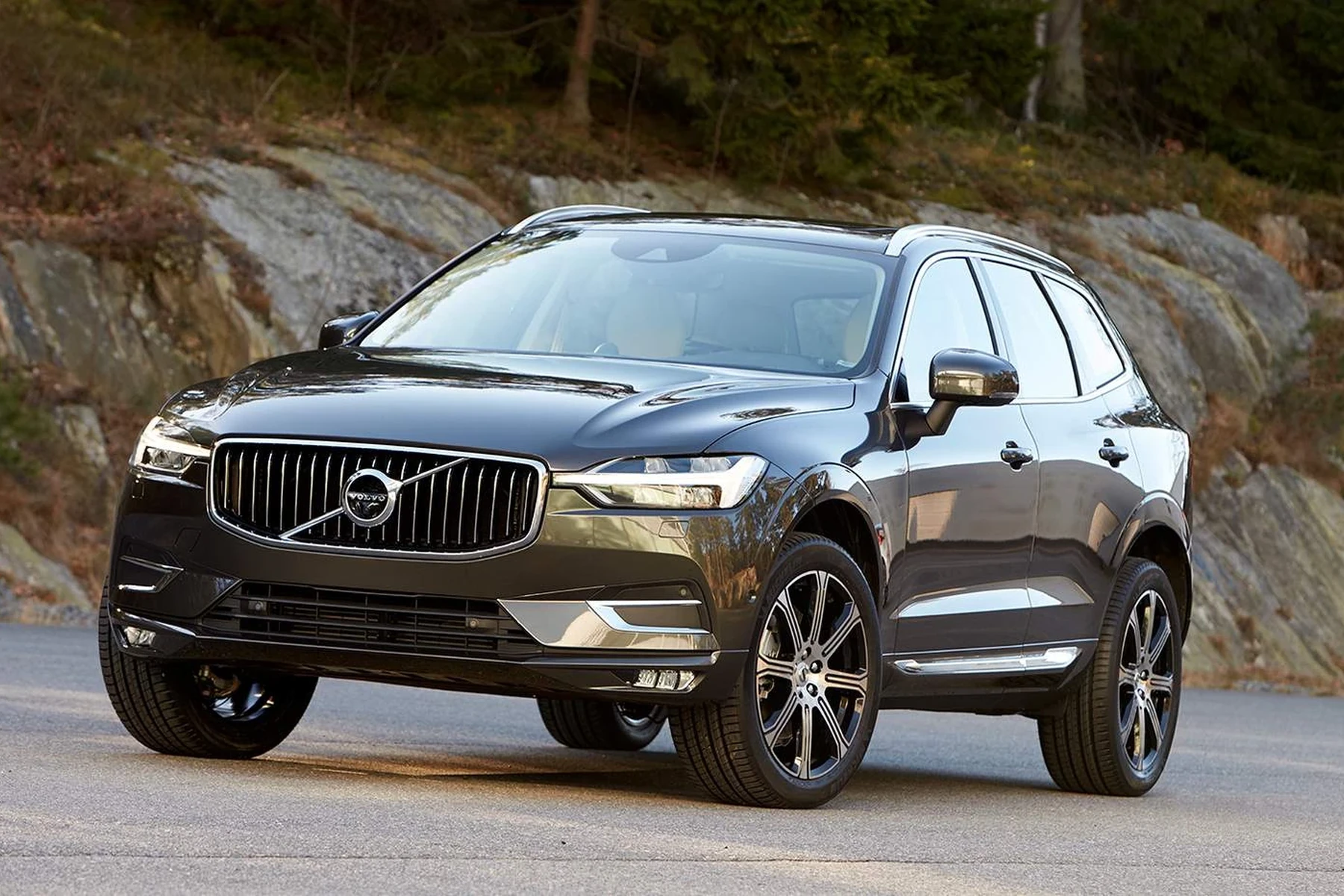
Not all Volvo XC60 models support direct Spotify integration. Generally, models from 2016 onwards, equipped with the Sensus Connect infotainment system, have this feature. To confirm compatibility, check if your vehicle has the Spotify app pre-installed.
You can also use how to reset scheduled maintenance on a 2013 Volvo XC60 as a helpful next guide on the same ownership topic.
If not, you may need to update your system software.
For those with older models or different infotainment systems, consider using Android Auto or Apple CarPlay as alternatives for accessing Spotify. Both options allow you to stream music from your smartphone directly to your vehicle’s audio system.
Steps to Connect Spotify to Volvo XC60
- Ensure your vehicle is parked and the ignition is on.
- Navigate to the home screen of the infotainment system.
- Find and select the Spotify app. If it’s not visible, check the app section or install it via the vehicle’s app store.
- Log in using your Spotify account credentials. You may need to enter a verification code sent to your email or phone.
- Once logged in, you can browse playlists, albums, and songs.
- Use the vehicle’s controls or voice commands to play your music.
Managing Permissions and Connectivity
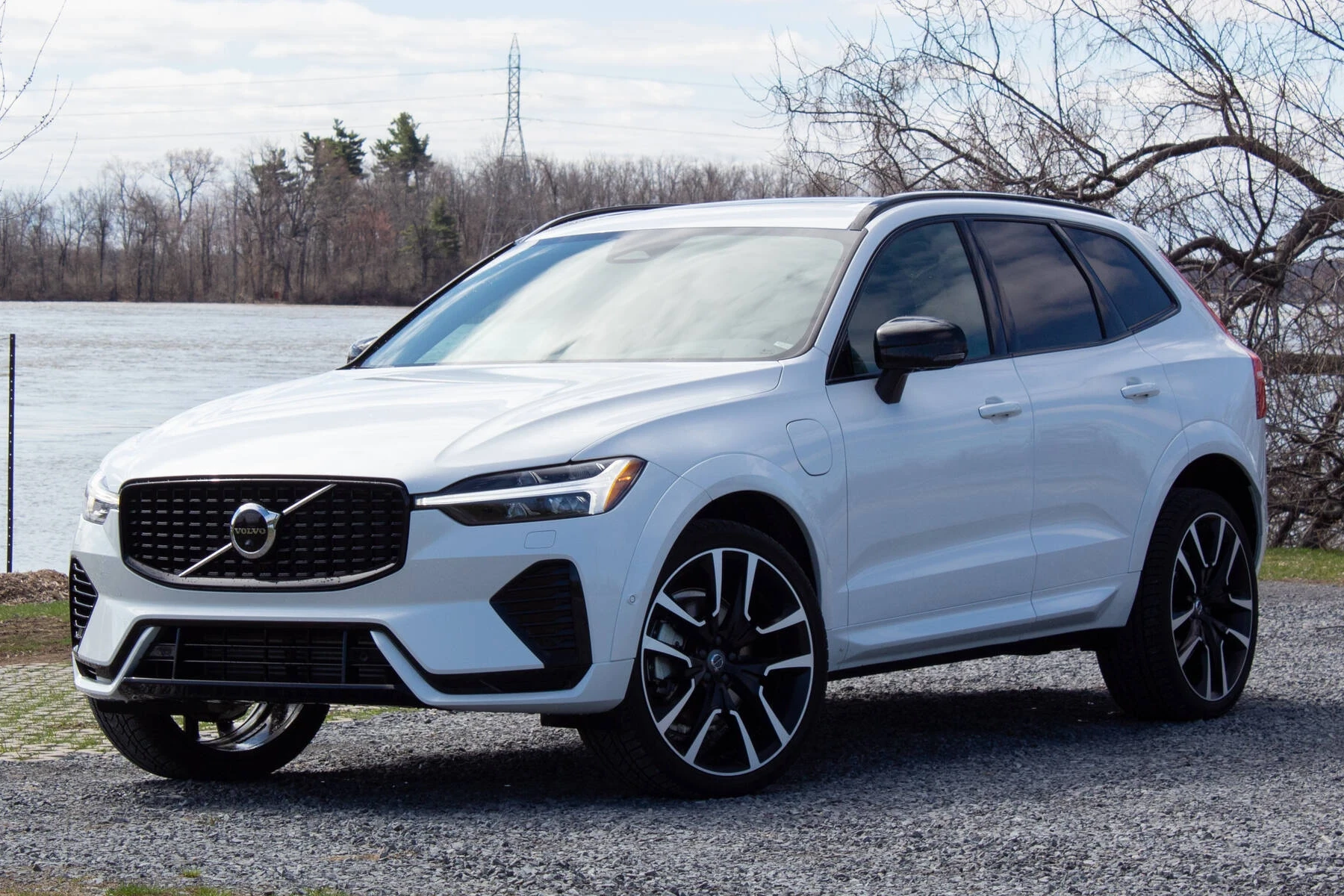
For a smooth Spotify experience, ensure that your vehicle’s infotainment system has the necessary permissions enabled. This may include access to your mobile device’s Bluetooth or Wi-Fi settings, depending on your connection method.
Check the following:
- Bluetooth is enabled on both your phone and the vehicle.
- Your phone is connected to the vehicle’s infotainment system.
- You have allowed the Spotify app to access your device’s data.
Using a stable internet connection is crucial, especially if you’re streaming music. If you’re using mobile data, ensure that your data plan supports music streaming.
Troubleshooting Common Connectivity Issues
Sometimes, users may encounter issues when connecting Spotify to their Volvo XC60. Here are some common problems and their solutions: This connects closely with how to reset Volvo XC60 maintenance light if you want to compare the topic in more detail.
Spotify App Not Responding
If the Spotify app fails to open or respond, try the following:
- Restart your vehicle’s infotainment system.
- Check for any software updates for the app or the vehicle’s system.
- Reinstall the app if necessary.
Connection Drops
Frequent disconnections can be frustrating. To resolve this:
- Ensure your phone’s Bluetooth is always on and connected to the vehicle.
- Move your device closer to the infotainment system to improve connectivity.
- Consider resetting the infotainment system if issues persist.
Unable to Log In
If you’re having trouble logging into your Spotify account:
- Double-check your username and password for accuracy.
- Use the “Forgot Password” feature if needed.
- Make sure there are no restrictions on your account that prevent logging in.
Resetting the Infotainment System for Updates
Keeping your infotainment system updated is crucial for compatibility and performance. If you experience ongoing issues, a system reset may help:
- Power off the vehicle completely.
- Wait for a few moments before restarting.
- Once powered on, navigate to the settings menu.
- Select the option to reset the infotainment system.
- Follow the prompts to complete the reset process.
💡 Evans Torres Tip: Regularly check for software updates for your XC60’s infotainment system to ensure compatibility with the latest version of Spotify.
Frequently Asked Questions
Can I Use Spotify Without a Premium Account in My Volvo XC60?
No, you need a Spotify Premium account to access the Spotify app on your Volvo XC60.
What If the Spotify App Is Not Available on My XC60?
If the app is not available, consider using Android Auto or Apple CarPlay as alternative methods to stream Spotify from your smartphone.
How Can I Reset My Infotainment System If I Encounter Issues?
To reset the system, power off the vehicle, wait a moment, and then restart it. Navigate to the settings menu to complete the reset.
What to Do Next
Now that you know how to connect Spotify to your Volvo XC60, enjoy your driving experience with your favorite tunes. If you encounter any issues, review the troubleshooting steps or reach out to your local Volvo dealer for assistance. Happy driving!
Author

Author

Evans Torres
I’m Evans Torres, an automotive engineer who loves Volvo cars. I graduated in Automotive Engineering from USC. I have worked in the car industry for years and now share my knowledge on The Volvo Life. I started this blog to connect with other Volvo fans. I offer tips, news, and advice to help you care for your car. My goal is to help you keep your Volvo in great shape and find all the best things about it. Join me as we discover everything Volvo has to offer!