



The Volvo EX30 Carplay not working issue can arise due to compatibility settings, connectivity problems, or software glitches. Check your settings and connections to troubleshoot effectively.
The Volvo EX30 is a modern electric vehicle that offers various high-tech features, including Apple CarPlay. However, some users may encounter issues with CarPlay not working properly. This article will guide you through setup, compatibility, and troubleshooting steps to ensure a seamless experience with Apple CarPlay in your EX30.
- Ensure your iPhone is compatible and updated for optimal CarPlay performance.
- Check your USB connection and ensure it’s properly plugged in.
- Verify that CarPlay is enabled in your Volvo EX30 settings.
- Restart your iPhone and the vehicle’s infotainment system to reset connections.
- Update the vehicle’s software if issues persist.
Understanding Volvo EX30 and Apple CarPlay Compatibility
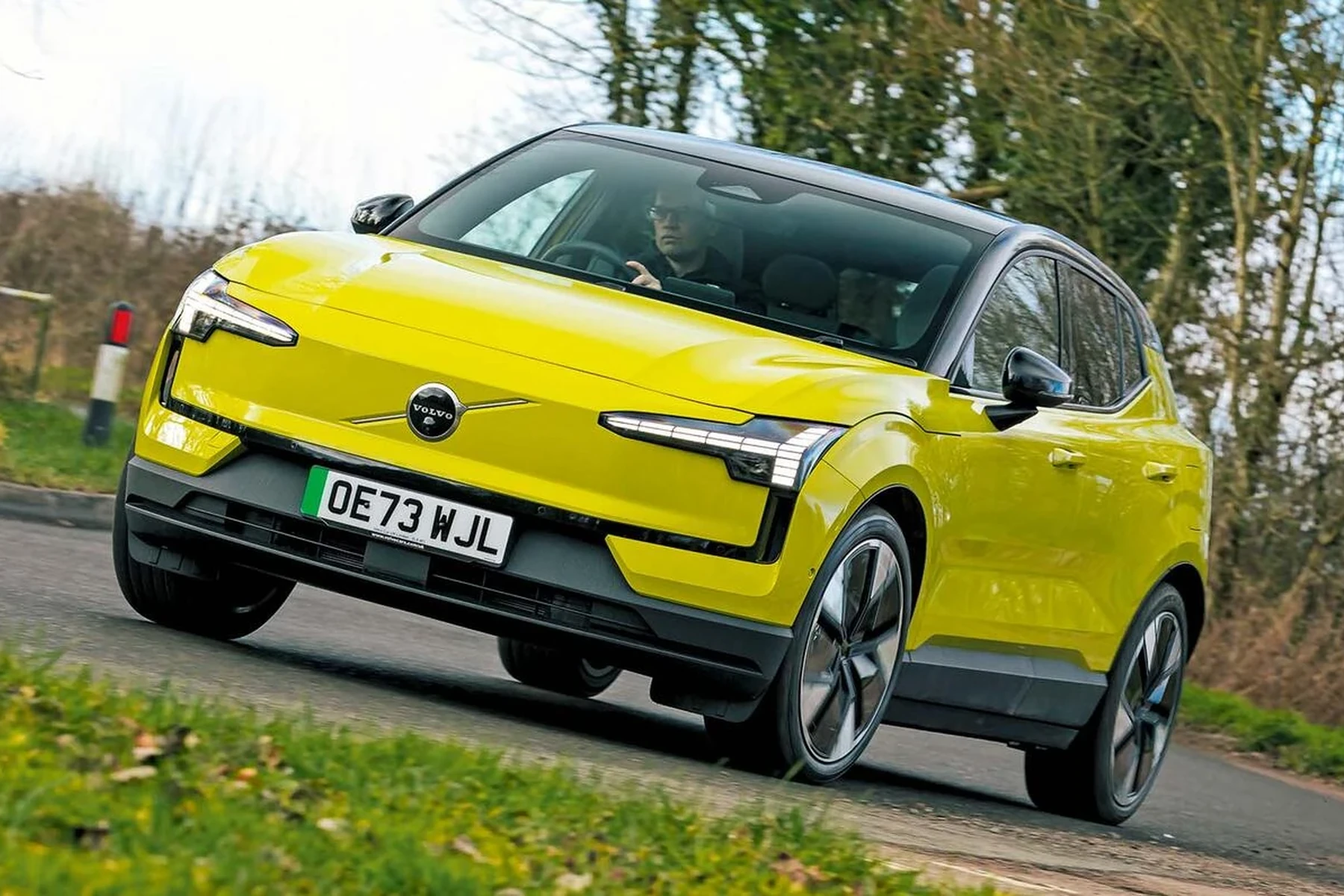
The Volvo EX30 supports Apple CarPlay, allowing you to integrate your iPhone with the vehicle’s infotainment system. However, compatibility depends on various factors:
- iPhone Model: Ensure your iPhone is an iPhone 5 or newer, as older models do not support CarPlay.
- iOS Version: Your iPhone should have iOS 13 or later installed for full compatibility.
- Volvo EX30 Software: Make sure your vehicle’s software is updated to the latest version.
Setting Up Apple CarPlay in Your Volvo EX30
To set up CarPlay in your Volvo EX30, follow these steps:
- Start your vehicle and connect your iPhone using a USB cable to the designated USB port in your EX30.
- Unlock your iPhone and ensure it is not in Low Power Mode.
- On your EX30’s infotainment screen, select the CarPlay icon when it appears.
- Follow any prompts on the screen to complete the setup.
🛠️ Practical Tip: Always use an Apple-certified USB cable for the best connection quality.
Troubleshooting: Why Is Your CarPlay Not Working?
If you find that CarPlay is not functioning correctly, consider the following troubleshooting steps: For related context, you may also want to read Volvo S60 carplay not working.
Check Your Connections
Ensure the USB cable is securely connected to both your iPhone and the vehicle. A loose or damaged cable can lead to connection issues.
Verify CarPlay Settings
On your iPhone, go to Settings > General > CarPlay and ensure your vehicle is listed. If not, try reconnecting your phone.
Restart Devices
Sometimes, a simple restart can resolve connectivity issues. Restart both your iPhone and the EX30’s infotainment system. This connects closely with carplay not working Volvo XC90 if you want to compare the topic in more detail.
Update Software
Check if there are any software updates available for either your iPhone or the EX30. Keeping both devices updated can resolve compatibility issues.
Reset Network Settings
If problems persist, consider resetting your iPhone’s network settings. Go to Settings > General > Reset > Reset Network Settings. Note that this will erase saved Wi-Fi passwords and VPN settings.
⚠️ Warning: Resetting network settings will remove all saved Wi-Fi passwords. Make sure to have them noted down before proceeding.
Common Failure Points for Volvo EX30 CarPlay
Several common issues can cause CarPlay to malfunction:
- Incompatible iOS Version: Ensure your iPhone is on a compatible iOS version.
- Faulty USB Port: Test different USB ports to see if the issue lies with the port itself.
- Bluetooth Interference: If your iPhone is connected via Bluetooth, it might interfere with the USB connection. Disconnect Bluetooth and try again.
Next Steps: What to Do If Issues Persist
If you have followed all the troubleshooting steps and your CarPlay is still not working, consider the following options:
- Visit your local Volvo dealership for a diagnostic check.
- Consult the official Volvo support website for any known issues or updates.
- Engage with online community forums for shared experiences and solutions.
💡 Did You Know? The Volvo EX30 offers over-the-air software updates, so keeping your vehicle’s software current is easier than ever!
💡 Evans Torres Tip: On every Volvo I have owned, I always keep a full digital service record from day one. When something goes wrong — and eventually something always does — having that history makes diagnosis faster and often saves money at the mechanic. Start your records today, even if the car is not new.
Frequently Asked Questions
What Should I Do If My iPhone Is Not Recognized by My Volvo EX30?
Ensure that your iPhone is unlocked and connected securely via a certified USB cable. If the issue persists, restart both devices and check for updates.
Can I Use Wireless CarPlay with My Volvo EX30?
The Volvo EX30 currently does not support wireless CarPlay; a USB connection is required.
What If CarPlay Works Intermittently?
Intermittent functionality can indicate a faulty USB cable or port. Try using a different cable or USB port to diagnose the issue.
How Can I Reset the Infotainment System in the Volvo EX30?
To reset the infotainment system, turn off the vehicle and then restart it. If issues persist, follow your owner’s manual for a factory reset procedure.
What to Do Next
If you’re facing issues with Apple CarPlay in your Volvo EX30, start by checking your connections and settings. Follow the outlined troubleshooting steps, and if needed, seek professional assistance. Keeping your software updated is key to avoiding future problems.
Author

Author

Evans Torres
I’m Evans Torres, an automotive engineer who loves Volvo cars. I graduated in Automotive Engineering from USC. I have worked in the car industry for years and now share my knowledge on The Volvo Life. I started this blog to connect with other Volvo fans. I offer tips, news, and advice to help you care for your car. My goal is to help you keep your Volvo in great shape and find all the best things about it. Join me as we discover everything Volvo has to offer!