



The radio not working in your Volvo XC40 can stem from various issues, including software glitches, blown fuses, or hardware malfunctions. Basic troubleshooting steps can often resolve these problems.
Experiencing radio issues in your Volvo XC40 can be frustrating, especially during long drives. The radio not functioning properly can arise from simple software glitches to more significant hardware problems. Understanding these issues can save you time and money while helping you enjoy your driving experience again.
- Common causes for radio failure include software bugs, blown fuses, and wiring issues.
- Simple troubleshooting steps can often resolve the problem without professional help.
- Updating software and checking fuses are essential first steps in diagnosing the issue.
- Persistent problems may require a visit to a Volvo dealer or a qualified mechanic.
Common Causes of Radio Issues in the Volvo XC40

Software Glitches
Software glitches are one of the most common reasons why the radio may stop working in your Volvo XC40. These issues can often be resolved by performing a system reboot. Simply turning off the vehicle for a few minutes and restarting it can sometimes restore radio functionality.
Blown Fuses
A blown fuse can also lead to a complete radio failure. The fuse box in the Volvo XC40 contains fuses for various electrical components, including the radio. If the fuse is blown, the radio will not receive power. Checking and replacing a blown fuse is a straightforward process.
Wiring Problems
Faulty wiring can cause intermittent radio issues or a complete failure. Wiring problems might be due to wear and tear or damage from an accident. Inspecting the wiring could reveal loose connections or frayed wires that need repair.
Hardware Malfunctions
Hardware issues, such as a faulty radio unit or amplifier, can lead to functionality problems. If software resets and fuse replacements do not work, you may need to consider hardware replacement. This is generally more complex and may require professional assistance.
Troubleshooting Steps for Radio Issues
Step 1: Perform a Soft Reset
Start by performing a soft reset of the infotainment system. This can often resolve minor software glitches. To do this, turn off the vehicle and remove the key. Wait for a few minutes before restarting the vehicle.
Step 2: Check the Fuses
Locate the fuse box in your Volvo XC40, which is typically found under the dashboard or in the engine compartment. Consult your owner’s manual for the specific fuse linked to the radio. Remove the fuse and inspect it for any signs of damage. Replace it if necessary.
Step 3: Inspect the Wiring
If the problem persists, inspect the wiring connected to the radio. Look for loose connections or visible damage. Ensure all connectors are secure and free from corrosion.
Step 4: Update Software
Outdated software can cause various issues, including radio malfunctions. Check if your infotainment system has the latest updates. Most updates can be done via USB or through the vehicle’s Wi-Fi connection.
Step 5: Professional Diagnosis
If you have tried all the above steps and the radio still does not work, it may be time to consult a professional. Visit your local Volvo dealership or a qualified mechanic who specializes in Volvo vehicles for further diagnosis and repair.
🔧 Practical Tips: Regularly check your vehicle’s software updates and fuses to avoid unexpected radio issues. Keeping your infotainment system updated can help maintain its performance.
Common Symptoms of Radio Malfunctions
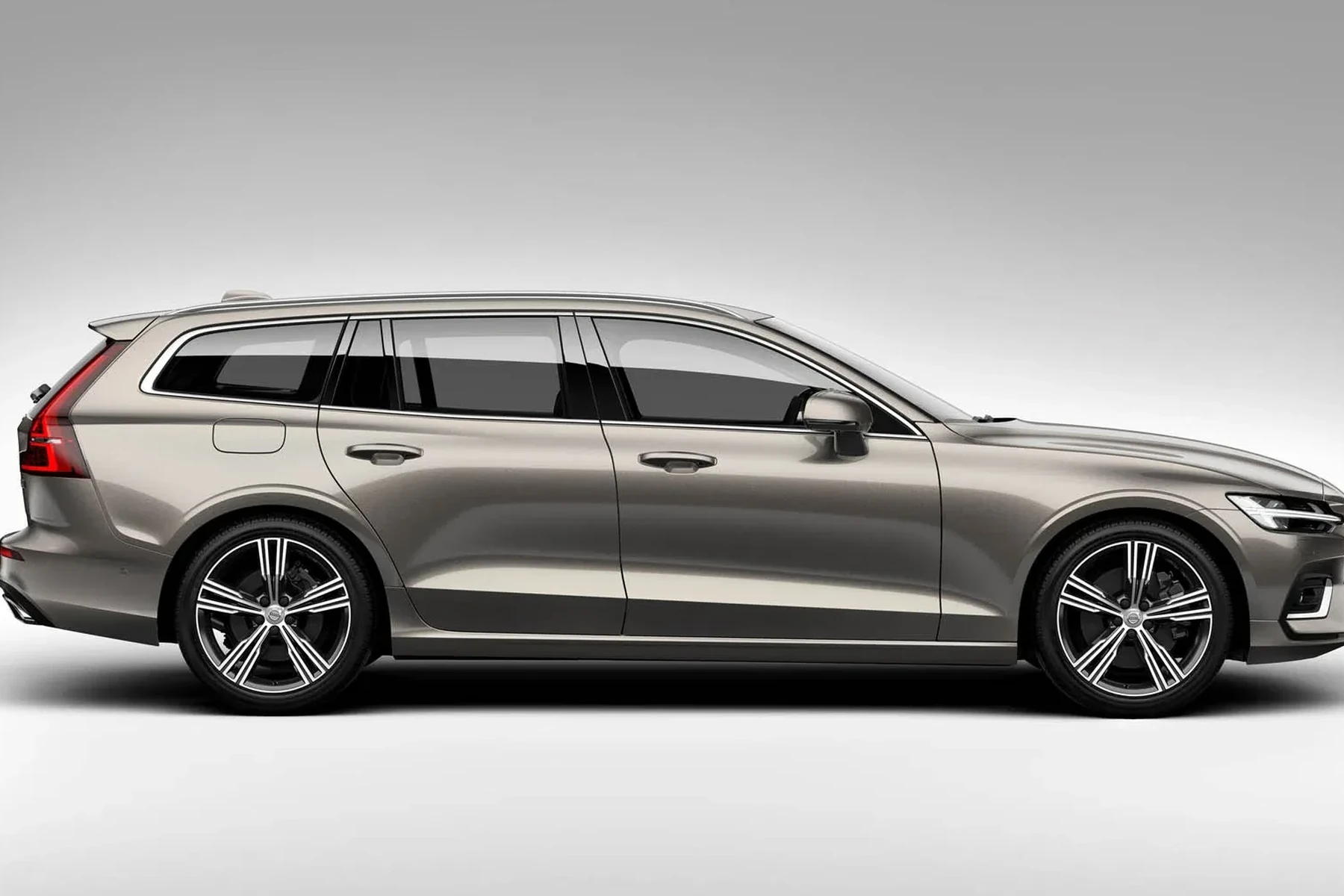
Identifying the symptoms of a malfunctioning radio can help you determine the next steps. Here are some common signs to look out for:
- No Sound: The radio powers on, but there is no audio output.
- Intermittent Sound: The sound cuts in and out during playback.
- Static or Distortion: Poor audio quality with static or distorted sound.
- System Freezes: The infotainment system becomes unresponsive or freezes.
Cost of Repairs for Radio Issues
The cost to repair radio issues in your Volvo XC40 can vary significantly based on the problem:
- Fuse Replacement: Replacing a blown fuse is typically inexpensive, often costing under $20.
- Wiring Repairs: Depending on the extent of the damage, wiring repairs can range from $50 to $150.
- Software Updates: Many updates are free, but if a professional performs them, the cost may be around $100.
- Hardware Replacement: If the radio unit or amplifier needs replacement, costs can range from $300 to $1,000, depending on the parts and labor.
Preventing Future Radio Issues
To minimize the chances of running into radio problems in your Volvo XC40, consider the following preventive measures:
- Regular Maintenance: Schedule regular check-ups for your vehicle, including the electrical system.
- Keep Software Updated: Regularly check for software updates for your infotainment system.
- Avoid Overloading: Ensure that electrical components are not overloaded, which can lead to blown fuses.
💡 Did You Know? Most radio issues can be resolved through simple troubleshooting steps, saving you time and money on professional repairs.
Frequently Asked Questions
Why Is My Volvo XC40 Radio Not Turning On?
If your radio isn’t turning on, it might be due to a blown fuse, a software glitch, or a dead battery. Checking the fuses and performing a soft reset can often resolve the issue.
How Do I Reset the Radio in My Volvo XC40?
To reset the radio, turn off the vehicle, remove the key, wait for a few minutes, and restart the vehicle. This can help clear minor software issues.
Can I Replace the Radio Myself?
While some minor fixes, like replacing a fuse, are DIY-friendly, replacing the radio unit typically requires professional assistance due to the complexity.
How Often Should I Check for Software Updates?
It’s a good practice to check for software updates at least once every few months to ensure optimal performance of your infotainment system.
What Should I Do If My Radio Keeps Cutting Out While Driving?
If your radio cuts out while driving, it may indicate wiring issues or a failing radio unit. Inspect the wiring and consult a professional if the problem persists.
💡 Evans Torres Tip: If your radio stops working after a software update, try rolling back to the previous version if possible. Sometimes, new updates can cause unexpected issues.
Final Verdict
If your radio is not working in your Volvo XC40, various factors could be at play. Start with basic troubleshooting like checking fuses and performing a system reset. If these steps do not resolve the issue, consider seeking professional assistance to get your radio back in working order. Regular maintenance and software updates can help prevent future problems, ensuring a better driving experience.
Author

Author

Evans Torres
I’m Evans Torres, an automotive engineer who loves Volvo cars. I graduated in Automotive Engineering from USC. I have worked in the car industry for years and now share my knowledge on The Volvo Life. I started this blog to connect with other Volvo fans. I offer tips, news, and advice to help you care for your car. My goal is to help you keep your Volvo in great shape and find all the best things about it. Join me as we discover everything Volvo has to offer!