


The memory seat feature in the Volvo XC90 is designed to enhance comfort and convenience for drivers. By saving your preferred seating position, you can quickly return to it at any time, making it ideal for families with multiple drivers or anyone who frequently shares their vehicle.
Learning how to set the memory seat on a Volvo XC90 is essential for maximizing your driving comfort, especially if multiple drivers use the vehicle.
This feature allows you to store your ideal seating position, ensuring a personalized driving experience every time you get behind the wheel.
- Understanding the Memory Seat Feature: The memory seat feature in the Volvo XC90 is designed to enhance comfort and.
- How to Set the Memory: Setting the memory seat on your Volvo XC90 is straightforward..
- Model Year Variations in Memory: Different model years of the Volvo XC90 may have slight variations in how the.
- Recalling Your Saved Memory Seat: Recalling your saved memory seat setting is just as easy as setting it..
- Troubleshooting Memory Seat Issues: If the memory seat feature is not functioning correctly, there are a few common.
Understanding the Memory Seat Feature in the Volvo XC90
The memory seat feature in the Volvo XC90 is designed to enhance comfort and convenience for drivers.
By saving your preferred seating position, you can quickly return to it at any time, making it ideal for families with multiple drivers or anyone who frequently shares their vehicle.
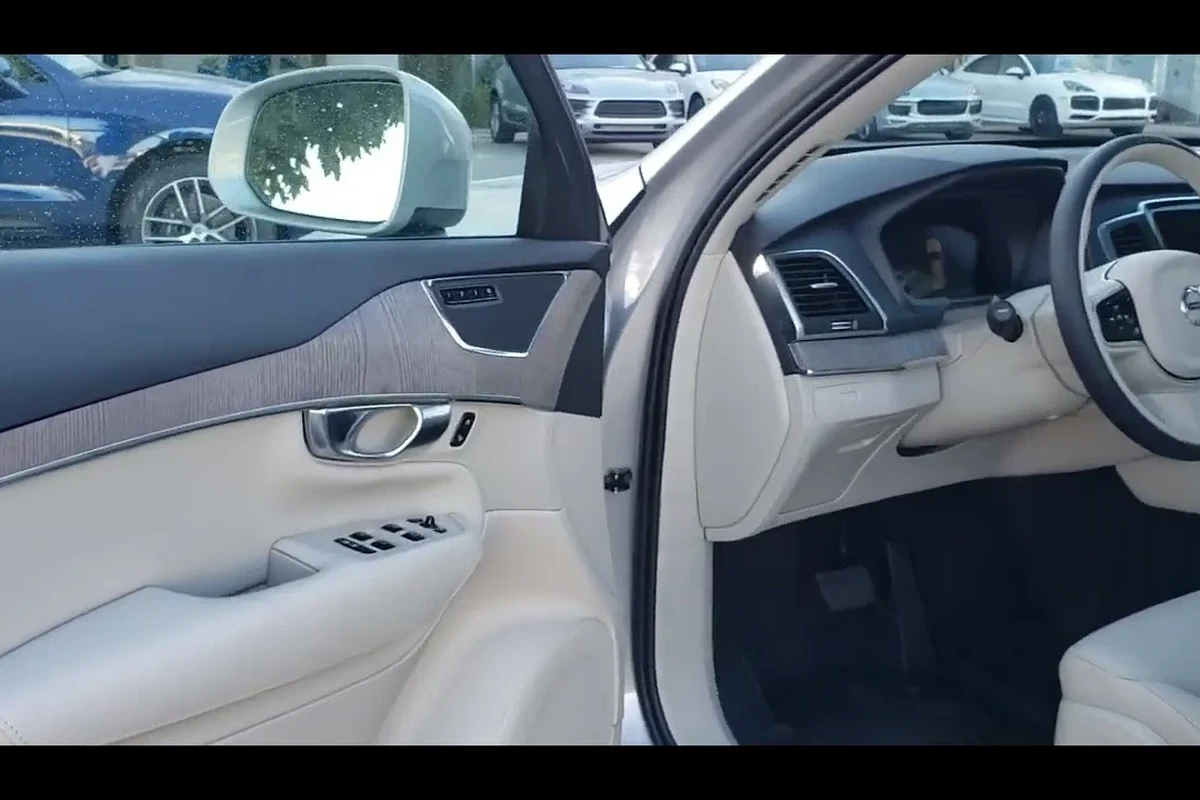
Steps to Set the Memory Seat on Your Volvo XC90
Setting the memory seat feature in your Volvo XC90 is a simple process that can significantly enhance your driving comfort. Follow these steps to ensure your preferred seating position is saved correctly. For official guidance on this, see Volvo Cars official website.
- Adjust the driver’s seat to your preferred position, including height, tilt, and lumbar support.
- Press the ‘Memory’ button located on the side of the seat.
- Choose a memory number (1, 2, or 3) to save your seat position.
- Wait for the confirmation beep that indicates your position is saved.
- Repeat these steps for additional drivers, ensuring they are seated in the driver’s seat during the process.
What is the Memory Seat Feature?
This feature allows you to save specific seat positions, including adjustments for height, tilt, and lumbar support. Most Volvo XC90 models can save settings for up to three drivers, allowing each person to have their personalized driving setup. For related context, read how to reset anti skid light on volvo xc90.
Look up the crash-test results and recall history for the exact model year rather than relying on the generation’s general reputation.
How to Set the Memory Seat on Your Volvo XC90
Setting the memory seat on your Volvo XC90 is straightforward. Follow these steps to customize your seating position:
- Sit in the driver’s seat and adjust it to your preferred position.
- Press the ‘Memory’ button located on the side of the seat.
- Choose a number (1, 2, or 3) to save your seat position.
- Wait for the confirmation beep indicating that the position is saved.
- Repeat for additional drivers if needed.
Ensure you are sitting in the driver’s seat when making these adjustments, as the seat will only save the position while occupied. You can also use how to reset check engine light on volvo xc90 as the next practical guide.
The details on how to set the memory seat on a volvo xc90 vary by market and model year, so treat figures here as a guide and confirm them against the official specification for your car.
Model Year Variations in Memory Seat Functionality
Different model years of the Volvo XC90 may have slight variations in how the memory seat feature operates. For example, earlier models may only allow seat position adjustments, while newer models might include settings for mirrors and steering wheel positions as well.
It’s essential to consult your owner’s manual for specific instructions related to your model year to ensure you’re using the feature correctly. For related context, read how to reset maintenance on volvo xc90.
Recalling Your Saved Memory Seat Setting
Recalling your saved memory seat setting is just as easy as setting it. Simply press the corresponding memory button (1, 2, or 3) while seated in the driver’s seat.
The seat will automatically adjust to the saved position. Some models might also allow you to recall settings with the key fob, which can be convenient when entering the vehicle. You can also use how to reset oil life on volvo xc90 as the next practical guide.
Check the exact model year, trim, engine, and market, because Volvo changes equipment and specifications between years and regions.
Troubleshooting Memory Seat Issues
If the memory seat feature is not functioning correctly, there are a few common issues to check:
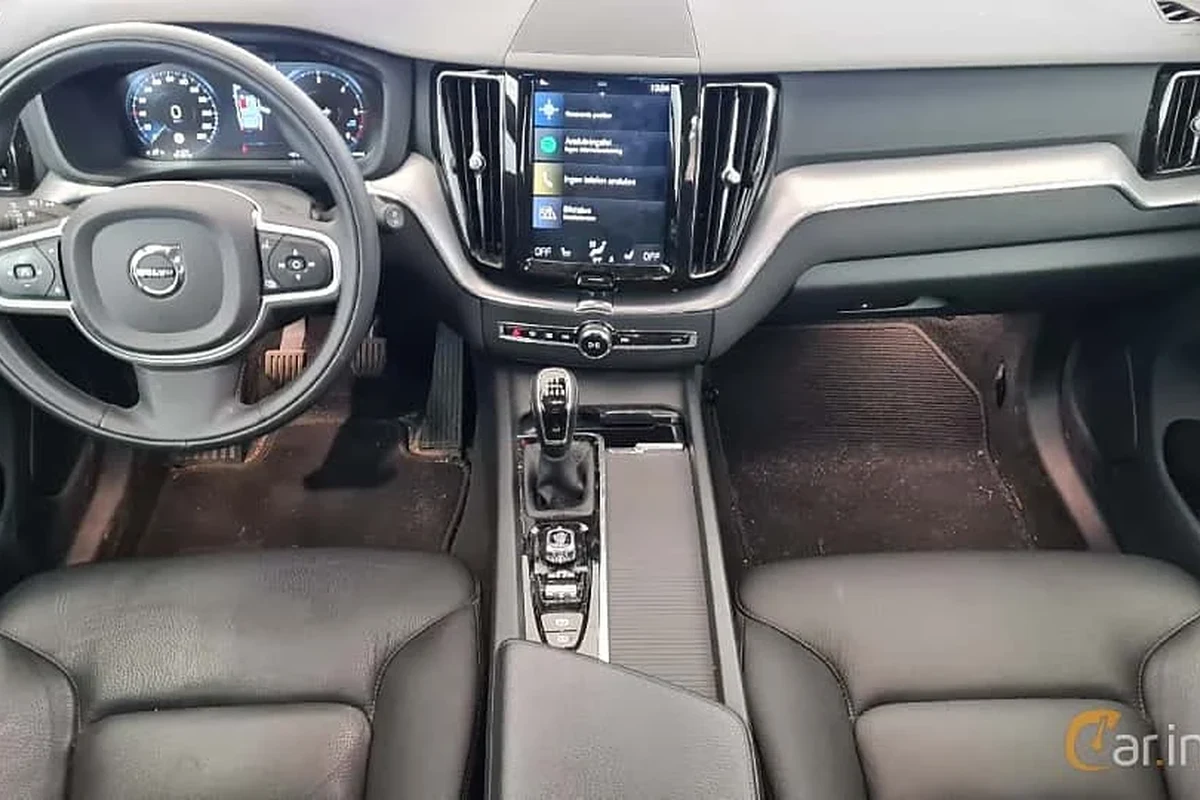
Ensure the driver’s seat is adjusted before saving the memory position. Confirm that the memory buttons are working and are not stuck. Check the vehicle’s battery voltage, as low power can affect electronic functions. For related context, read how to see engine temp on volvo xc90.
If you experience issues with the memory seat, consult your owner’s manual or contact a Volvo dealership for assistance.
Benefits of the Memory Seat Feature
The memory seat feature enhances the driving experience by allowing multiple drivers to easily switch between their preferred seating positions. For official guidance on this, see NHTSA recall lookup by VIN.
This personalization contributes to comfort, especially on longer drives, and helps ensure that everyone can maintain a safe and ergonomic posture while driving.
Also, it can help reduce the time spent adjusting the seat every time a different driver enters the vehicle. You can also use how to turn off time for regular maintenance volvo xc90 as the next practical guide.
Specifications copied across websites often mix markets and model years; confirm any figure you plan to rely on with the official source.
Conclusion and Further Resources
Understanding how to set the memory seat on a Volvo XC90 is a valuable skill that enhances your driving comfort. For more tips on maintaining your Volvo, check out our guide on resetting the maintenance light on a 2008 Volvo XC90.
How to Set the Memory Seat on a Volvo XC90
Setting the memory seat on your Volvo XC90 is a straightforward process that enhances your driving comfort.
Simply adjust the driver’s seat to your preferred position, press the ‘Memory’ button, choose a number (1, 2, or 3) to save, and wait for the confirmation beep.
This allows multiple drivers to easily recall their personalized settings for an optimal driving experience. For related context, read how much is an oil change for a volvo xc90.
- Adjust the driver’s seat to your desired position first.
- Press the ‘Memory’ button and select a memory number (1, 2, or 3).
- Wait for the confirmation beep to ensure your settings are saved.
This guide on how to set the memory seat on a volvo xc90 is general information. Rules, fees, rents, salaries, service coverage, product details, and procedures can change, so confirm important points with the manufacturer, retailer, or official app documentation before acting.
Quick Questions, Answered
To set the memory seat, sit in the driver’s seat and adjust it to your preferred position. Then, press the ‘Memory’ button on the side of the seat and choose a number (1, 2, or 3) to save your settings.
Recalling your saved memory seat setting is simple; just press the corresponding memory button (1, 2, or 3) while seated in the driver’s seat. The seat will automatically adjust to the saved position for your comfort.
Yes, different model years may have slight variations in memory seat functionality; for instance, earlier models might only save seat positions, while newer ones could include mirror and steering wheel settings. It’s best to consult your owner’s manual for specific instructions related to your model year.
If the memory seat feature isn’t functioning properly, first check that the driver’s seat is adjusted before saving the memory position. Also, ensure the memory buttons are functional and that the vehicle’s battery voltage is sufficient, as low power can affect electronic features.
Yes, the memory seat feature in the Volvo XC90 can save settings for up to three drivers, allowing each person to have their personalized seating position. This is particularly beneficial for families or individuals who frequently share the vehicle.
The memory seat feature significantly enhances driving comfort, especially on long journeys, by allowing each driver to quickly access their personalized seating position. This personalization helps ensure safe and ergonomic posture while driving, reducing adjustment time for different drivers.
Wrapping Up
The memory seat feature in your Volvo XC90 is a convenient way to ensure every driver enjoys a personalized and comfortable driving experience. Take a moment to set it up, and you’ll appreciate the comfort it brings.
Author

💡 Evans Torres Tip: On every Volvo I have owned, I always keep a full digital service record from day one. When something goes wrong — and eventually something always does — having that history makes diagnosis faster and often saves money at the mechanic. Start your records today, even if the car is not new.