



The EX90 touch panel not working can stem from battery issues, charging problems, or software glitches. Check the battery status, ensure proper charging, and reset the system if needed.
The Volvo EX90, an innovative electric SUV, offers advanced technology and features, including a sophisticated touch panel. However, some users may encounter issues with the touch panel not working as intended. Understanding the common causes and solutions can help restore functionality and enhance your driving experience.
This guide covers battery and charging factors, software resets, and troubleshooting steps to address the touch panel issue.
- The touch panel may stop functioning due to low battery levels or charging issues.
- Software glitches can also cause the touch panel to be unresponsive.
- Performing a system reset can often resolve touch panel problems.
- Regular battery maintenance can prevent touch panel malfunctions.
- Consult your dealer for persistent issues related to the touch panel.
Common Causes of the EX90 Touch Panel Not Working
The touch panel in the Volvo EX90 may stop functioning due to several common reasons. Identifying these causes can help you determine the best course of action.
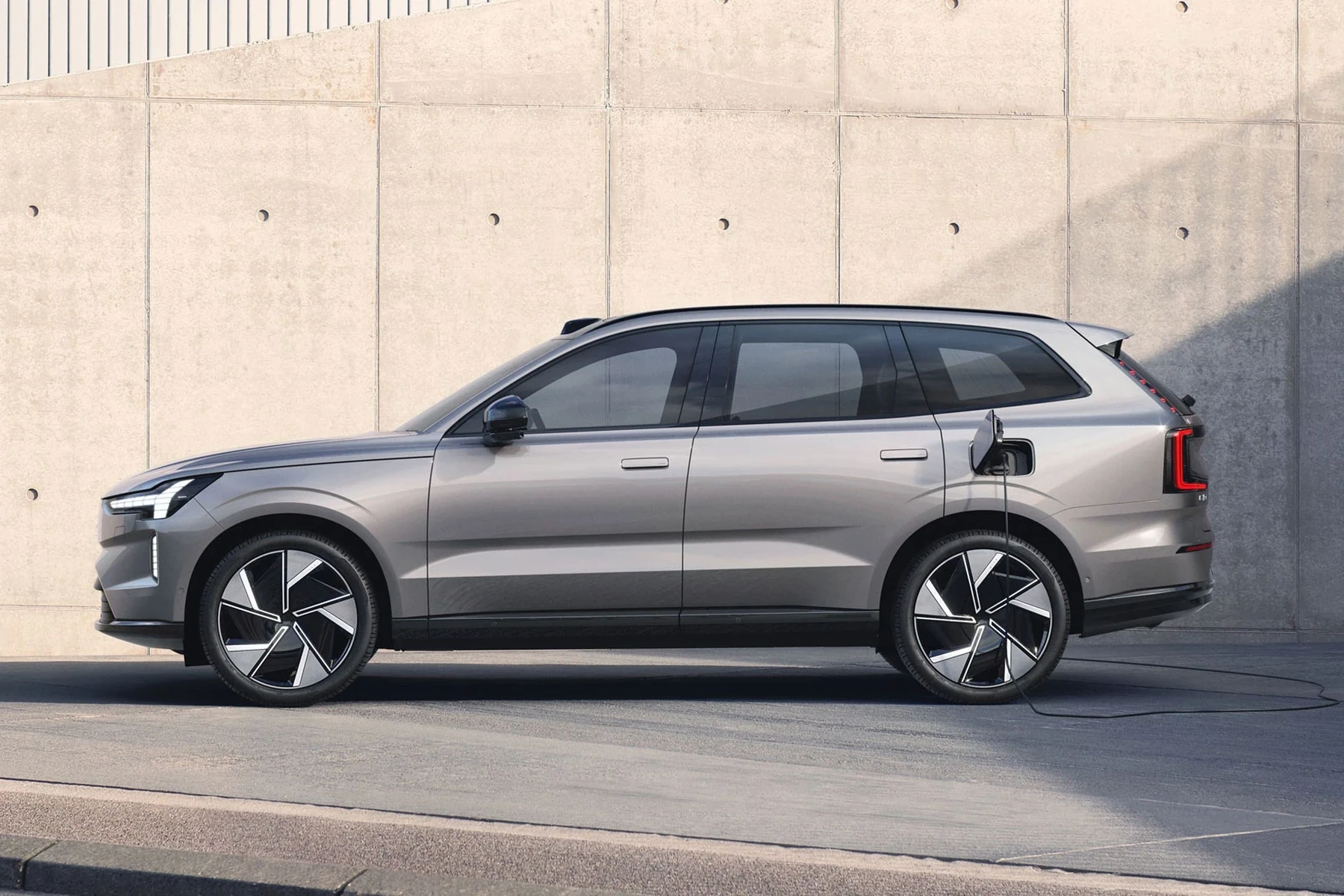
Battery Issues
A depleted battery can lead to various electronic failures, including the touch panel not responding. Make sure to check the battery status regularly. If the battery is running low or has been drained, it can affect the operation of the touch panel.
Charging Problems
Improper charging can also cause the touch panel to malfunction. Ensure that you are using a compatible charger and that it is functioning correctly. If the EX90 is not charging fully, the touch panel may not work properly due to insufficient power supply.
For related context, you may also want to read Volvo EX90 digital key not working.
Software Glitches
Software issues can lead to unresponsiveness in the touch panel. Bugs or errors may arise after updates or new software installations. These glitches can prevent the touch panel from responding to user inputs.
How to Diagnose the Touch Panel Issue
Diagnosing the problem involves a few simple checks and procedures. Follow these steps to pinpoint the issue with your EX90’s touch panel.
Check Battery Levels
Begin by checking the battery level displayed on the dashboard. If it’s low, recharge your vehicle. If the vehicle’s battery is fully charged and the touch panel still doesn’t work, proceed to the next step.
Inspect Charging Equipment
Examine your charging equipment for any signs of damage or wear. Try using a different charger or charging station to rule out issues with the charger itself. If your charger is functioning properly, move on to software checks.
Reset the Touch Panel System
Performing a system reset can often resolve unresponsive touch panel issues. To do this, turn off the vehicle and remove the key fob from the ignition. Wait for about 10 minutes before restarting the vehicle.
This procedure can help clear temporary glitches affecting the touch panel.
Charging Procedures for Optimal Performance
To prevent issues like the touch panel not working, proper charging practices are essential. Follow these guidelines to maintain optimal battery performance.

Regular Charging Schedule
Establish a regular charging schedule to keep the battery charged and ready. Frequent charging can prevent battery depletion, which can impact the performance of electrical components, including the touch panel.
Use Compatible Chargers
Always use Volvo-approved chargers to ensure compatibility and efficiency. Incompatible chargers may not deliver the correct voltage, leading to performance issues. This connects closely with Volvo XC40 apple carplay not working if you want to compare the topic in more detail.
Monitor Charging Locations
Different charging stations may have varying power outputs. Using a high-quality charging station can enhance the charging speed and maintain the battery health, which indirectly supports the operation of the touch panel.
⚠️ Safety Note: If your touch panel is not working and you are unable to access critical vehicle functions, avoid driving the vehicle until the issue is resolved. Contact your Volvo dealer for assistance.
Battery Maintenance to Avoid Touch Panel Issues
Maintaining your EX90’s battery is crucial for ensuring all systems function properly, including the touch panel. Here are a few maintenance tips.
Regular Inspections
Conduct routine inspections of your battery for any signs of wear or damage. Look for corrosion on terminals and ensure connections are secure. This can help prevent unexpected electrical failures.
Battery Health Monitoring
Consider using a battery monitoring app or device compatible with your EX90. Monitoring the battery’s health can provide insights into performance and help identify potential issues before they affect the touch panel or other systems.
Professional Maintenance
Having your battery professionally serviced at regular intervals can extend its lifespan. A technician can perform tests to ensure your battery operates at optimal levels, preventing issues like the touch panel not working.
💡 Did You Know? The EX90 uses advanced technology to monitor battery health. Regular software updates can enhance system performance and prevent glitches.
What to Do If the Touch Panel Still Doesn’t Work
If the touch panel remains unresponsive after checking the battery and charging system, consider these options.
Consult the Owner’s Manual
Your owner’s manual may provide troubleshooting steps specific to your model year and trim. Refer to it for guidance on resolving touch panel issues.
Contact Volvo Support
Reach out to Volvo customer support or visit a local dealership. They can provide specialized assistance and identify if there are underlying issues requiring professional repair.
Software Updates
Check for software updates that may address known issues with the touch panel. Keeping your vehicle’s software current can resolve many glitches affecting its performance.
🛠 Practical Tips: Regularly update your vehicle’s software, avoid extreme temperatures, and keep the touch panel clean to maintain its functionality.
💡 Evans Torres Tip: On every Volvo I have owned, I always keep a full digital service record from day one. When something goes wrong — and eventually something always does — having that history makes diagnosis faster and often saves money at the mechanic. Start your records today, even if the car is not new.
Frequently Asked Questions
What Should I Do If My EX90 Touch Panel Remains Unresponsive After Charging?
If the touch panel does not respond after charging, try resetting the system. If the issue persists, consult your owner’s manual or contact Volvo support.
Can Extreme Temperatures Affect the Touch Panel Functionality?
Yes, extreme heat or cold can impact the touch panel’s performance. Ensure your vehicle is kept within moderate temperature ranges whenever possible.
How Often Should I Check My EX90 Battery?
Regular battery checks are recommended at least every six months or as part of routine maintenance to ensure optimal performance.
Are There Any Specific Software Updates for the Touch Panel?
Volvo occasionally releases updates to enhance vehicle systems. Check with your dealer for the latest updates that may address touch panel functionality.
Is It Safe to Drive If the Touch Panel Is Not Working?
Driving with a non-functional touch panel can be risky, especially if it impacts critical vehicle functions. It’s best to resolve the issue before driving.
Final Verdict
When the EX90 touch panel is not working, it’s essential to check the battery and charging systems first. Regular maintenance and prompt troubleshooting can often resolve the issue. If these steps do not restore functionality, professional assistance is recommended.
Keeping your EX90 in top shape ensures a seamless driving experience.
Author

Author

Evans Torres
I’m Evans Torres, an automotive engineer who loves Volvo cars. I graduated in Automotive Engineering from USC. I have worked in the car industry for years and now share my knowledge on The Volvo Life. I started this blog to connect with other Volvo fans. I offer tips, news, and advice to help you care for your car. My goal is to help you keep your Volvo in great shape and find all the best things about it. Join me as we discover everything Volvo has to offer!