



If your Volvo XC60 audio is not working, the issue may stem from various causes, including software glitches or hardware malfunctions. Troubleshooting can often resolve the problem.
The Volvo XC60 is known for its luxurious features, including an impressive audio system. However, many owners encounter the frustrating issue of audio not working. Fortunately, understanding the underlying causes and solutions can help you restore the sound in no time.
This guide provides practical insights for troubleshooting audio issues specific to the Volvo XC60, whether it’s a software hiccup or a hardware malfunction. This connects closely with Volvo EX90 bluetooth not working if you want to compare the topic in more detail.
- Common causes for audio issues include software glitches, Bluetooth problems, and hardware failures.
- Perform a system reset or update to address software-related audio issues.
- Check connections and settings if using auxiliary or Bluetooth devices.
- In some cases, professional assistance may be required for hardware repairs.
Identifying Audio Problems in the Volvo XC60
Before diving into solutions, it’s essential to identify the specific symptoms of your audio issue. Is there no sound at all, or is it intermittent? Here are some common scenarios:
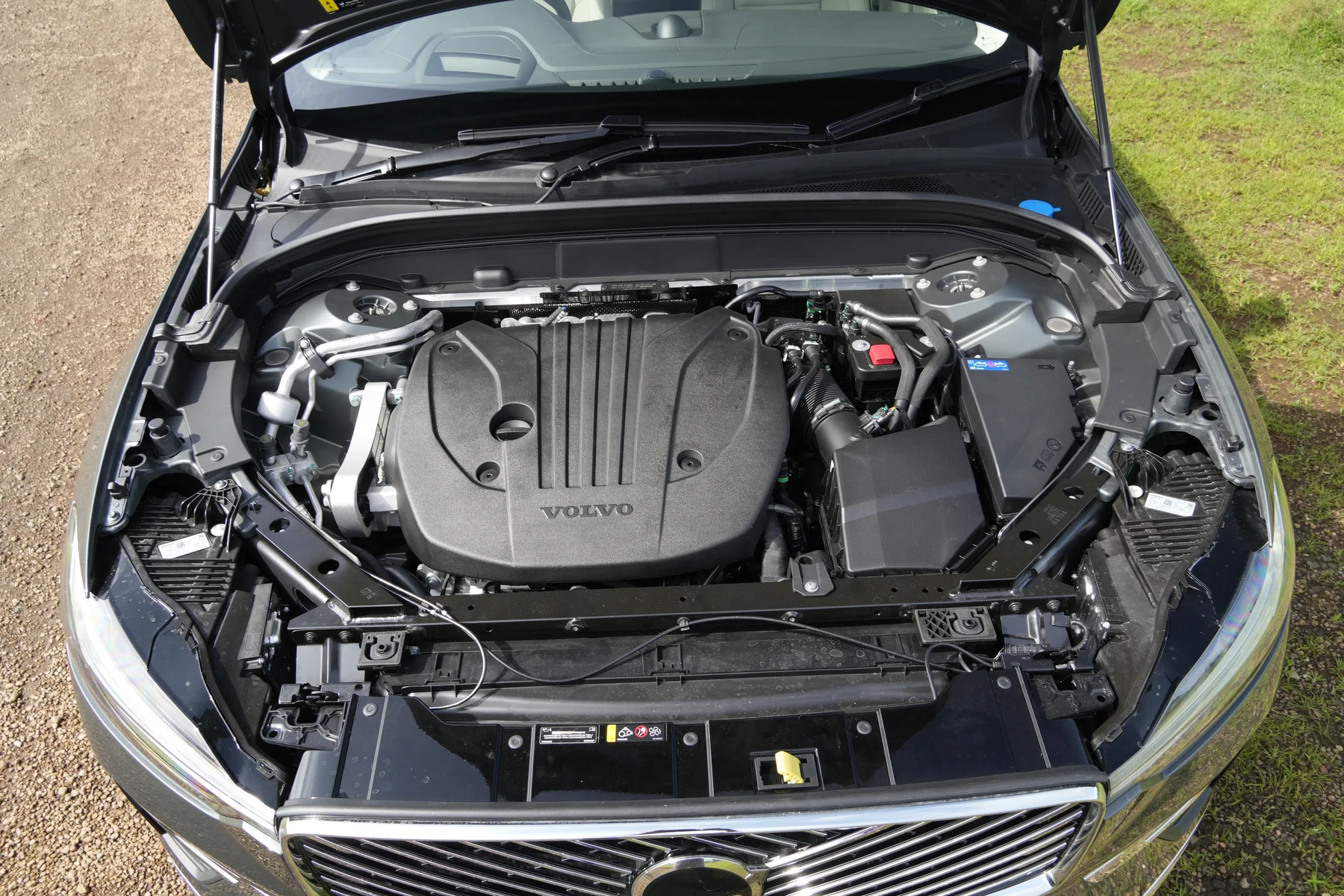
- No sound from the speakers: This could indicate a complete system failure or an issue with the audio source.
- Sound cuts in and out: This may suggest a loose connection or a problem with the audio settings.
- Static or distortion: Often related to interference from Bluetooth devices or faulty connections.
Common Causes of Audio Issues
Understanding the potential causes of audio problems can help you narrow down the troubleshooting process. Here are the most common reasons:
Software Glitches
Software issues are among the leading causes of malfunctioning audio systems in the XC60. Occasionally, updates may not install correctly, leading to audio failures. A simple system reset can often resolve these glitches.
For related context, you may also want to read Volvo EX90 key card not working.
Bluetooth Connectivity Issues
Bluetooth-related problems can hinder audio playback. If your device isn’t connecting properly or is experiencing interruptions, this can affect sound quality. Ensure that Bluetooth settings are correctly configured and try reconnecting your device.
Hardware Malfunctions
Sometimes, the issue may lie within the hardware itself, such as a faulty amplifier or damaged speakers. If software resets and Bluetooth troubleshooting fail, professional diagnosis may be necessary to identify hardware issues.
Faulty Audio Source
Audio problems can also arise from the source itself—whether it’s a connected smartphone, USB drive, or streaming service. Testing different audio sources can help isolate the problem. You can also use Volvo XC40 apple carplay not working as a helpful next guide on the same ownership topic.
Troubleshooting Steps for Audio Issues
Here are practical steps to troubleshoot audio problems in your Volvo XC60:

1. Restart the Infotainment System
A simple restart can resolve many temporary software issues. To do this:
- Turn off the engine and remove the key.
- Wait for a minute, then restart your vehicle.
2. Check Audio Settings
Verify that your audio settings are correctly configured:
- Navigate to the audio settings in the infotainment system.
- Ensure that the volume is turned up and that the audio source is correctly selected.
- Check if any sound settings, such as balance or fade, are misconfigured.
3. Reconnect Bluetooth Devices
If using Bluetooth, disconnect and reconnect your device:
- Go to the Bluetooth settings on your device and forget the XC60.
- Re-pair the device by following the prompts in the XC60’s infotainment system.
4. Update Software
Outdated software can lead to audio issues. Regularly check for updates:
- Access the settings menu in your infotainment system.
- Look for software update options and follow any prompts to install updates.
5. Assess Hardware Components
If audio issues persist after software troubleshooting, inspect hardware components:
- Check the speakers for any visible damage.
- Examine wiring connections for any loose or frayed wires.
- Consider having the amplifier checked by a professional if you suspect it may be faulty.
💡 Evans Torres Tip: Regularly update your Volvo XC60’s software to minimize glitches and ensure optimal performance of the audio system.
When to Seek Professional Help
If you’ve tried all the troubleshooting steps without success, it might be time to consult a professional. A certified Volvo technician can conduct a thorough diagnostic to identify underlying hardware issues. Repair costs can vary but typically range from $100 to $300, depending on the problem.
Frequently Asked Questions
Why Is My Volvo XC60 Audio Not Working After an Update?
Sometimes, updates can cause temporary glitches. Restarting the infotainment system or performing a factory reset can help resolve these issues.
How Can I Check If My Speakers Are Working?
Try playing different audio sources, such as radio, Bluetooth, or USB. If sound is only absent from certain sources, the issue may not be with the speakers.
What If My Volvo XC60 Audio Cuts Out While Driving?
This may indicate a loose connection or interference from other electronic devices. Check for loose wiring and ensure Bluetooth devices are functioning properly.
Can a Blown Fuse Affect My Audio System?
Yes, a blown fuse can disrupt power to the audio system. Check your vehicle’s fuse box for any blown fuses related to the audio system and replace them if necessary.
Is It Safe to Drive Without Audio?
While it’s not a safety hazard, driving without audio can be less enjoyable. However, it’s essential to resolve the issue to keep your driving experience comfortable.
Final Verdict
Experiencing audio issues in your Volvo XC60 can be frustrating, but many problems are easily solvable with simple troubleshooting steps. Start with software resets and checks, and if issues persist, consider professional assistance. Keeping your audio system in top shape enhances your driving experience, making every journey enjoyable.
Author

Author

Evans Torres
I’m Evans Torres, an automotive engineer who loves Volvo cars. I graduated in Automotive Engineering from USC. I have worked in the car industry for years and now share my knowledge on The Volvo Life. I started this blog to connect with other Volvo fans. I offer tips, news, and advice to help you care for your car. My goal is to help you keep your Volvo in great shape and find all the best things about it. Join me as we discover everything Volvo has to offer!