



To reset the Volvo XC90 infotainment system, press and hold the “Home” and “Back” buttons simultaneously for about 10-15 seconds until the system reboots.
The Volvo XC90 is renowned for its advanced infotainment system, which can sometimes experience hiccups. Whether you’re dealing with software glitches or connectivity issues, knowing how to reset the infotainment system can save you time and frustration.
For related context, you may also want to read how to reset Volvo XC60 service reminder.
This guide will walk you through the steps to reset your Volvo XC90’s infotainment system and discuss compatibility, setup, and common failure points.
- Resetting the infotainment system can solve many performance issues.
- The reset procedure may vary slightly depending on the model year.
- Always check for software updates after a reset.
- Common issues include connectivity problems with Bluetooth and navigation glitches.
- Professional help may be required for persistent issues.
Understanding the Volvo XC90 Infotainment System
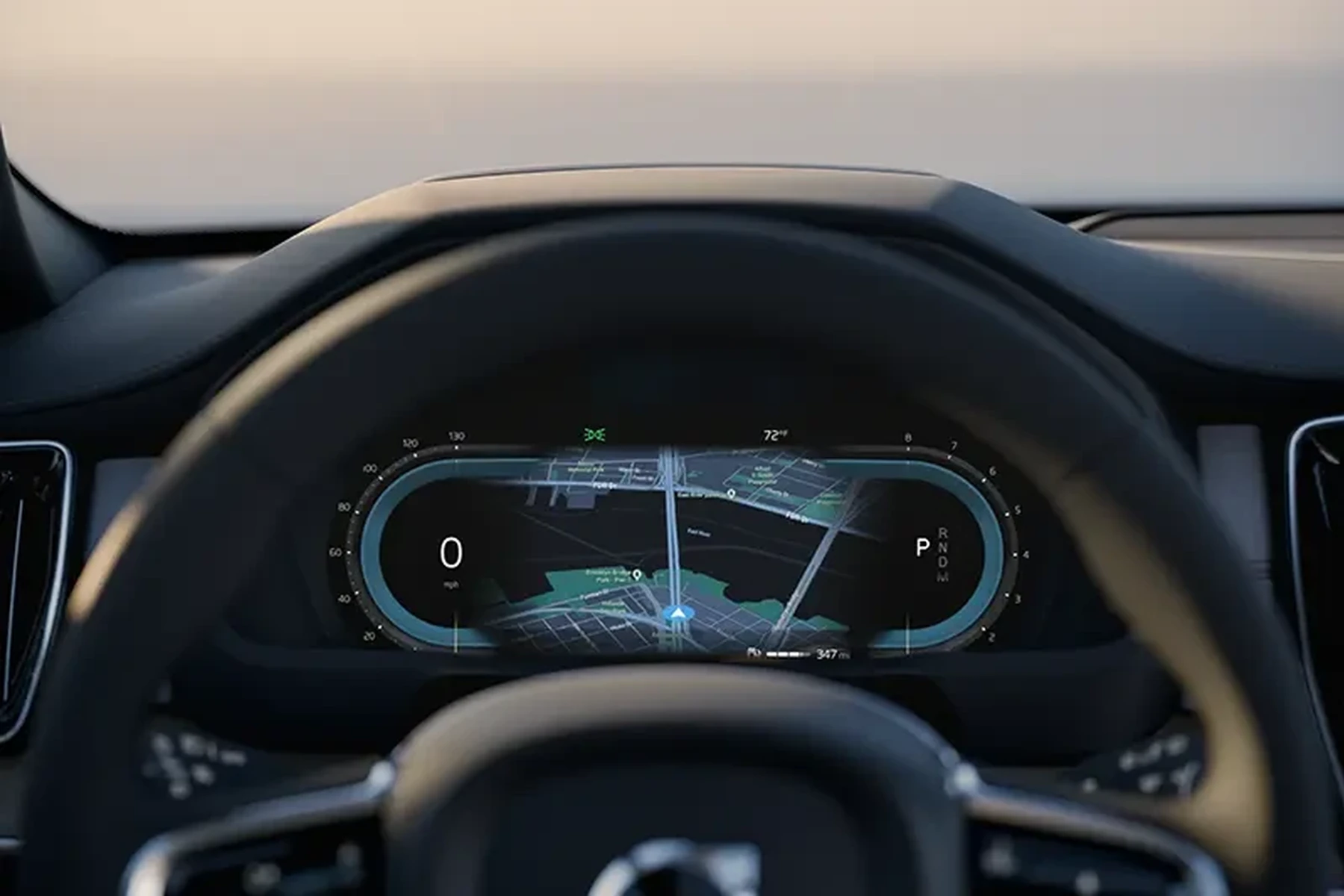
The Volvo XC90 boasts a sophisticated infotainment system that integrates navigation, music, connectivity, and various vehicle settings. This system, known as Sensus, is designed to enhance the driving experience but can sometimes encounter issues. Knowing how to reset it is crucial for maintaining optimal performance.
Compatibility and Model Year Considerations
Most Volvo XC90 models from 2016 onwards feature the Sensus infotainment system. However, the reset process may vary slightly across different model years. Ensure you verify your model year to follow the correct procedure.
This connects closely with how to reset Volvo V70 service light if you want to compare the topic in more detail.
For example, the 2016-2020 models have specific reset instructions that might differ from the 2021 and newer models. Always refer to your owner’s manual for model-specific guidance.
Setup Sequence for the Infotainment System
Before attempting a reset, ensure that your infotainment system is correctly set up and connected. Here are the basic steps:
- Start the vehicle and wait for the infotainment system to boot up.
- Ensure your phone is connected via Bluetooth if you plan to use mobile features.
- Check for any available software updates in the system settings.
Sometimes, connectivity issues can stem from improper setup rather than a malfunctioning system. If everything is set up correctly but issues persist, consider a reset. You can also use how to reset Volvo V50 service light as a helpful next guide on the same ownership topic.
Step-by-Step Guide to Resetting Your Infotainment System
Resetting the infotainment system is a straightforward process. Follow these steps:
- Ensure the vehicle is in the “On” position without starting the engine.
- Press and hold the “Home” button on the touchscreen.
- While holding the “Home” button, press and hold the “Back” button simultaneously.
- Keep both buttons pressed for about 10-15 seconds.
- Release the buttons when the screen goes black and the Volvo logo appears.
- Wait for the system to reboot completely.
- Check if the issues have been resolved.
💡 Evans Torres Tip: After resetting, ensure that you check for software updates in the settings menu. Updating can prevent future issues.
Troubleshooting Common Failure Points
Even after a reset, some problems may persist. Below are common failure points and their potential solutions:
Bluetooth Connectivity Issues
Bluetooth problems can often be resolved by deleting your device from the infotainment system and reconnecting it. If issues continue, check your phone’s Bluetooth settings.
Navigation Glitches
If the navigation system is not functioning correctly, ensure that GPS settings are enabled. A reset might help, but if the problem persists, consider a software update or a professional diagnostic.
System Sluggishness
A slow infotainment system can be a result of outdated software. Always check for updates after a reset, as updates often include performance improvements.
Limitations and Next Steps
While resetting the infotainment system can resolve many issues, some problems may require professional assistance. If the reset does not fix your issues, consider visiting a certified Volvo technician for further diagnostics.
Additionally, keep in mind that frequent resets may indicate underlying issues that should be addressed. Regular maintenance and updates can help mitigate future problems.
Frequently Asked Questions
How Often Should I Reset My Volvo XC90 Infotainment System?
Only reset when experiencing noticeable issues, such as glitches or connectivity problems. Frequent resets may suggest deeper issues.
Will Resetting My Infotainment System Erase My Saved Settings?
No, resetting the infotainment system typically does not erase saved settings, but it may resolve temporary glitches affecting those settings.
Is There a Risk in Resetting the System?
Resetting is generally safe and should not harm the system. However, any underlying issues may still need to be addressed.
What to Do Next
After successfully resetting your Volvo XC90 infotainment system, monitor its performance over the next few days. If problems persist, consult with a professional technician for a thorough inspection. Regular maintenance, including software updates, can significantly enhance your vehicle’s performance.
Author

Author

Evans Torres
I’m Evans Torres, an automotive engineer who loves Volvo cars. I graduated in Automotive Engineering from USC. I have worked in the car industry for years and now share my knowledge on The Volvo Life. I started this blog to connect with other Volvo fans. I offer tips, news, and advice to help you care for your car. My goal is to help you keep your Volvo in great shape and find all the best things about it. Join me as we discover everything Volvo has to offer!