



To factory reset your Volvo XC40, access the settings menu on your infotainment system and follow the prompts to restore factory settings. This process can resolve various software issues and restore the vehicle’s original configurations.
The Volvo XC40 is a popular compact SUV known for its safety, style, and technology. However, like any modern vehicle, it may occasionally require a factory reset to address software glitches or to prepare it for a new owner.
This guide will provide you with step-by-step instructions on how to perform a factory reset on your XC40. Understanding the prerequisites and the process will ensure a smooth experience. For related context, you may also want to read Volvo XC60 oil reset.
- Perform a factory reset to resolve software issues in the XC40.
- Ensure all important data is backed up before starting the reset.
- The process varies slightly between different model years.
- Follow the exact steps to avoid common mistakes during the reset.
- A factory reset will restore default settings for your infotainment system.
Prerequisites for Factory Resetting Your Volvo XC40
Before initiating a factory reset, make sure to back up any essential data. This includes your contacts, navigation settings, and any personalized configurations you want to retain. A factory reset will erase all saved data, so having a backup is crucial.
You can also use how can you factory reset a cisco cts EX90 k9 as a helpful next guide on the same ownership topic.
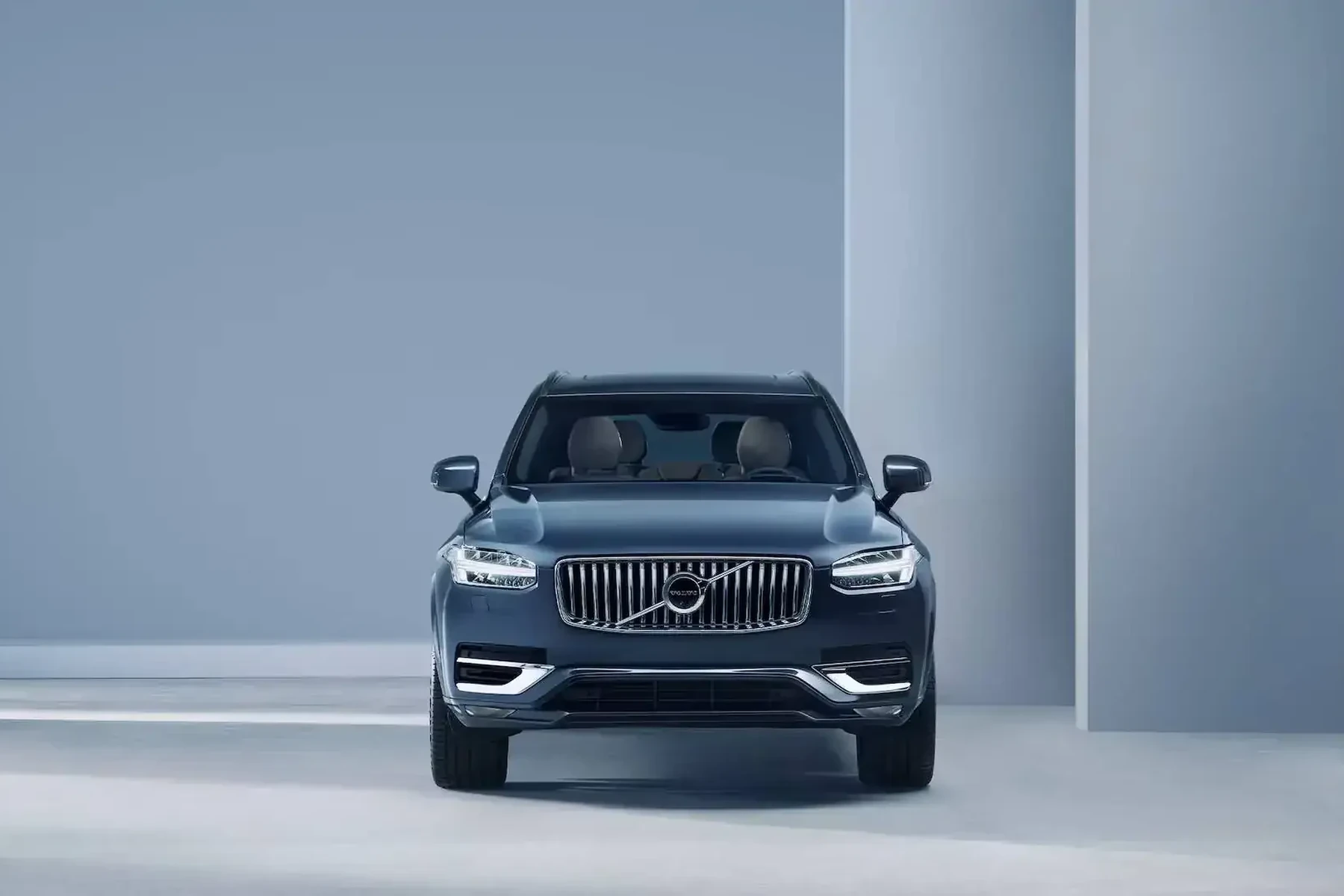
Ensure your vehicle is parked securely and that the engine is running or the ignition is in the “On” position. This prevents loss of power during the reset process.
Step-by-Step Procedure to Factory Reset Volvo XC40
- Access the Infotainment System: Start by turning on the vehicle and locating the touchscreen infotainment system.
- Navigate to Settings: Tap on the “Settings” icon in the bottom right corner of the screen.
- Select Factory Reset: Scroll down the settings menu and select “System” or “General Settings,” then choose “Factory Reset.”
- Confirm the Reset: Follow the prompts to confirm that you want to perform a factory reset. This may require you to enter a PIN or confirm your choice again.
- Wait for the Process to Complete: The system will restart and begin the reset process. This may take a few minutes.
- Reconfigure Settings: After the reset is finished, you will need to re-enter your preferences and settings as they will have returned to factory defaults.
Expected Result After the Factory Reset
Once the factory reset is complete, your Volvo XC40 will return to its original factory settings. This means that all personal data, saved lists, and configurations will be erased. The infotainment system should operate more smoothly, and any previous software glitches may be resolved.
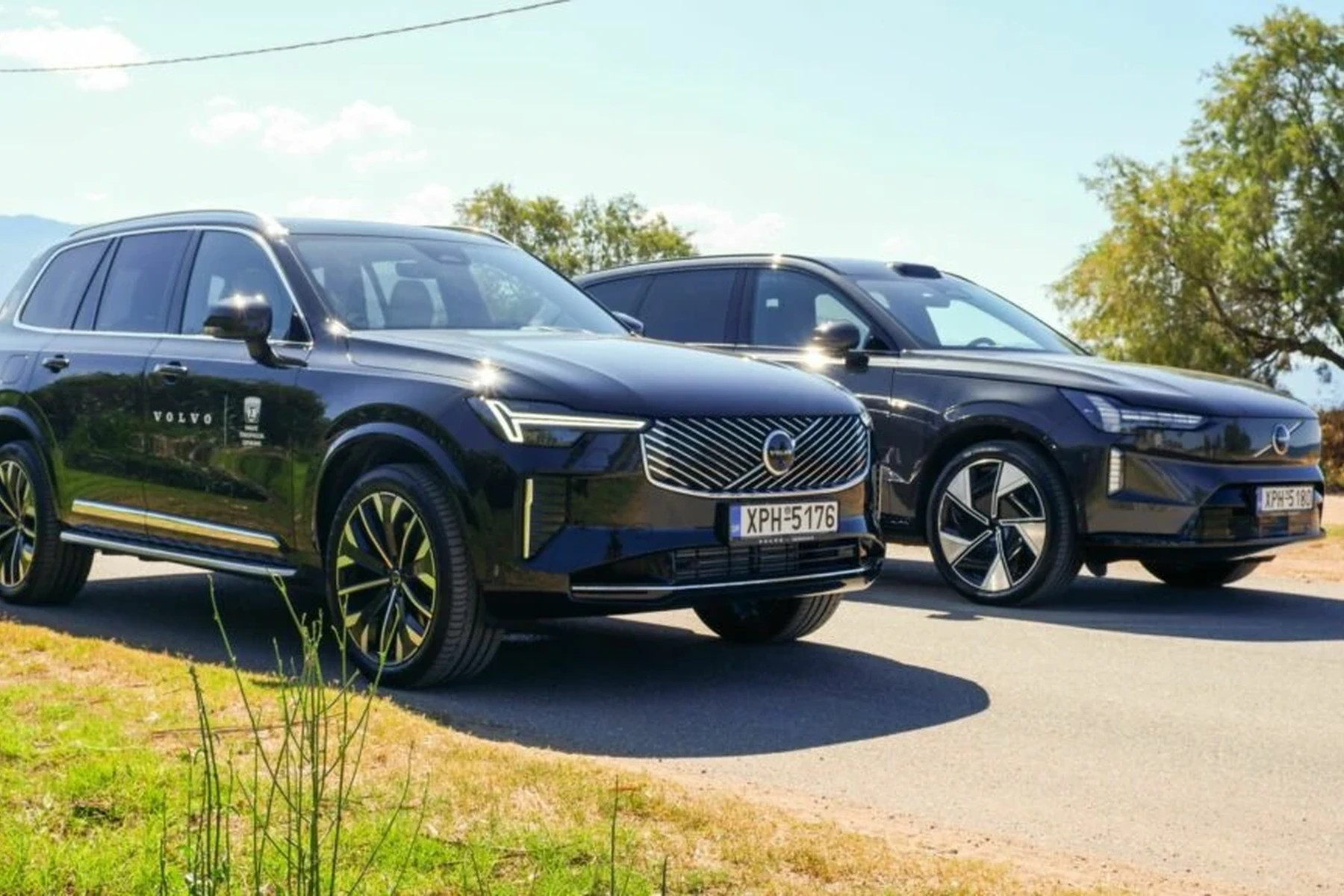
You will need to re-enter your favorite radio stations, connect your devices, and configure settings as per your preferences.
Common Mistakes to Avoid During the Reset
To ensure a successful factory reset, avoid these common mistakes:
- Not Backing Up Data: Failing to back up important information can lead to loss of contacts and settings.
- Interrupting the Process: Interrupting the reset can cause software issues. Always ensure the vehicle is powered during the reset.
- Ignoring Model Year Variations: The process may differ slightly between model years, so consult your owner’s manual if needed.
Model-Year Variations for Factory Reset Procedure
While the core steps for a factory reset are generally consistent, certain model years may have slight variations in the interface or options available in the settings menu. For example, newer models may have additional features that require different settings adjustments.
This connects closely with Volvo XC60 maintenance overdue reset if you want to compare the topic in more detail.
Always refer to your vehicle’s owner manual for the specific steps applicable to your model year.
When Not to Proceed with a Factory Reset
Do not attempt a factory reset if:
- Your Volvo XC40 is experiencing hardware issues, as a reset will not resolve mechanical problems.
- You have not backed up critical data, and losing information would be detrimental.
- You are unsure about the process and lack the necessary information, as this can lead to complications.
💡 Evans Torres Tip: Always check for software updates before performing a factory reset. Sometimes, simply updating the system can resolve issues without the need for a reset.
Frequently Asked Questions
Will a Factory Reset Erase My Volvo XC40’s Navigation Settings?
Yes, a factory reset will erase all saved navigation settings, so ensure to back them up if they are important to you.
Can I Perform a Factory Reset Without a Dealer’s Assistance?
Yes, the factory reset can be performed by vehicle owners through the infotainment system, as described in the steps above.
What Should I Do If the Factory Reset Fails?
If the reset process fails, try restarting the vehicle and repeating the steps. If issues persist, consult your dealer for further assistance.
Is There Any Risk Associated with Factory Resetting My XC40?
The primary risk is data loss. Ensure you back up all important information before proceeding.
How Often Should I Factory Reset My Volvo XC40?
A factory reset should only be done when necessary, such as when troubleshooting persistent software issues, not on a regular basis.
What to Do Next
Now that you have learned how to factory reset your Volvo XC40, you can confidently address any software issues that may arise. Remember to back up important data and follow the steps carefully. If you encounter persistent problems, consulting your dealership may provide additional solutions.
Author

Author

Evans Torres
I’m Evans Torres, an automotive engineer who loves Volvo cars. I graduated in Automotive Engineering from USC. I have worked in the car industry for years and now share my knowledge on The Volvo Life. I started this blog to connect with other Volvo fans. I offer tips, news, and advice to help you care for your car. My goal is to help you keep your Volvo in great shape and find all the best things about it. Join me as we discover everything Volvo has to offer!