



Yes, OBD2 works on Volvo vehicles. Most models manufactured from 1996 onward come equipped with OBD2 systems. However, compatibility may vary by model year and specific trim levels.
If you own a Volvo and are wondering about the effectiveness of OBD2 scanners, you’re in the right place. This article delves into how OBD2 works with Volvo vehicles, the features of compatible scanners, and tips for selecting the right tool for your needs. Understanding these aspects can help you diagnose issues efficiently and keep your vehicle in top shape.
This connects closely with what does start stop service required mean on Volvo if you want to compare the topic in more detail.
- OBD2 compatibility generally applies to Volvo models from 1996 onwards.
- Scanner features vary, with some offering live data and service functions.
- Compatibility may differ among model years and trims, so choose wisely.
- Setting up your OBD2 scanner is typically straightforward.
- Knowing the limits of your scanner can enhance its effectiveness.
Understanding OBD2 Compatibility with Volvo
OBD2 (On-Board Diagnostics II) is a standardized system used in vehicles to monitor performance and diagnose issues. For Volvo vehicles, OBD2 compatibility began in 1996, meaning most models produced from that year onward support this technology. However, there are some exceptions and nuances based on model year, engine type, and specific trim levels.
You can also use what does start stop service required mean on Volvo 2 as a helpful next guide on the same ownership topic.
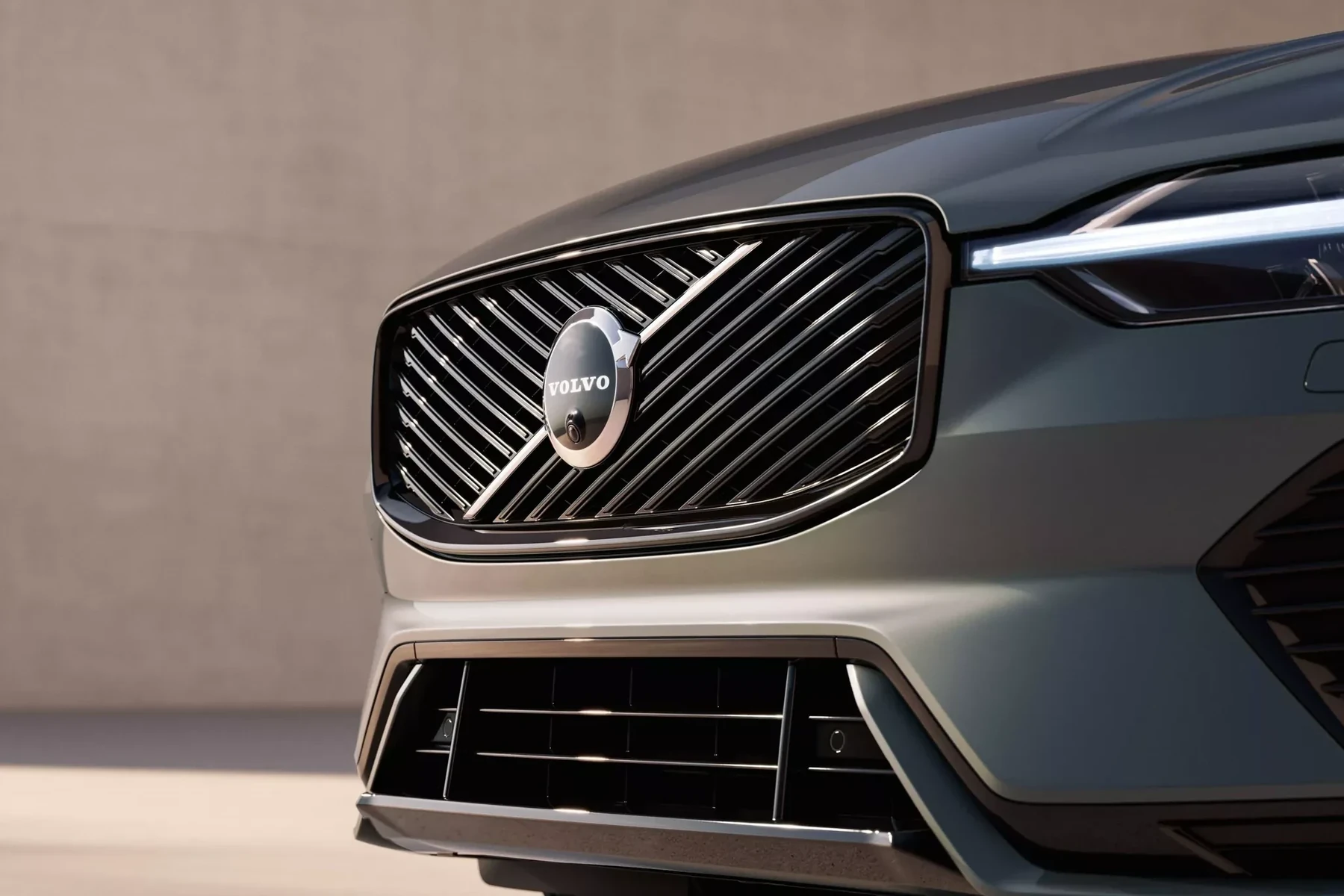
Generally, you’ll find that models like the Volvo S60, XC90, and V70 from 1996 onwards are compatible with OBD2 scanners. However, if you have a classic model or a specific regional variant, it’s advisable to check its OBD2 compatibility before purchasing a scanner. For related context, you may also want to read does scanner for Volvo work with all models.
Key Features of OBD2 Scanners for Volvo
When selecting an OBD2 scanner for your Volvo, consider the following features:
- Diagnostic Trouble Codes (DTCs): Scanners should read and erase DTCs, providing insight into issues affecting your vehicle.
- Live Data Monitoring: Some scanners allow you to view real-time data from various sensors, including engine performance metrics.
- Service Functions: Advanced scanners may provide specialized functions such as resetting the oil change light, programming new keys, or performing ABS and SRS functions.
- Compatibility with Software Updates: Ensure the scanner can be updated to accommodate new models and software changes.
- User-Friendly Interface: Look for scanners with clear displays and easy navigation, especially if you’re a beginner.
Setting Up Your OBD2 Scanner with a Volvo
Setting up your OBD2 scanner is generally a straightforward process. Here’s how you can do it:

- Locate the OBD2 Port: In most Volvo models, the OBD2 port is located under the dashboard, near the driver’s side.
- Connect the Scanner: Plug in your OBD2 scanner into the port securely.
- Turn on the Ignition: Put your key in the ignition and turn it to the “On” position without starting the engine.
- Launch the Scanner: Follow the prompts on the scanner’s display to start reading data. This may involve selecting your vehicle’s make and model.
- Read Codes: Once connected, you can read DTCs and live data, allowing you to diagnose any issues.
Choosing the Right OBD2 Scanner for Your Volvo
When selecting an OBD2 scanner, consider the following factors:
- Budget: Basic models can be quite affordable, while advanced scanners with features like Bluetooth connectivity and extensive service capabilities can be pricier.
- Model Compatibility: Ensure the scanner you choose is compatible with your Volvo model and year. Some scanners are designed specifically for Volvo vehicles.
- Ease of Use: Look for scanners with user-friendly interfaces, especially if you are not tech-savvy.
- Reviews and Recommendations: Check online reviews or forums for recommendations on the best OBD2 scanners for Volvo vehicles.
💡 Evans Torres Tip: Before purchasing an OBD2 scanner, confirm it supports your specific Volvo model and year, as compatibility can vary significantly.
Common Limitations of OBD2 Scanners with Volvo
While OBD2 scanners can be invaluable tools, they do have limitations:
- Generic vs. Manufacturer-Specific Codes: Some scanners may only read generic codes, missing manufacturer-specific codes crucial for diagnosing Volvo issues.
- Limited Functions: Basic scanners may not support advanced features such as SRS or ABS diagnostics, which are essential for comprehensive troubleshooting.
- Data Accuracy: The accuracy of data readouts can vary between scanner brands. High-quality scanners tend to provide more reliable information.
Frequently Asked Questions
1. What Models Can I Use an OBD2 Scanner On?
Most Volvo models from 1996 onward are compatible with OBD2 scanners, including popular series such as the S60, XC90, and V70.
2. Can I Use a Generic OBD2 Scanner on My Volvo?
Yes, but a generic scanner may not read all manufacturer-specific codes, which can limit its effectiveness for diagnosing Volvo-specific issues.
3. How Do I Interpret the Codes from My OBD2 Scanner?
Each code corresponds to a specific issue in your vehicle. Most scanners provide a brief description, but you can refer to the user manual or online resources for detailed explanations.
4. Are There Any Risks Associated with Using an OBD2 Scanner?
Using an OBD2 scanner is generally safe; however, incorrect handling or using a subpar scanner might lead to misdiagnosis.
5. Can I Reset the Check Engine Light with an OBD2 Scanner?
Yes, most OBD2 scanners can clear diagnostic trouble codes, which may reset the check engine light. However, ensure the underlying issue is resolved first.
6. Should I Invest in a High-end OBD2 Scanner for My Volvo?
If you frequently work on your Volvo or require advanced diagnostic capabilities, investing in a high-end scanner can be beneficial.
Final Verdict
In summary, OBD2 does work on Volvo vehicles, especially those manufactured after 1996. When selecting an OBD2 scanner, consider compatibility, features, and your specific needs. A suitable scanner can enhance your ability to diagnose and maintain your vehicle effectively, ensuring you enjoy the full benefits of your Volvo.
Author

Author

Evans Torres
I’m Evans Torres, an automotive engineer who loves Volvo cars. I graduated in Automotive Engineering from USC. I have worked in the car industry for years and now share my knowledge on The Volvo Life. I started this blog to connect with other Volvo fans. I offer tips, news, and advice to help you care for your car. My goal is to help you keep your Volvo in great shape and find all the best things about it. Join me as we discover everything Volvo has to offer!