



To remote start your Volvo XC40 with the key fob, press the lock button three times quickly. Ensure your vehicle is equipped with the remote start feature, available on select models.
Remote starting your Volvo XC40 can be a convenient feature, especially during extreme weather conditions.
This guide will walk you through how to remote start your Volvo XC40 with the key fob, including setup instructions, common issues, and troubleshooting tips, ensuring a smooth experience whether you’re in a hurry or simply want to warm up your car.
- Remote start is available on select Volvo XC40 models.
- Press the lock button three times quickly to activate the remote start.
- Common problems include key fob battery issues and compatibility concerns.
- Consult your dealer if problems persist after troubleshooting.
How to Remote Start Your Volvo XC40 with the Key Fob
To use the remote start feature in your Volvo XC40, follow these simple steps:
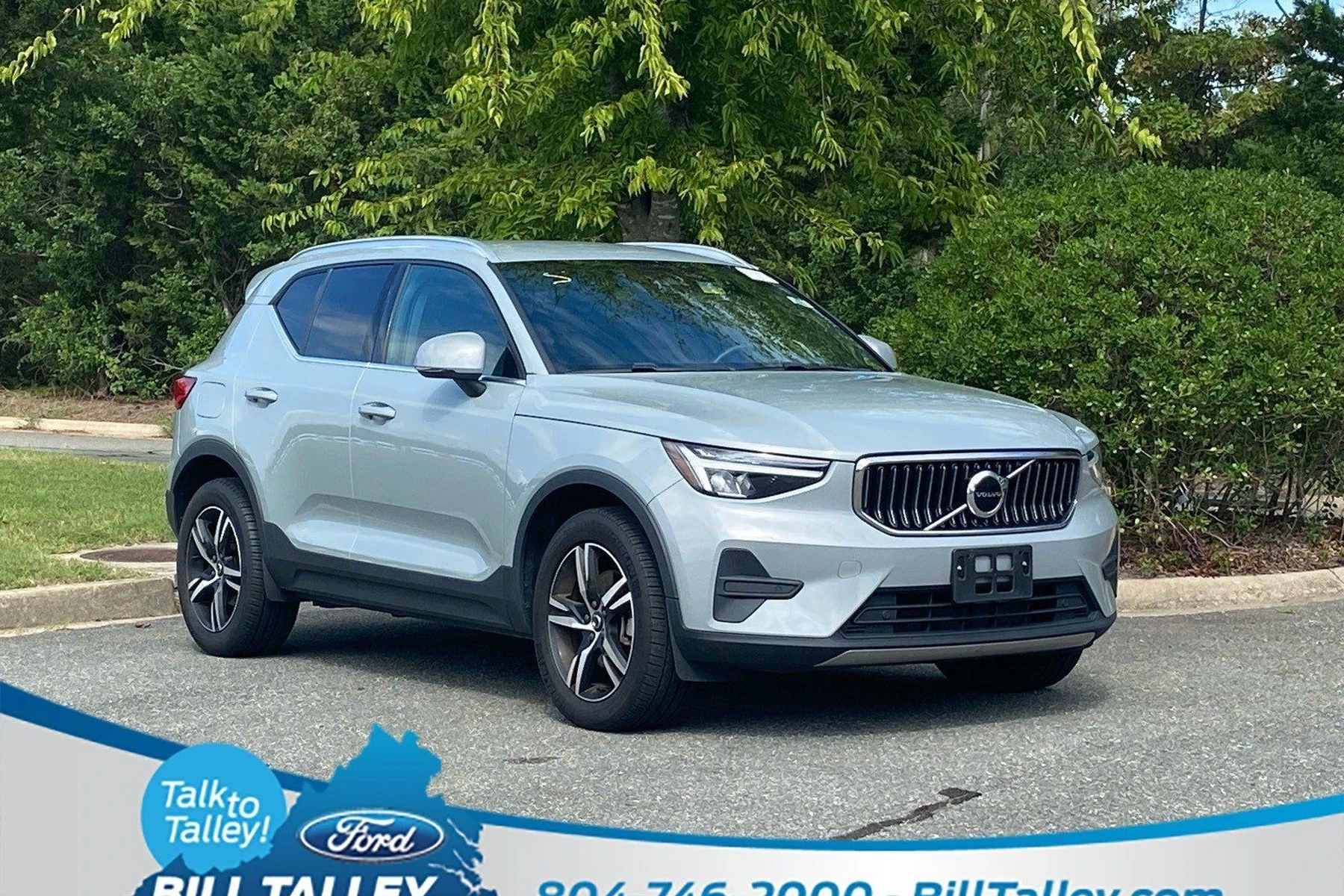
- Ensure your vehicle is parked and all doors are closed.
- Press the lock button on your key fob three times in quick succession.
- Wait for the vehicle’s lights to flash, indicating that the engine has started.
- To turn off the engine remotely, press the lock button again three times.
Key Fob Compatibility
Not all Volvo XC40 models are equipped with the remote start feature. Typically, it is available on models produced from 2019 onward, especially in higher trims. Always check your owner’s manual to confirm if your specific model supports this feature.
Setting Up Remote Start
If your XC40 has the remote start feature, it should be enabled by default. However, if you encounter issues, you may need to ensure your key fob is functioning correctly and that the vehicle settings allow for remote starting.
Common Problems with Remote Starting
While remote starting your Volvo XC40 is generally straightforward, several issues can arise:
1. Key Fob Battery Issues
If your key fob is not responding, the battery might be dead or low. Check the battery by pressing any button on the fob. If the LED indicator does not light up, it’s time to replace the battery.
This connects closely with how do i start my Volvo XC60 with key if you want to compare the topic in more detail.
Most key fob batteries are CR2032, which you can change yourself.
2. Vehicle Not Responding
If your XC40 does not start after following the steps, ensure that all doors are securely closed. The remote start feature will not operate if any door is ajar.
3. Safety Features Engaging
Your vehicle’s safety features may prevent remote starting. For example, if the hood is open or if the vehicle detects an issue with the brake system, the remote start will not initiate.
Troubleshooting Remote Start Issues
If you encounter problems while trying to remote start your XC40, here are some troubleshooting steps:
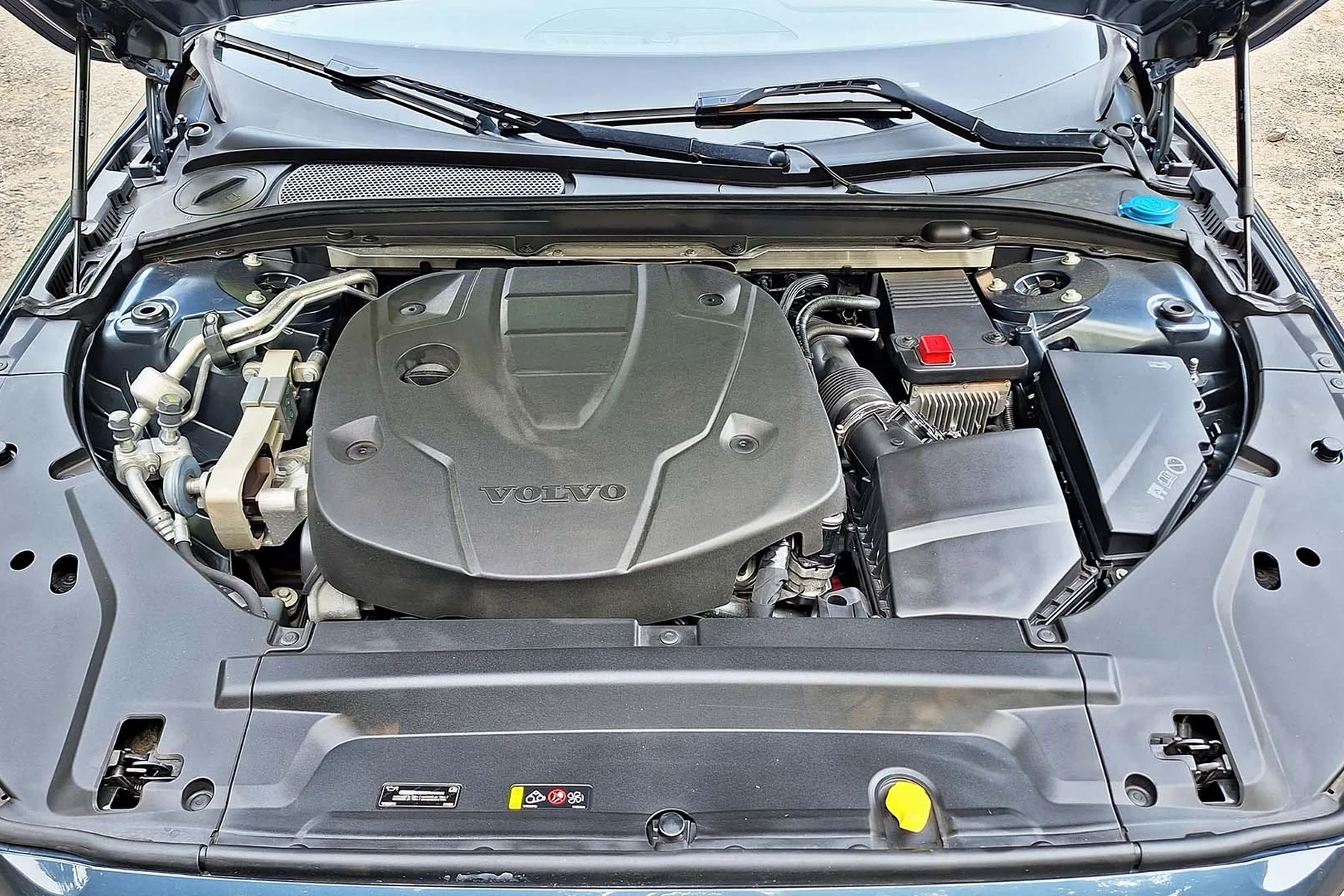
- Check the key fob battery and replace if necessary.
- Verify that all doors and the trunk are securely closed.
- Ensure that your vehicle is in park.
- Consult the owner’s manual for specific settings related to remote start.
- If issues persist, consider resetting your key fob or consulting a dealer.
Resetting the Key Fob
To reset your key fob, remove the battery and wait for about 10 seconds before reinserting it. This can resolve any temporary glitches. For related context, you may also want to read how to reset key fob for 13 Volvo S60 t5.
When to Seek Dealer Help
If you continue to experience difficulties with remote starting your Volvo XC40 after following the steps above, it may be time to consult a professional. Issues like malfunctioning electronic systems may require dealer diagnostics.
Additionally, if your vehicle is not equipped with the remote start feature, a Volvo dealer might offer retrofitting services, depending on your model year and trim level.
💡 Evans Torres Tip: Always keep your key fob battery fresh. A weak battery can cause intermittent issues with remote starting and other functions.
Frequently Asked Questions
Can All Volvo XC40 Models Remote Start with the Key Fob?
No, only select models manufactured from 2019 onwards come with the remote start feature. Always check your owner’s manual for your specific model.
What Should I Do If My Remote Start Feature Is Not Working?
Check the key fob battery, ensure all doors are closed, and verify the vehicle is in park. If the problem persists, consider resetting the key fob or consult your dealer.
How Can I Check If My Key Fob Battery Is Low?
Press any button on the key fob. If the LED indicator does not light up or is dim, it’s time to replace the battery.
Final Verdict
Remote starting your Volvo XC40 with the key fob is a convenient feature that enhances your driving experience. By following the steps outlined above and troubleshooting common issues, you can easily use this feature to your advantage.
If problems continue, don’t hesitate to seek assistance from your local Volvo dealer for further support.
Author

Author

Evans Torres
I’m Evans Torres, an automotive engineer who loves Volvo cars. I graduated in Automotive Engineering from USC. I have worked in the car industry for years and now share my knowledge on The Volvo Life. I started this blog to connect with other Volvo fans. I offer tips, news, and advice to help you care for your car. My goal is to help you keep your Volvo in great shape and find all the best things about it. Join me as we discover everything Volvo has to offer!