



To lock your EX30, simply press the lock button on your key fob or use the Volvo app. Both methods ensure your vehicle is secure.
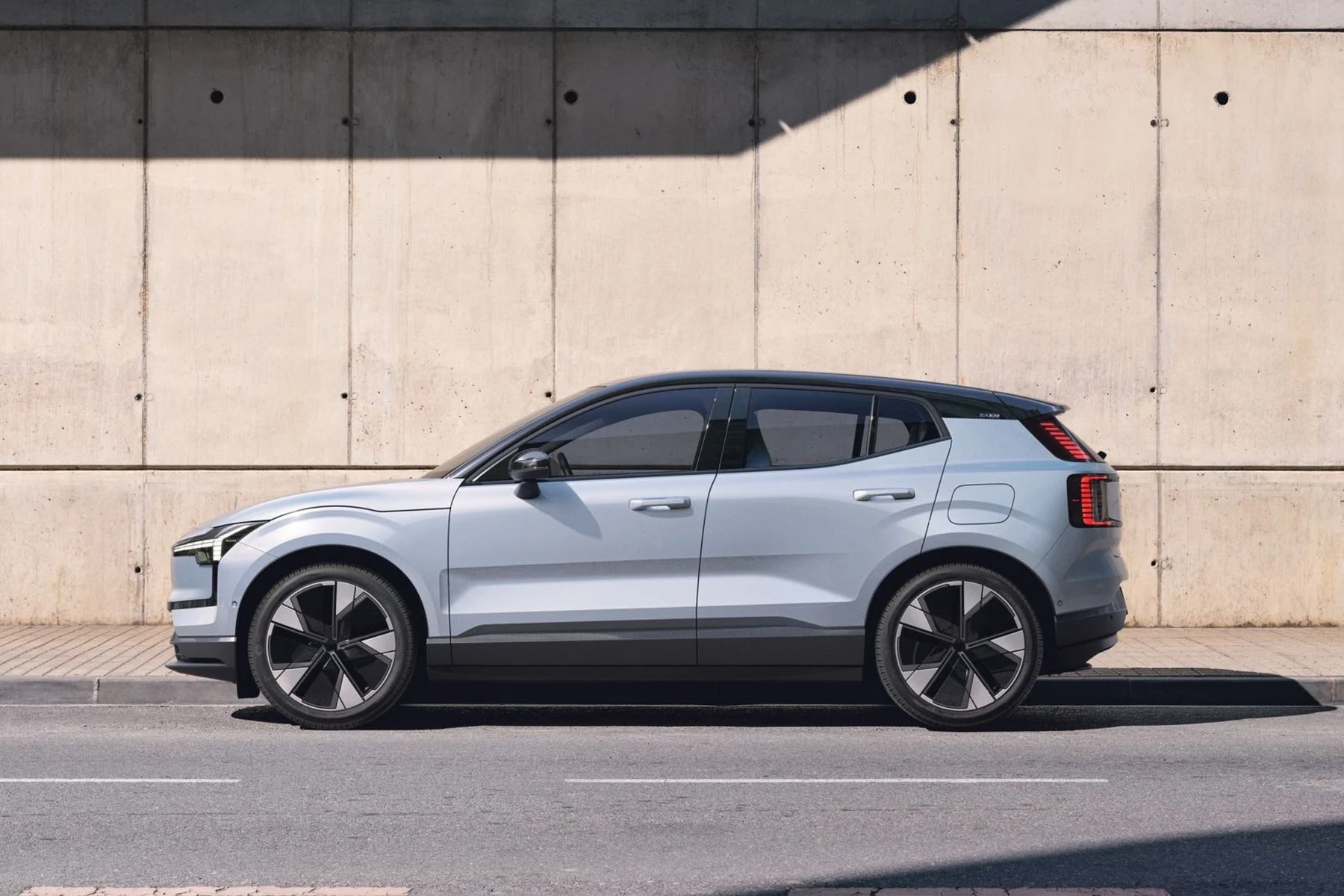
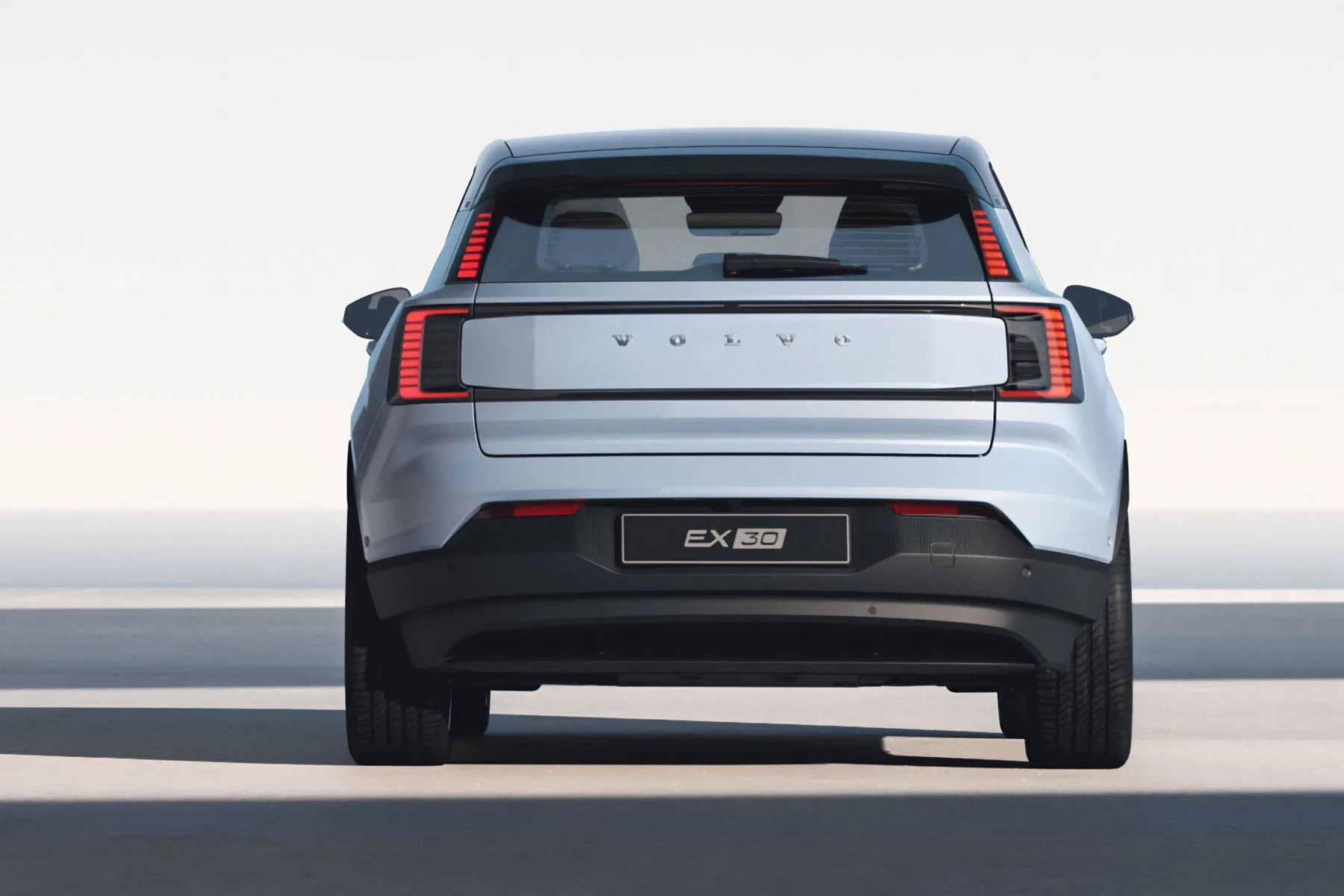
Locking your Volvo EX30 is a straightforward process, but knowing the methods at your disposal can enhance your ownership experience. The EX30, with its innovative features, allows you to lock your vehicle in various ways, ensuring convenience and security.
In this guide, we will explore the different methods to lock your EX30 effectively. For related context, you may also want to read how to lock EX90.
- Lock your Volvo EX30 using the key fob or the Volvo app.
- The vehicle automatically locks when you walk away with your key fob.
- Ensure your doors are closed fully before locking.
- Check for model-specific features that might simplify the locking process.
Prerequisites for Locking Your EX30
Before you lock your Volvo EX30, ensure the following:
- You have your key fob with you, or your Volvo app is installed and configured.
- All doors and the trunk are closed securely.
- For app locking, ensure your phone is charged and connected to the internet.
How to Lock EX30: Step-by-Step Instructions
Here’s a concise guide on how to lock your Volvo EX30:
- Using the Key Fob: Press the lock button on your key fob once. You should hear a locking sound, and the headlights may flash to confirm the action.
- Using the Volvo App: Open the Volvo app on your smartphone. Navigate to the “Lock” option and select it, confirming the action to lock your vehicle.
- Auto-Locking Feature: If you walk away from your EX30 with the key fob in your pocket, the vehicle will automatically lock after a few seconds, provided all doors are closed.
Expected Results After Locking
Once you lock your EX30, you should expect the following:
- The doors will be locked, preventing unauthorized entry.
- You will receive a notification on your app (if using the Volvo app).
- The vehicle’s alarm system may activate (if equipped), adding an extra layer of security.
Common Mistakes When Locking the EX30
Here are some frequent errors to avoid:
- Not Fully Closing Doors: Ensure all doors are completely closed before locking. If any door is ajar, the vehicle may not lock.
- Incorrectly Using the Key Fob: Make sure you press the lock button once; holding it down may trigger other functions.
- Assuming Auto-Lock is Active: Verify that your auto-lock feature is enabled in the settings, as it may not be active by default.
Model-Year Variations
The locking mechanism for the Volvo EX30 may vary slightly based on the model year:
- 2024 Model: Enhanced app features allow for remote locking, additional notifications, and a more user-friendly interface.
- 2023 Model: Standard key fob functionality with basic locking features; app support may be limited.
When Not to Continue Locking
A few situations may prevent you from locking your EX30:
- If the key fob is malfunctioning or has a dead battery, consider replacing it before attempting to lock.
- If the vehicle displays warning lights indicating a door is open, address this issue before locking.
- If you experience connectivity issues with the Volvo app, try troubleshooting the app or contacting support before proceeding.
💡 Evans Torres Tip: Always check your vehicle’s settings to ensure features like auto-lock are enabled. This adds convenience and security to your daily routine.
Frequently Asked Questions
Can I Lock My Volvo EX30 Without the Key Fob?
Yes, you can lock your EX30 using the Volvo app on your smartphone, provided it’s set up correctly.
What Should I Do If My Key Fob Isn’t Working?
If your key fob isn’t functioning, check the battery or consider using the Volvo app for locking until you can replace it.
Does the Volvo EX30 Have an Automatic Locking Feature?
Yes, the EX30 can lock automatically if you walk away from the vehicle with the key fob, assuming all doors are closed.
Are There Any Issues with Locking the EX30 in Extreme Weather?
In extreme cold, the locking mechanism may respond slowly. Ensure your vehicle is in a warmer environment if you experience issues.
How Do I Reset My Key Fob If It’s Not Locking the Doors?
Refer to your user manual for specific instructions on resetting your key fob, as it may vary by model year.
What to Do Next
Now that you know how to lock your EX30 effectively, make sure to familiarize yourself with other features of your vehicle. Consider exploring articles on how to set up the Volvo EX30 digital key or how to turn off your vehicle.
Proper understanding of your car’s functionalities enhances your driving experience and ensures your vehicle remains secure.
Author

Author

Evans Torres
I’m Evans Torres, an automotive engineer who loves Volvo cars. I graduated in Automotive Engineering from USC. I have worked in the car industry for years and now share my knowledge on The Volvo Life. I started this blog to connect with other Volvo fans. I offer tips, news, and advice to help you care for your car. My goal is to help you keep your Volvo in great shape and find all the best things about it. Join me as we discover everything Volvo has to offer!